14
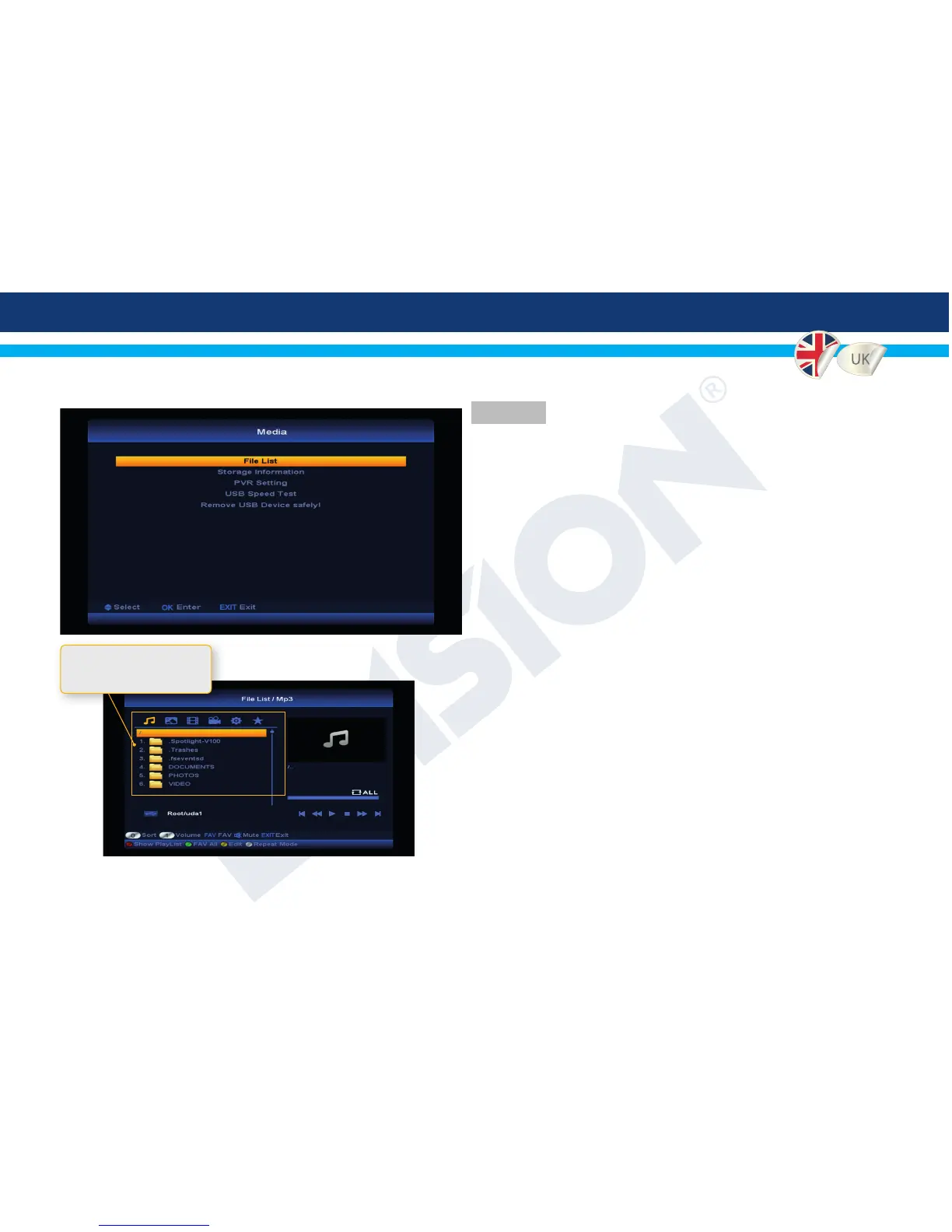
4. Media
4.1 File List - Browse the connected USB drives le system.
4.2 Storage Information - Display information about the
connected USB drives.
4.3 PVR Settings - Congure the PVR settings.
4.4 USB Speed Test - Start a speed test of the connected
USB drive.
4.5 Remove USB Device safely - Deactivates the USB drive
safely.
4
File List, browse and preview les stored in your connected USB
drive le system where you can lter out audio, image, video,
recordings and s/w les.
Use keys V- or V+ to switch
file type mode


 To Next Page