EasyManua.ls Logo

Ednet COLOR SPLASH - User Manual

Ednet COLOR SPLASH
3 pages
Print Icon
To Next Page IconTo Next Page
Loading...
User Manual
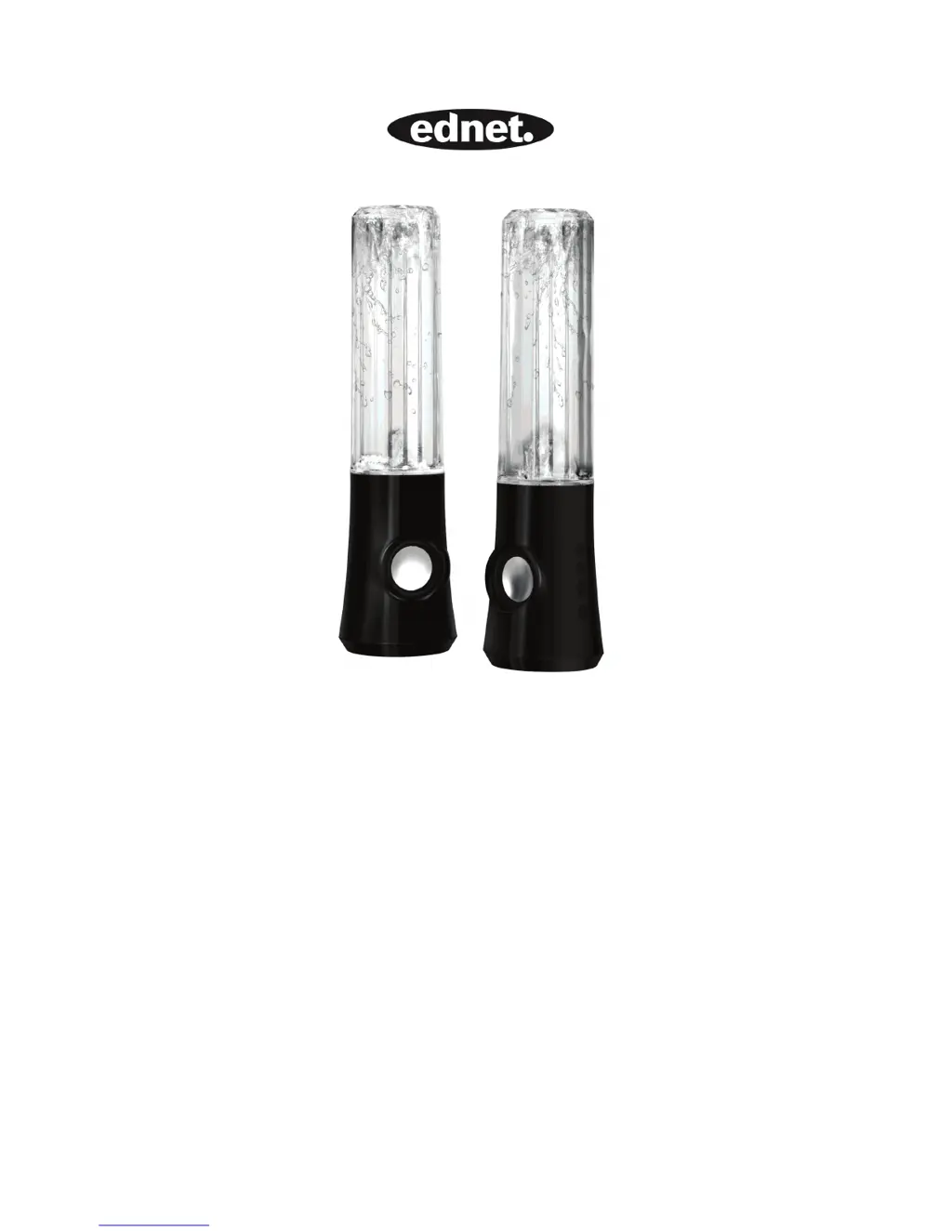
COLOR SPLASH
SPECIAL EDITION

Questions and Answers

  • N
    Natalie WilliamsJul 27, 2025
    What to do if Ednet COLOR SPLASH sound cuts out?
    • E
      Erica BrayJul 27, 2025
      If the sound from your Ednet Speakers cuts out, verify all connections to ensure they are properly connected. Unplug the USB power and restart your Media Program. Try adjusting the volume settings within your Media Program. If the issue persists, restart your computer.
  • M
    Michael HoffmanAug 1, 2025
    Why is there no sound coming from my Ednet COLOR SPLASH Speakers?
    • G
      garciacaitlinAug 1, 2025
      If there is no sound coming from your Ednet Speakers, check the stereo mini-plug connection, slightly turning the connector to ensure proper contact. Ensure the USB plug is correctly plugged in. Also, verify that sound is actually coming from your audio unit.
  • W
    Wesley LewisAug 5, 2025
    What to do if Ednet COLOR SPLASH are howling or have feedback?
    • B
      Brandy HaleyAug 5, 2025
      If your Ednet Speakers are howling or producing feedback, try turning down the volume. Another solution is to move the speakers further away from your microphone. You can also turn off your microphone.
  • M
    Mark ScottAug 10, 2025
    What to do if Ednet COLOR SPLASH Speakers are buzzing?
    • V
      Vanessa WilliamsAug 11, 2025
      If your Ednet Speakers are producing a buzzing sound, check the stereo mini-plug connection and slightly rotate the connectors to ensure proper contact.
  • E
    Erin BellAug 15, 2025
    How to adjust Ednet Speakers volume if it's too high or low?
    • M
      Matthew BurgessAug 15, 2025
      To adjust the volume on your Ednet Speakers, modify the volume on the audio unit. Alternatively, use the volume buttons located directly on the speaker unit.
  • P
    Parker BakerAug 20, 2025
    How to save laptop battery when using Ednet Speakers?
    • J
      jamesclarkAug 20, 2025
      When using Ednet Speakers with a laptop, it's recommended to plug in the laptop/notebook power supply to conserve battery life.

Summary

Color Splash Special Edition User Manual

Product Description and Parts Identification

Identifies the speaker components A-G and provides a visual guide to the product's parts.

Connecting the Speakers

Step-by-step instructions for connecting the speakers to audio sources and power.

Operation and Specifications

Button Functions

Details the functions of each button: Volume Up, Volume Down, Fountain Effect, and Power.

Troubleshooting Common Issues

Addresses common problems like no sound, poor sound quality, buzzing, and connection failures.

System Specifications

Provides technical details including power output, frequency response, dimensions, weight, and compatibility.

Ednet COLOR SPLASH Specifications

General IconGeneral
BrandEdnet
ModelCOLOR SPLASH
CategorySpeakers
LanguageEnglish