User ’ s Manual Wireless USB Adapter
11
d.
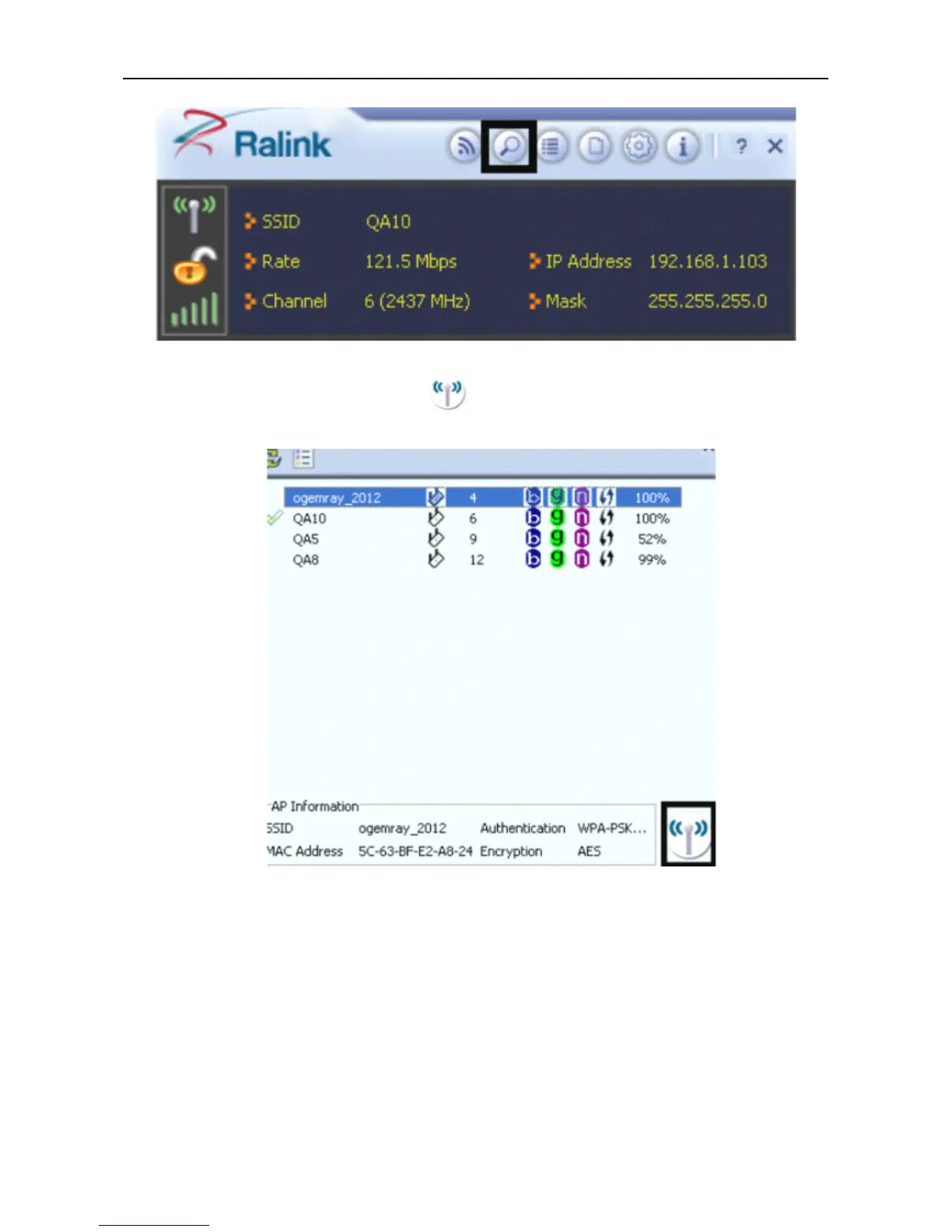
In the Available Networks window that appears, select the name of the network to which you are
connecting.Then click the connect icon
and wait several seconds while the Utility sets up a
connection .
e. The Ralink Utility automatically detects and displays the security settings of the network to which
you are connecting in the Profi l e Setting screens.
If
the Utility shows that WPA-PSK or WPA2-PSK
security is detected as shown Below , click the right arrow to save your settings.



 To Next Page