User ’ s Manual Wireless USB Adapter
12
f.
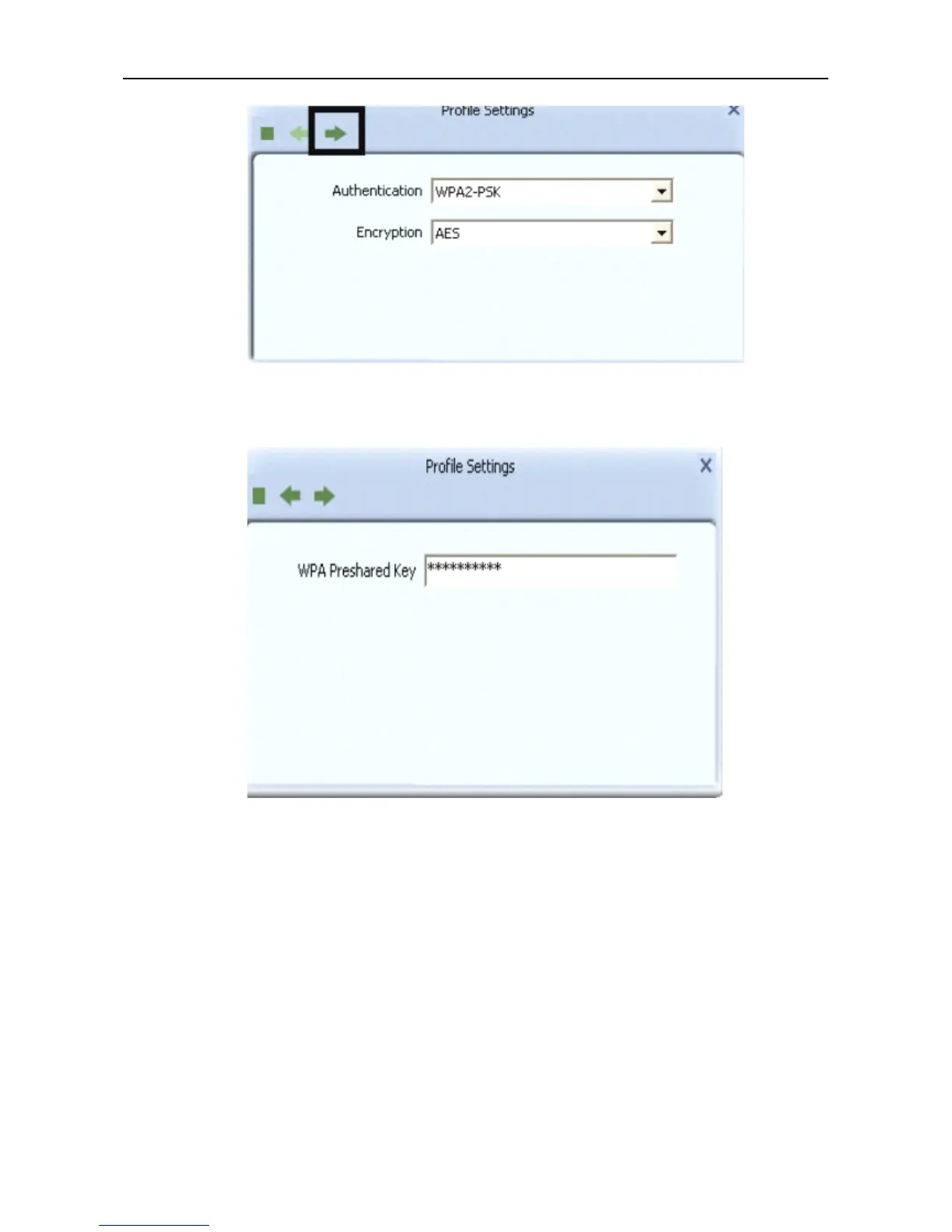
In
the screen that displays, in the ‘
WPA
Preshared Key ’ field ,type a security key, the same as that
used by the AP or wireless router to which you are connecting. Click the right arrow to save your
settings and connect to the network.
g. Once you are connected the Avaliable Networks shows the status of your connection.



 To Next Page