User ’ s Manual Wireless USB Adapter
18
Notes
Notes
Notes
Notes :
:
:
: The steps of using the Ralink Utility to connect a wireless network is the same as those described
in
Windowns Xp .
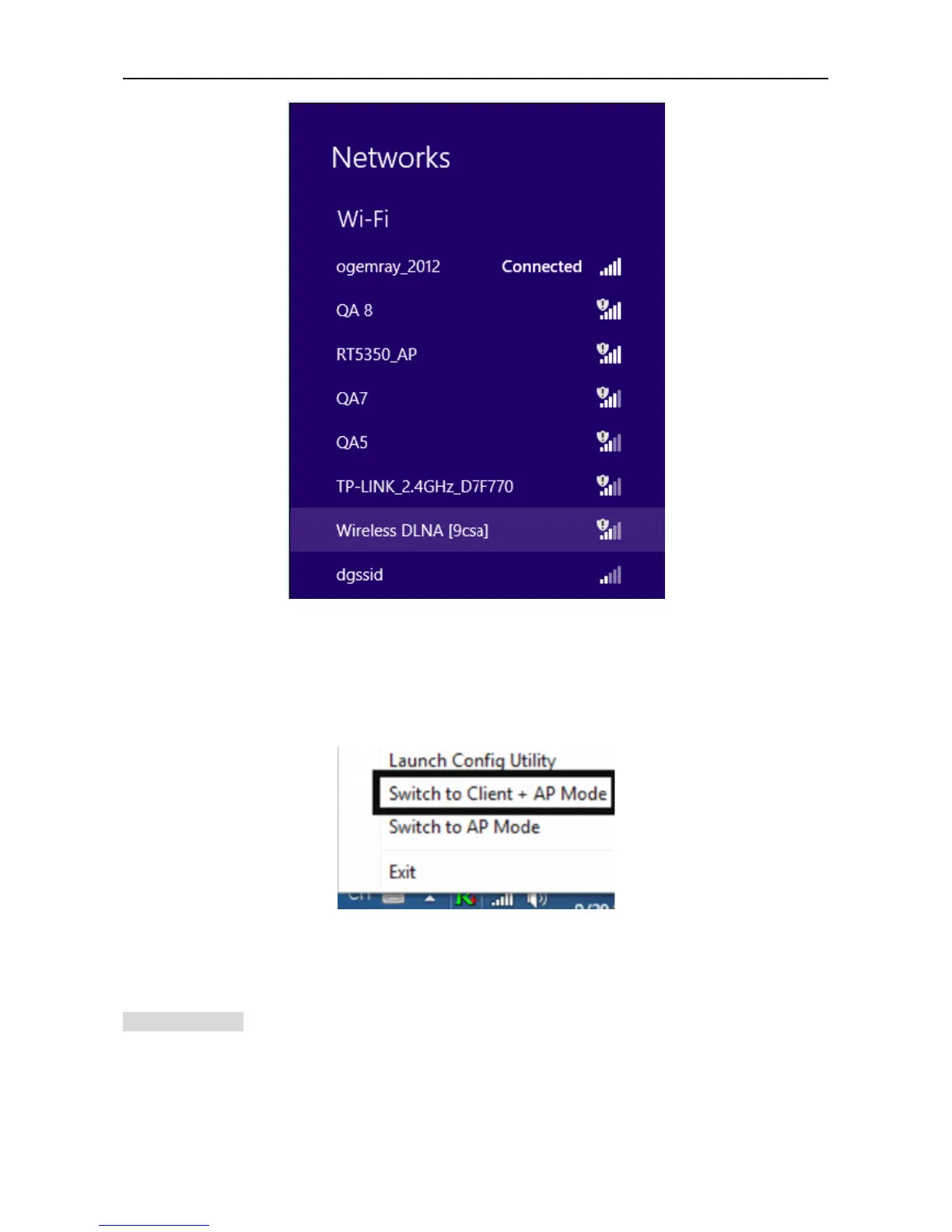
In addition to station and AP mode,there is the Client + AP Mode to be selected
in
windows 8 as well.
Which
Which
Which
Which means:
means:
means:
means: other wireless devices connect to -> Soft-AP of the adapter -> the adapter (Client mode with
Internal ICS sharing )-> connect to other AP or router -> Internet.
This mode lets you use the adapter both as a Soft-AP and client at the same time. Switch to this mode,you can let
a wireless adapter be connect to a wireless (Soft-AP) with Internet connected, and let others adapter be indirectly
connect to Internet via the Soft-AP wireless network.
WPS
WPS
WPS
WPS SETTING
SETTING
SETTING
SETTING
The WPS is equipped with PBC and PIN two kinds of connection mode. Make sure your router support
WPS function,
1) PBC Mode
Enables the router ’ s PBC mode. Press the WPS button on the router about 2 seconds , When the



 To Next Page