User ’ s Manual Wireless USB Adapter
20
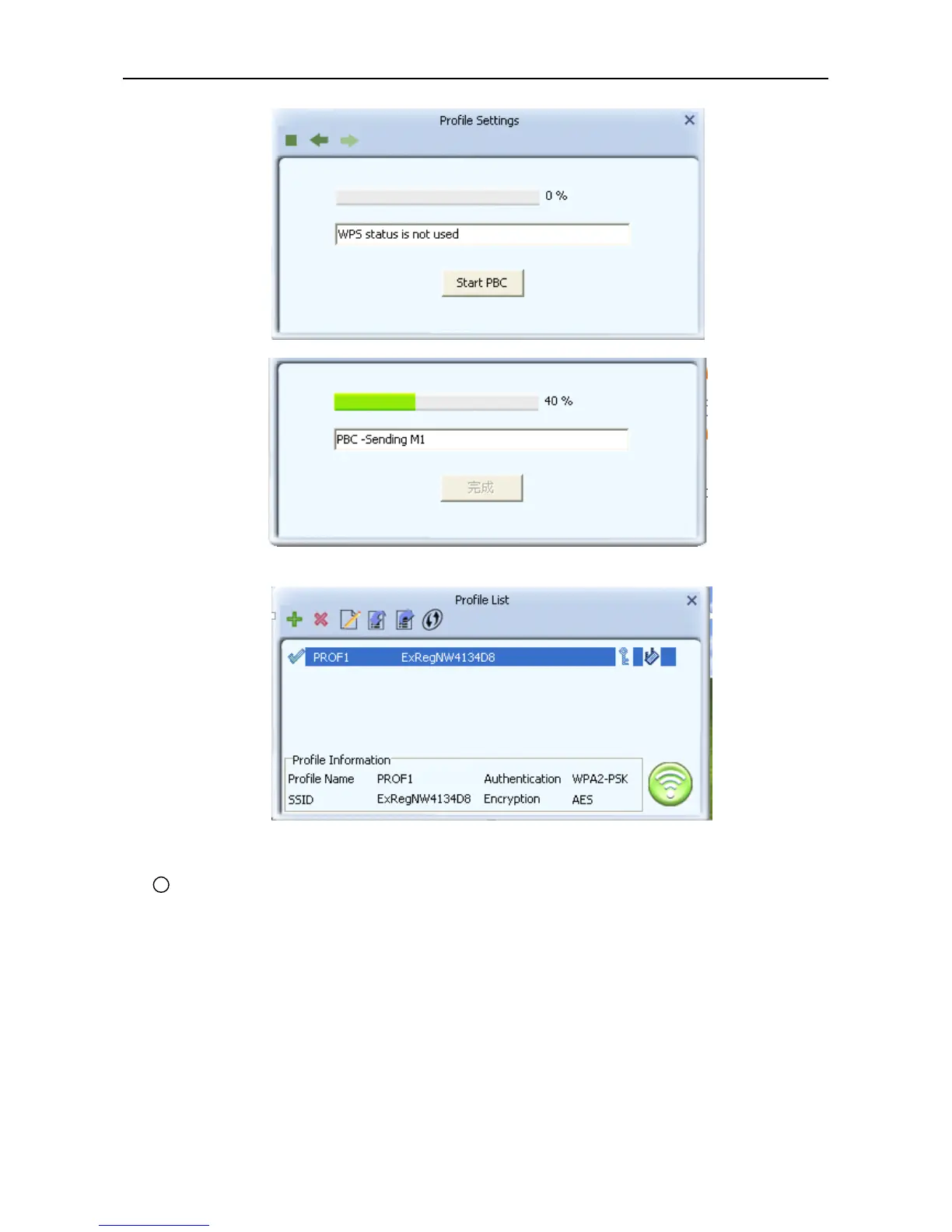
d. After a successful connection it creates a Profile .
2 Use the WPS button on the wireless network adapter to connect.
a. When the router ’ s WPS status LED indicator starts to blink and then press the WPS button on
the wireless network adapte r for about 3 seconds until the LED indicator of the adapter blinks. .
b. After about 30 seconds, the connection will be successful ,then p lease view the connection
information on the Ralink Utility. After a successful connection, it will be randomly assigned to a AP
name and password for
AP
.
2). PIN Mode
a. Start-up Ralink Utility ,click the “ Profile setting ” icon and then select ” add WPS button.



 To Next Page