
 Need help?
Do you have a question about the Edyn ED01-001 and is the answer not in the manual?
Download the Edyn app from the App Store or Google Play.
Connect your Water Valve to your Wi-Fi network using the Edyn app. Visit edyn.com/support for help.
Attach your Water Valve to your irrigation system and start watering.
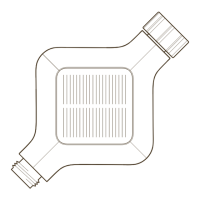
Use stake for solar panel orientation, Wi-Fi range, and sunlight.
Valve uses rechargeable LFP battery charged by solar. Maintain battery charge above 50%.
Ensure solar panel is upward, clean, and unobstructed for optimal charging.
Dispose of Valve and packaging per local regulations, not household waste.
 General
| Brand | Edyn |
|---|---|
| Model | ED01-001 |
| Category | Control Unit |
| Language | English |

 To Next Page