MINAC Systems Revision A
USER MANUAL 31 January 2005
63860.doc
© For reproduction rights, see cover page.
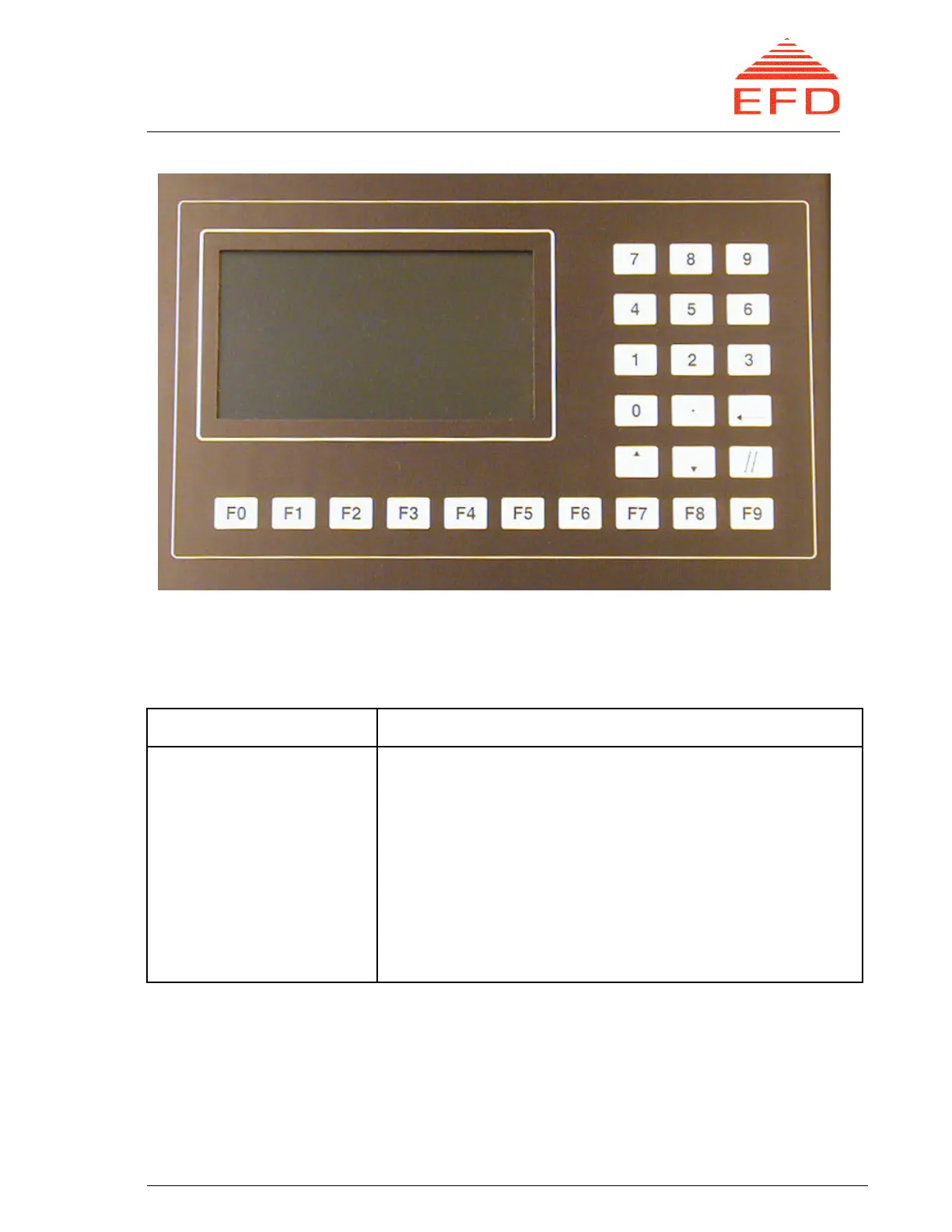
Figure 5. Display and Keyboard.
Table 1. Keyboard Keys and Functions
Key Function
Ten function keys, F0-F9
Number keys, 0-9
Enter key, ↵
Arrow keys, ⇑ ⇓
Clear key, //
For selecting different functions. F9: For returning to
the previous menu.
For typing numbers.
For entering typed numbers
To adjust the output reference and for use where a
function comprises more than one line.
Clears typed numbers if the enter key has not yet been
pressed.
B. Operating Switches and Indicators
Below the display/ keyboard section of the MMI there is a section of operating
switches and indicators. These switches and indicators function as the operating
devices during normal operation.



 To Next Page