The ego smart socket is designed to make your life more
convenient, more secure and safer.
It allows you to connect to your home energy and gives
you the freedom to see your consumption, switch on
and off appliances and set multiple timers….all this
from your smart phone.from your smart phone.
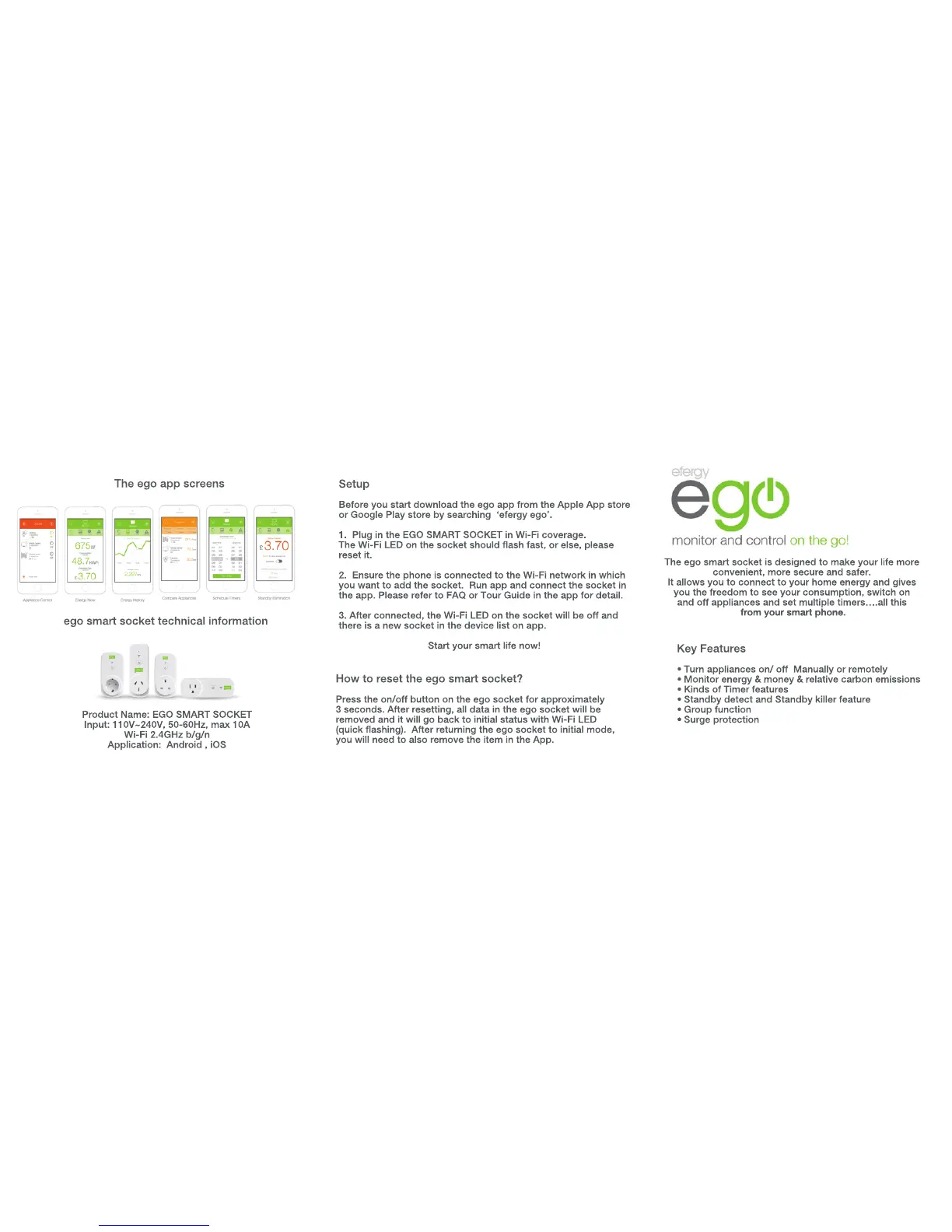
Product Name: EGO SMART SOCKET
Input: 110V~240V, 50-60Hz, max 10A
Wi-Fi 2.4GHz b/g/n
Application: Android , iOS
ego smart socket technical information
Key Features
• Turn appliances on/ off Manually or remotely
• Monitor energy & money & relative carbon emissions
• Kinds of Timer features
• Standby detect and Standby killer feature
• Group function
•• Surge protection
Setup
Before you start download the ego app from the Apple App store
or Google Play store by searching ‘efergy ego’.
1. Plug in the EGO SMART SOCKET in Wi-Fi coverage.
The Wi-Fi LED on the socket should flash fast, or else, please
reset it.
2. Ensure the phone is connected to the Wi-Fi network in which 2. Ensure the phone is connected to the Wi-Fi network in which
you want to add the socket. Run app and connect the socket in
the app. Please refer to FAQ or Tour Guide in the app for detail.
3. After connected, the Wi-Fi LED on the socket will be off and
there is a new socket in the device list on app.
Start your smart life now!
How to reset the ego smart socket?
Press the on/off button on the ego socket for approximately
3 seconds. After resetting, all data in the ego socket will be
removed and it will go back to initial status with Wi-Fi LED
(quick flashing). After returning the ego socket to initial mode,
you will need to also remove the item in the App.
The ego app screens



 To Previous Page
 Loading...