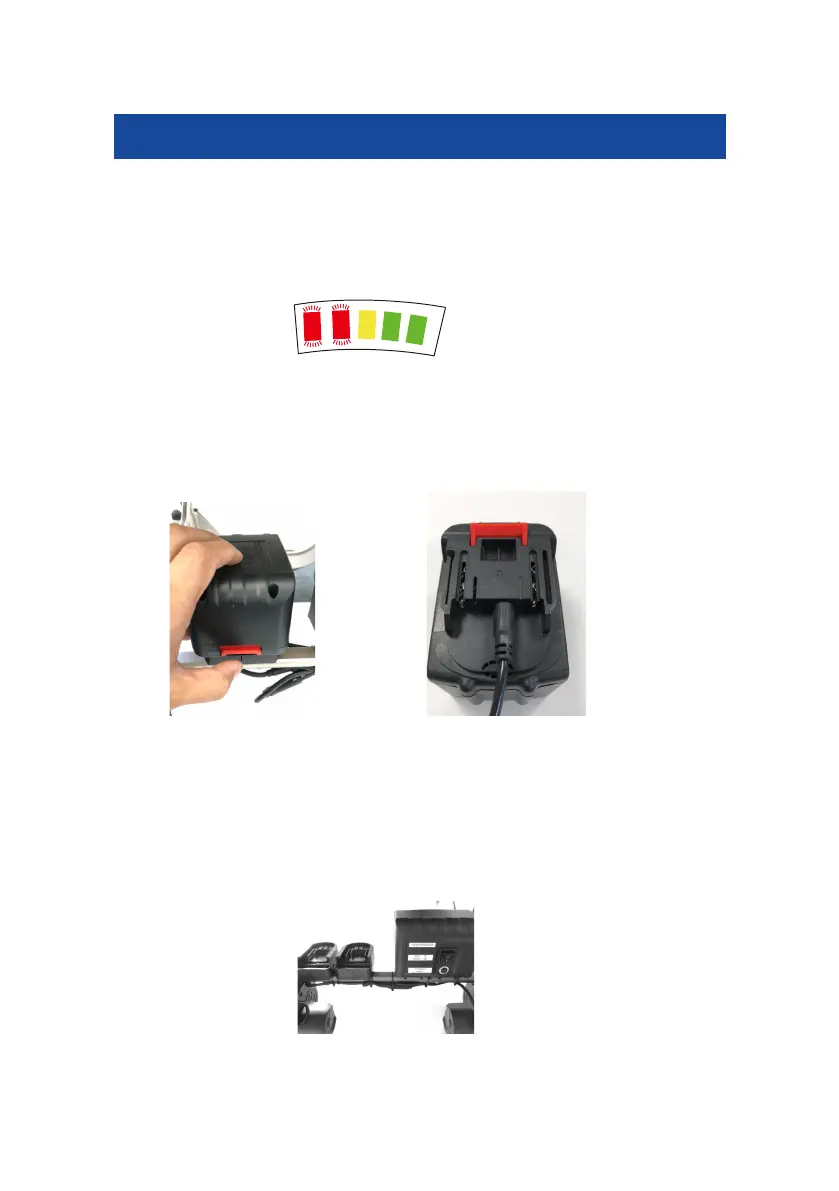
Switch on the power, the power indicator light in the front row will be on, full
power will show 5 lights (2 red, 1 yellow, 2 green). When the two red lights
are flashing, this indicates that the battery requires charging.
Remove the battery and plug the charger into the battery charging port.
To remove the bat
tery for charging, push the red button down, hold the
battery on the outside, and release from the wheelchair. To put it back, slide
the battery into the battery guide slot, push it until you hear a click, then the
battery is inserted securely.
Please remove the battery and charge it once a month if not in use. (Electric
wheelchair batteries ideally should not be stored in the wheelchair)
Spare battery slot



 To Next Page