Instructions
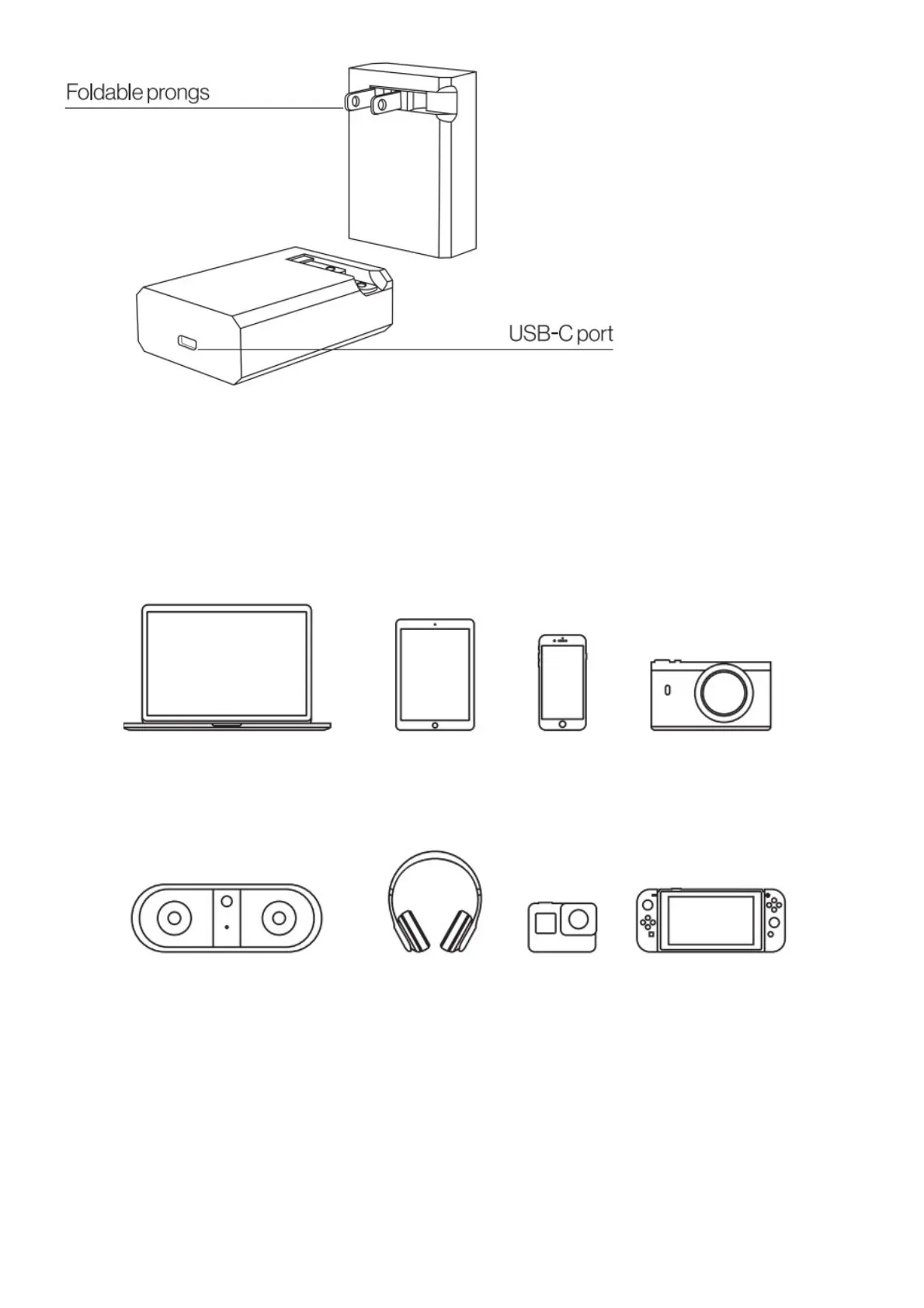
1. Insert the included cable in the power adapter.
2. Open the folding prongs correctly and then plug the power adapter in the socket.
3. Insert the plug on the other side of the cable into the laptop’s charge port or into the charge port of any
compatible device you want to charge.
COMPATIBLE DEVICES
For non-USB-C compatible devices, visit store.eggtronic.com for additional compatible tips and cables.
1. USB-C to Lightning (for iPhone users)
2. USB-C to Microsoft surface
3. USB-C to Micro USB



 To Next Page