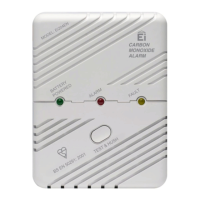
If a nuisance alarm occurs, press the Test/Hush button to
silence the alarm for 10 minutes.
Clean your alarm regularly. This will reduce the risk of
false alarms.
Remove or completely cover your alarm when decorating
to prevent dust or other contamination damaging the unit.
If your alarm sounds for no reason and will not reset, it can
be removed by releasing the clip on the base.
(see "ALARM REMOVAL" section on page 4).
B16351-R0-Ei2100 SERIES-USE.qxd 18/9/08 3:47 PM Page 6
www.acornfiresecurity.com
www.acornfiresecurity.com



 To Next Page