Eilon Engineering Ltd. RON 2501 NG Operating Manual 15
O.K. will be displayed (blinking) and then S/P 2.
Press ENTER and then proceed the same way as previously in S/P 1.
Finish this procedure by pressing ENTER.
O.K. (blinking) will follow and then S/P 1.
Press ESC to quit the SET POINT adjustment procedure.
The display: SET P.
Press ESC again to quit the menu or use the arrows to select another procedure
in the menu.
General scheme
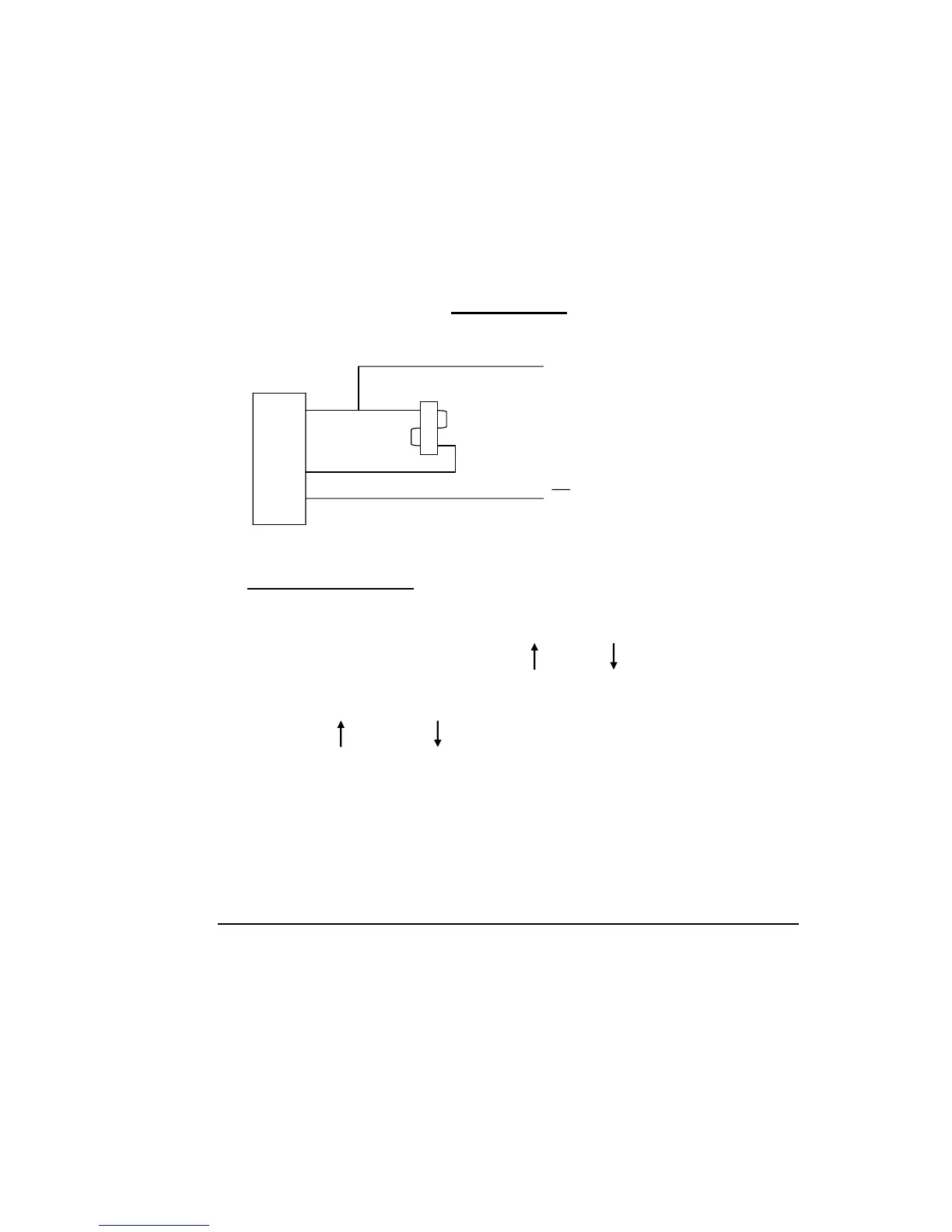
An example for connection of set point 1 to a relay:
+
A Relay
B
D
Limits: 12-24 VDC @ 200mA max.
5 pin connector
8.2 UNITS - SELECTING
To enter the programming procedure menu options, follow the instructions in
chapter #8.
Select the UNITS procedure by using the up and/or down arrows.
Press: ENTER.
The units in current use will be displayed.
Using the up and/or down arrows, select the new units required.
The available units are:
Lbs
Lbs x 10
K.NTON = Kilo Newtons
DECA.N = Deca Newtons
N.WTON = Newtons



 To Next Page