Installing the software
This sensor is for the calibration of monitors in the ColorEdge series using color management
software “ColorNavigator 7”. ColorNavigator 7 software needs to be installed to enable use of
EX4. For more information about how to install, see ColorNavigator 7 Installation Guide.
How to attach the EX4
Attention
• Before attaching the EX4, remove the stains or dusts on the surface of the monitor.
1.
Connect the monitor and the PC with the USB cable supplied with
your monitor.
For more information about how to connect, see the Setup Guide for the monitor.
2.
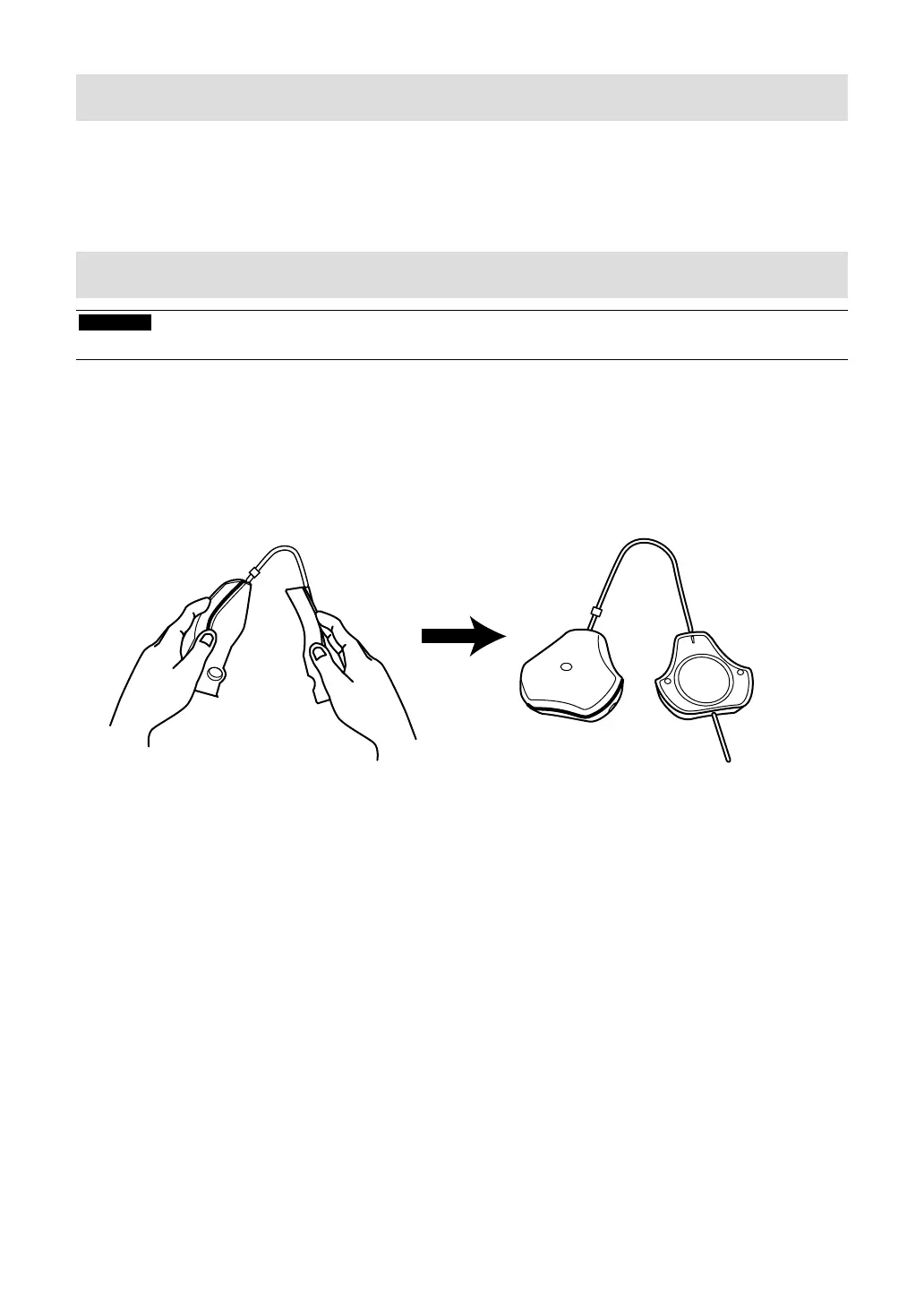
Remove the cap (counterweight) from the sensor.
Sensor
Counterweight
3.
Connect the EX4 to the USB downstream port of either the PC or the
monitor.
2


 To Next Page