2
Power ON
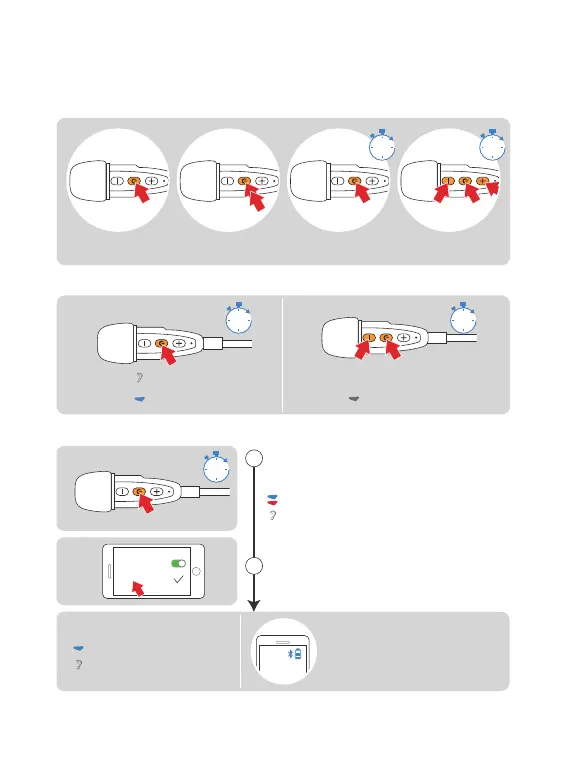
Press the “Volume -” & “Phone”
buttons simultaneously for 1s
"Ding~Ding~Ding~Ding~"
Standby
Blue light flashes slow
Power
OFF
Indicator lights off
Please charge before using
1s 1s
Single-click Double-click Long-press
for 1s
Simultaneously
press for 5s
1s 5s
Basic Operation Diagram
Phone Pairing
Red and Blue light flash quickly
"Pairing"
1
2
5s
When standby, long-press the “Phone”
button for 5s to enter the pairing status
Turn on the “Bluetooth” of cellphone,
find and pair the E1
(If no paired, will exit the pairing within 2min)
Bluetooth
E1+
Pairing Successful
Blue light slow flashes twice
(The cellphone must support HFP)
"Pairing Successful"
"Connected"
Current battery status will
show on the cellphone



 To Next Page