EasyManua.ls Logo

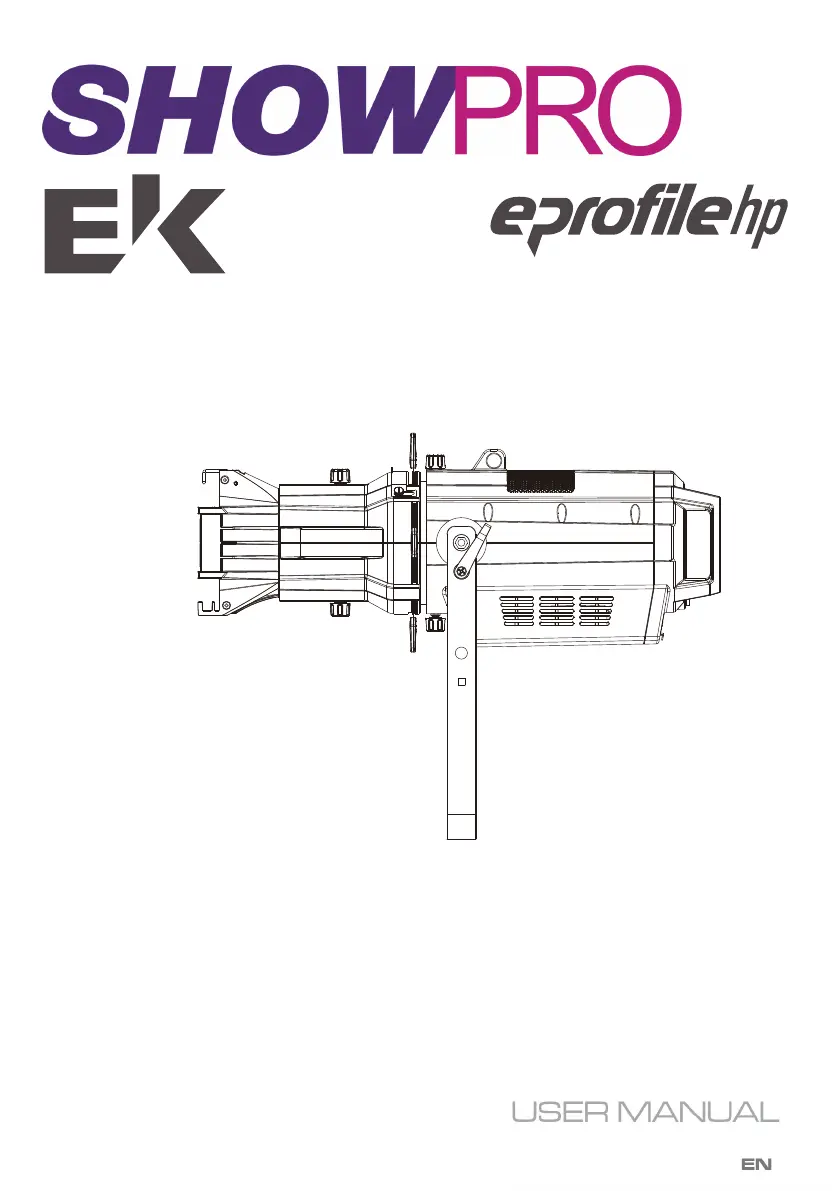
EK SHOWPRO eprofile hp - User Manual

EK SHOWPRO eprofile hp
12 pages
Print Icon
To Next Page IconTo Next Page
Loading...
LED PROFILE SPOT - HIGH POWER

Questions and Answers

  • M
    Michelle RiosAug 2, 2025
    Why EK DJ Equipment fixture does not light up?
    • S
      Sherry WellsAug 2, 2025
      Your EK DJ Equipment fixture might not light up due to several reasons: * There is no mains supply. Ensure that the power supply voltage is correct. * The dimmer fader is set to 0. Increase the value of the dimmer channels. * The LED is faulty. Replace the LED board. * The LED board is faulty. Replace the LED board.
  • Y
    Yvonne MurrayAug 16, 2025
    What to do if EK DJ Equipment fixture does not power up?
    • H
      Heather MoranAug 17, 2025
      If your EK DJ Equipment fixture doesn't power up, consider these potential causes: * There is no power. Check for power at the power outlet. * The power cord is loose or damaged. Inspect the power cord. * The internal power supply is faulty. Replace the internal power supply.

Summary

SAFETY

General instruction

General safety guidelines for the unit, including compliance, voltage, modifications, and earthing requirements.

Warnings and installation precautions

Precautions for safe operation, maintenance, installation, and handling of the fixture to prevent damage and injury.

INTRODUCTION

FEATURES

Key features of the EPROFILE HP, including gobo projection, output, dimming, and control capabilities.

SPECIFICATIONS

Technical specifications of the EPROFILE HP, covering light source, beam angle, output, power, and dimensions.

MAINTENANCE

MAINTENANCE AND CLEANING THE UNIT

Instructions for cleaning the fixture, ensuring it is powered off and cool, and checking screws and cables.

FUSE REPLACEMENT

Step-by-step guide for replacing a blown fuse in the fixture safely.

TROUBLESHOOTING

Common problems, their possible causes, and suggested checks and remedies for the EPROFILE HP.

OVERVIEW

DIMENSIONS

OPERATION

DISPLAY MENU FUNCTIONS

Explanation of various functions accessible via the fixture's display menu, such as DMX address and modes.

DMX FUNCTIONS

Description of how DMX control works for the fixture in different channel modes.

DMX PIN DIAGRAM

Diagram showing the pinout for DMX input and output XLR connectors on the fixture.

MENU FUNCTIONS

Button Controls

Explanation of the menu navigation buttons (MENU, UP, DOWN, ENTER) for controlling the fixture.

PHOTOMETRICS

DMX CHARTS

2-CHANNEL MODE

DMX chart for the 2-channel mode, detailing dimmer and LED frequency control.

3-CHANNEL MODE

DMX chart for the 3-channel mode, including dimmer, strobe, and LED frequency control.

6-CHANNEL MODE

DMX chart for the 6-channel mode, covering dimming, strobe, auto programs, speed, curve, and frequency.

EK SHOWPRO eprofile hp Specifications

General IconGeneral
Frequency50/60Hz
LED Count1
Housing MaterialAluminum
Protection ClassIP20
LampLED
Voltage100-240V AC
Dimming0-100%
CoolingFan

Related product manuals