22
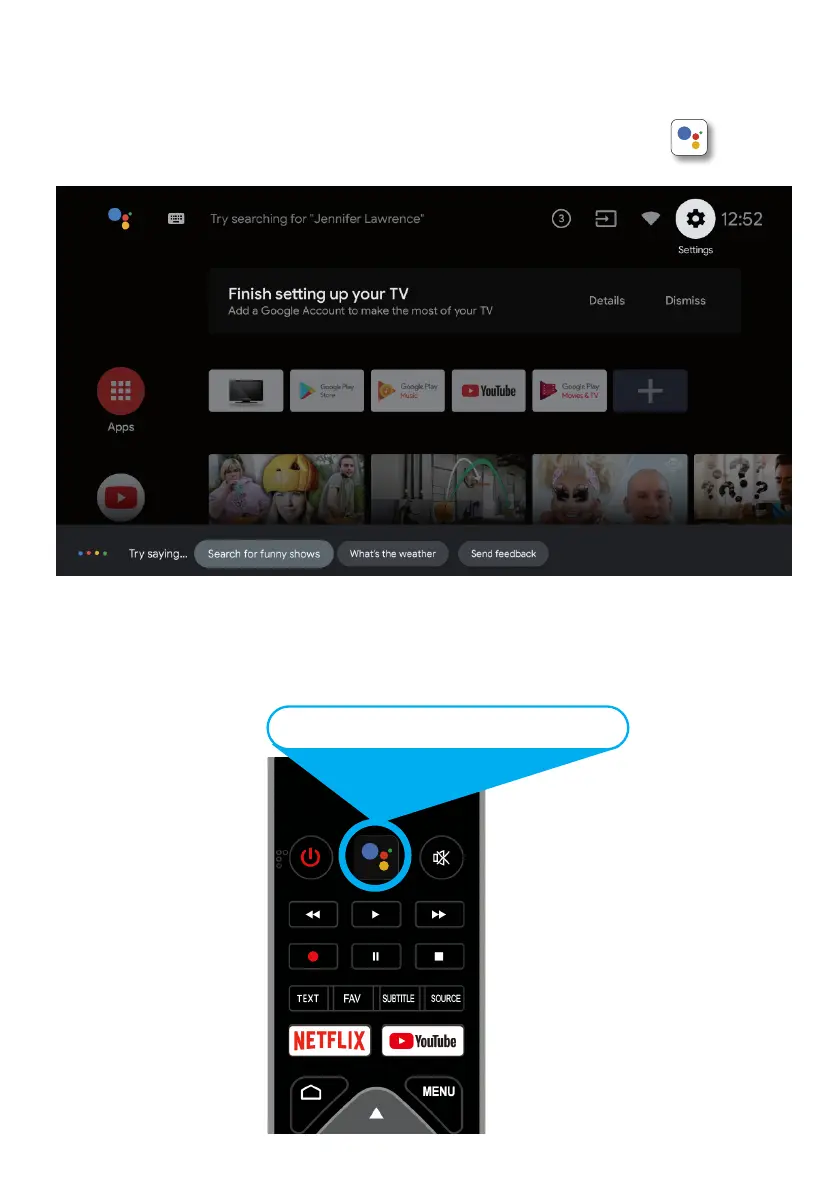
You now have access to Google Assistant via the (#1 on page 20) or by pressing (Google
Assistant) button on your remote control to commence.
GOOGLE ASSISTANT
Allow for the voice box to appear at the bottom of your TV screen, stating: “Try Saying” then
speak clearly towards the top of your remote control for Google Assistant to hear you. Once
Google Assistant understands, what you have requested will be actioned.
Whats the weather today?



 To Next Page