Introduction
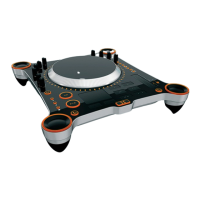
EKS Otus is a professional 2-in-1 DJ controller with integrated multichannel audio
interface. Otus offers a wide range of controls enabling the user full control no mouse or
keyboard needed. Assignable buttons, knobs, push-and-rotate selectors and capacitive
touchpad enable advanced creative freedom. The Future Proof Ideology of the control
layout allows the use of future software features. A professional level audio/headphone
output allows direct connectivity to a DJ system or the possibility for headphone preview.
Driver Installation
1) Download the latest drivers from www.eks.fi
2) Close all applications
3) Install Otus MIDI & Asio drivers
Registering & software updates
Register your EKS products to receive product support and software updates at www.eks.fi. EKS
periodically provides updates to software. Please check www.eks.fi/support for latest software
updates.
The Hardware Setup
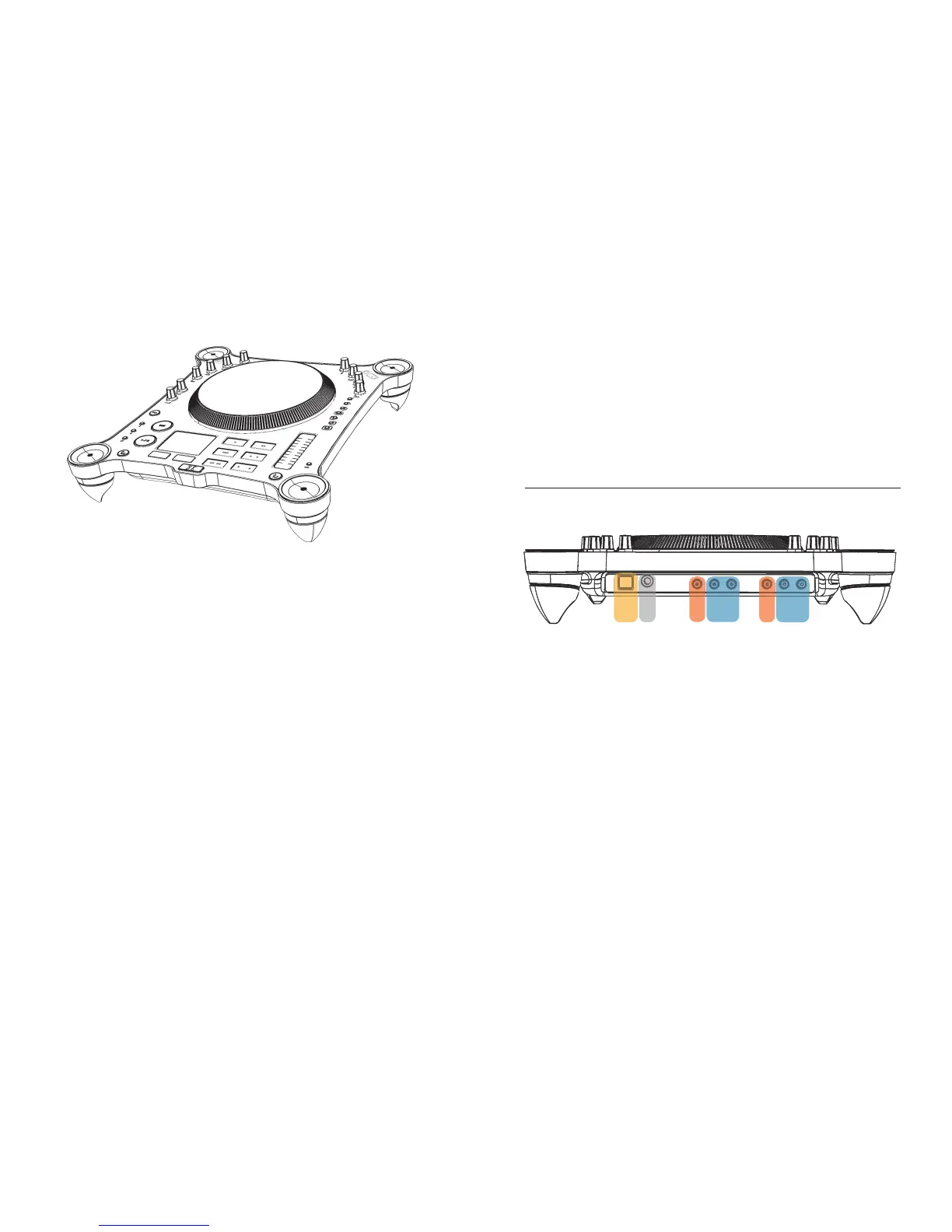
On the back panel you will find the following connectors:
1) USB connector
2) Headphone jack
3) S/PDIF outputs for both virtual decks
4) Analog RCA outputs for both virtual decks
USB connection
Connect the USB to your PC/Mac and the audio outputs to your mixer. Note! Otus controllers
calibrate their touch sensitive platter every time you connect the USB cable to your computer. If you
have your hand on the wheel while connecting the device, the calibration will be incorrect. It's best
to first connect the USB cable to the controller and then to your computer, keeping your body parts
away from the wheel. After connecting the controller to your computer for the first time, the
operating system takes a few moments to identify the device and load the USB drivers (which
come with the operating system). This is normal. Just click Next and OK for any dialogs appearing.
If you have more than one controller, let your computer identify one player at a time and finish the
process before connecting the second one.
12 3 4 34


 To Next Page
 Loading...