3. Wide Compatibility
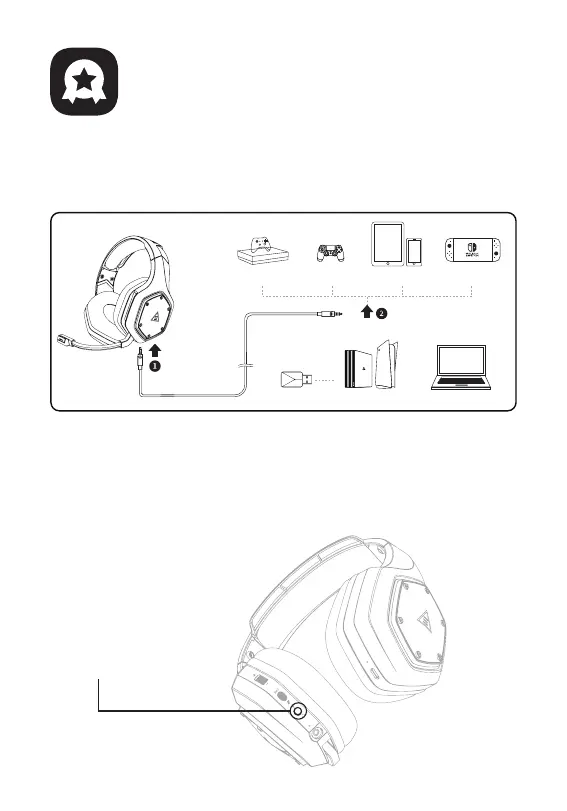
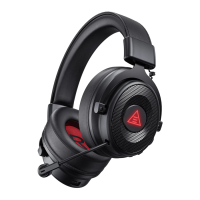
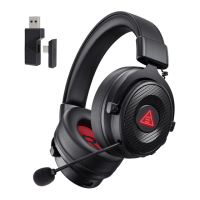
Equipped with 3.5 mm audio cable and USB Dongle, compatible with
PS®5, PS®4, Xbox® One, Nintendo Switch™, PC, Laptop, Mac, mobile
devices, etc.
4. One Key Sound Mode Switch
This button is on the ear shell, allowing you to switch from 7.1
surround sound to game mode or stereo to music mode. It is
straightforward and convenient to operate.
Note: when switching the sound mode, you will hear a “surround sound on / off”
voice prompt.
Sound Mode Switch Button
5
Nintendo Switch™
PC/Mac/Laptop
PS®4/PS®5Xbox One® S/X mobile devices
3.5 mm interface
USB Dongle
3.5 mm interface
PS®4/PS®5
Main Features
The first step
Please plug the audio
cable into the headset
first
The second step
Then plug the other side of the
audio cable into the device



 To Next Page