4
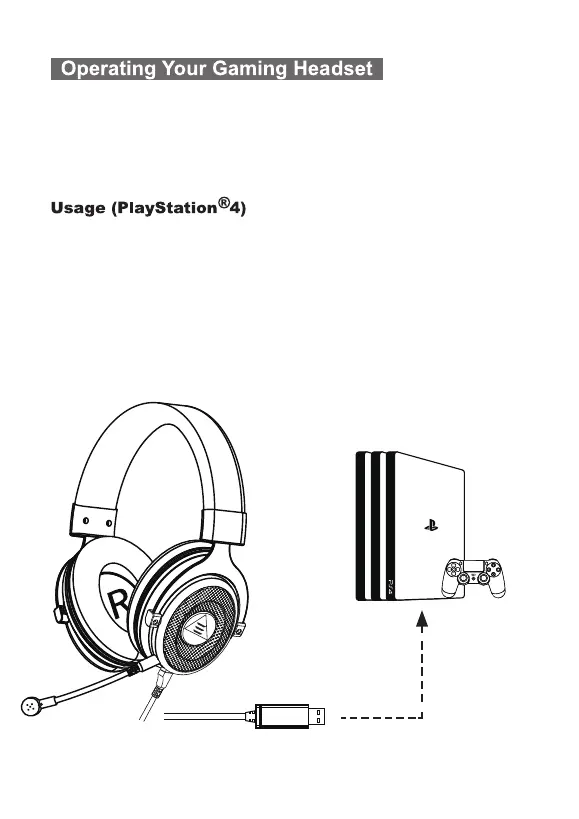
Insert the USB plug directly to the Playstation 4 Console and
follow these steps:
1. Navigate to the Settings Menu and select it.
2. Highlight the ''Devices '' menu option and select it.
3. Scroll down to ''Audio Devices'' and select it.
4. Choose ''Output to Headphones'' and select ''All Audio''.
One of the biggest advantages of this headset is that you
can enjoy 7.1 virtual surround sound without a driver
which downloaded on EKSA official website.



 To Next Page