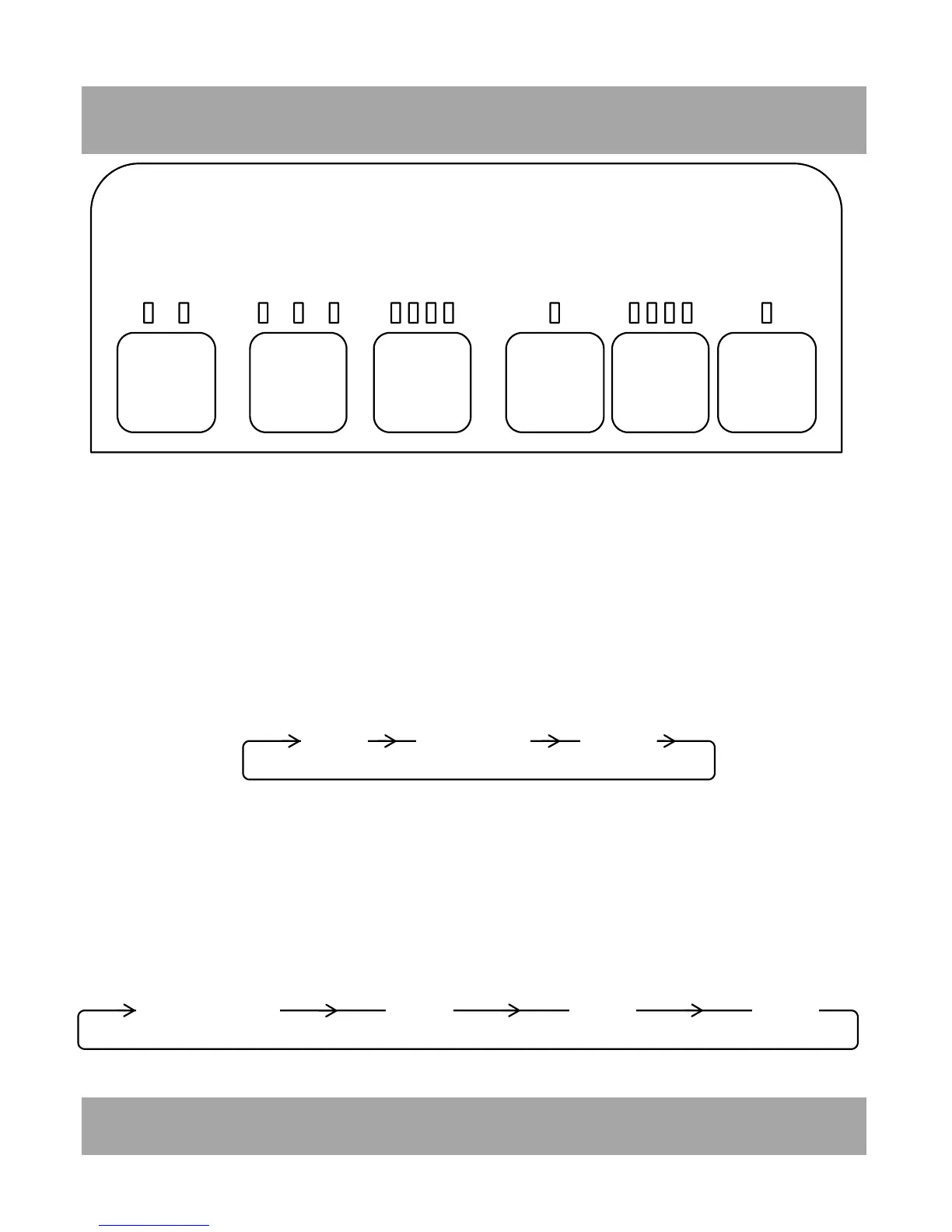
1H
40%
50%
60%
CONTINUOUS
2H
4H
8H
ION
TIMER
LOUVRE
HUMIDITY
MODE
POWER
HIGH
(LAUNDRY)
ALARM
WATERFULL
MEDIUM
LOW
CONTROLPANEL&OPERATINGINSTRUCTIONS
5
POWER:
Press to switch the appliance ON (3 beeps will sound). Press again to switch the appliance
OFF.ON
MODE:
‘M’ mode is set when the appliance is switched ON. Press the mode button to control the
fan speed through the sequence below. Low, Medium, High(Laundry). The corresponding
LED will illuminate on the control panel and side panel.
TROL PANEL & OPERATING INSTRUCTIONS
Low Medium High
CONTINUOUS
40% 50%
60%
HUMIDITY:
Continuous operation is set when the appliance is first switched ON. To change the
required r elative humidity press the HUMIDITY button through the sequence below. The
corresponding LED will illuminate.
Note: Humidity selection applies to Low and Medium mode. High(Laundry) mode
automatically selects CONTINUOUS operation.


 To Next Page