EasyManua.ls Logo

Elan VIA!4.0-EM - User Manual

Elan VIA!4.0-EM
44 pages
Print Icon
To Next Page IconTo Next Page
Loading...
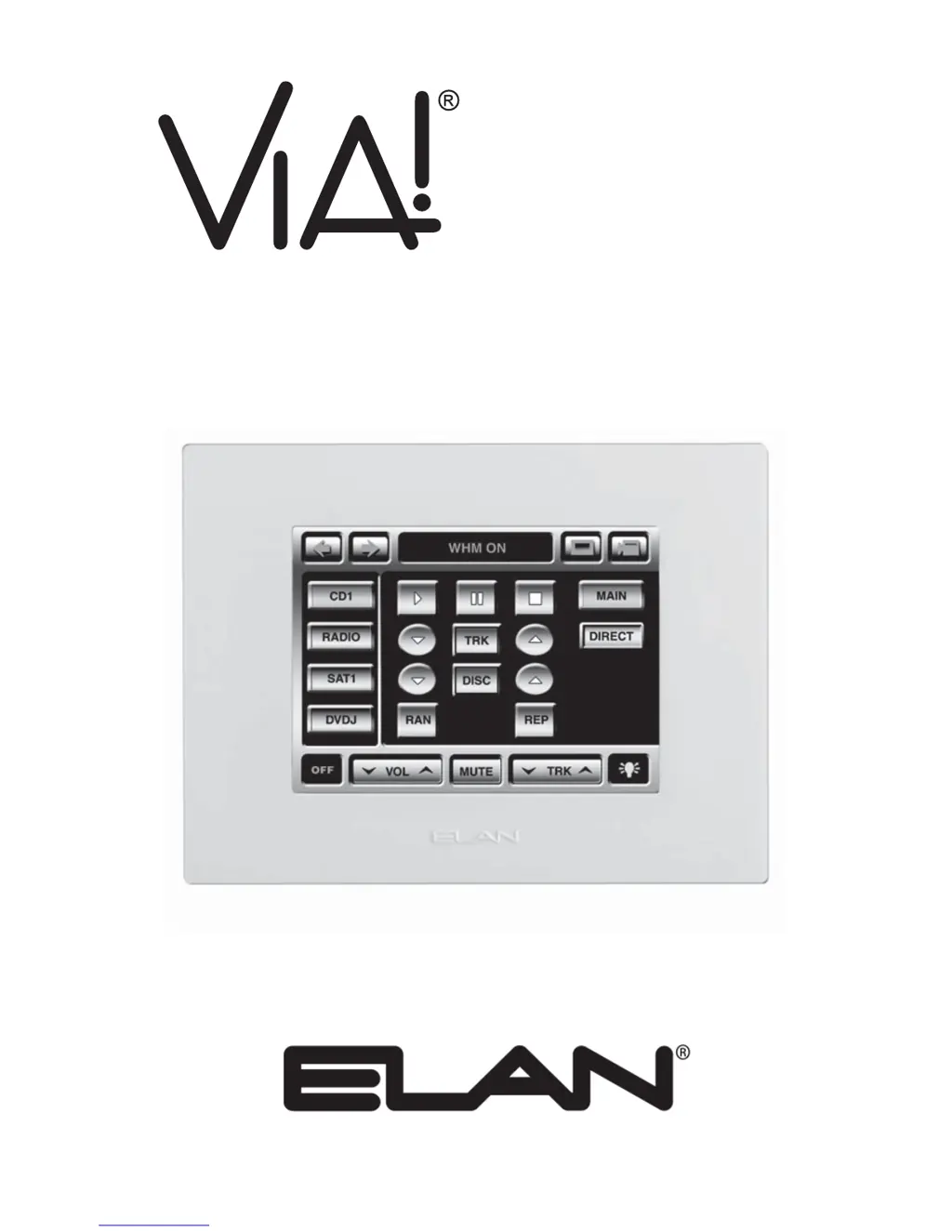
VIA!4.0-EM
VIA!7.0-EM
VIA!10.0-EM
4"/7"/10" Color LCD Touch Panels
INSTALLATION MANUAL

Questions and Answers

  • K
    kristinabeckAug 11, 2025
    What to do if Elan Touch Panel displays "UNPROGRAMMED"?
    • C
      cjensenAug 11, 2025
      If your Elan Touch Panel displays "UNPROGRAMMED", it means the unit does not contain a VIA!TOOLS program. You should download the program to the unit using VIA!TOOLS setup software.
  • C
    Christina MccartyAug 16, 2025
    What to do if Elan VIA!4.0-EM has no video displayed when TV or Camera Icon touched?
    • R
      Renee WrightAug 16, 2025
      If there is no video displayed when you touch the TV or Camera Icon on your Elan Touch Panel, the issue might be with the video connections or the video source itself. Here are a few things to check: * Verify that the video cables are correctly connected. * Ensure that the Video In/Out are not connected backwards; connect them properly. * Confirm that the video source is turned on.
  • S
    Susan PorterAug 23, 2025
    Why is my Elan Touch Panel not controlling IR sources?
    • S
      Sabrina YuAug 23, 2025
      If your Elan Touch Panel activates but does not control IR of sources, the issue may stem from a few potential causes: * Incorrect IR connections: Ensure that all IR connections are correctly configured. * IR signal verification: Use a talk-back IR emitter or IR activity LED to verify the IR signal. * VIA!TOOLS command verification: Check VIA!TOOLS to ensure that the IR/RS232 commands are correctly entered and present.
  • K
    Kimberly HarrisAug 29, 2025
    How to fix incorrect camera or video source displayed on Elan Touch Panel?
    • K
      Kevin Wise Jr.Aug 29, 2025
      If your Elan Touch Panel is displaying the incorrect camera or video source, it could be due to the following reasons: * Source's video output(s) incorrectly connected: Connect properly. * Incorrect or missing IR/RS232 commands in VIA!TOOLS: Verify IR commands in VIA!TOOLS.
  • N
    nicholas75Sep 3, 2025
    How to troubleshoot an Elan VIA!4.0-EM that will not turn on?
    • M
      Melissa MarquezSep 3, 2025
      If your Elan Touch Panel won't activate when the screen is touched, here are some potential causes and solutions: 1. No power supply connected: Connect the power supply. 2. Incorrect power supply: Use a PWR1, PWR4, or PWR10 16VDC Power Supply. 3. Power supply defective: Test for 16VDC with a multimeter. 4. Incorrect power connections: Correct the connections.

Elan VIA!4.0-EM Specifications

General IconGeneral
BrandElan
ModelVIA!4.0-EM
CategoryTouch Panel
LanguageEnglish

Related product manuals