MANUAL MODES
OPERATING THE APPLIANCE - (MANUAL MODE)
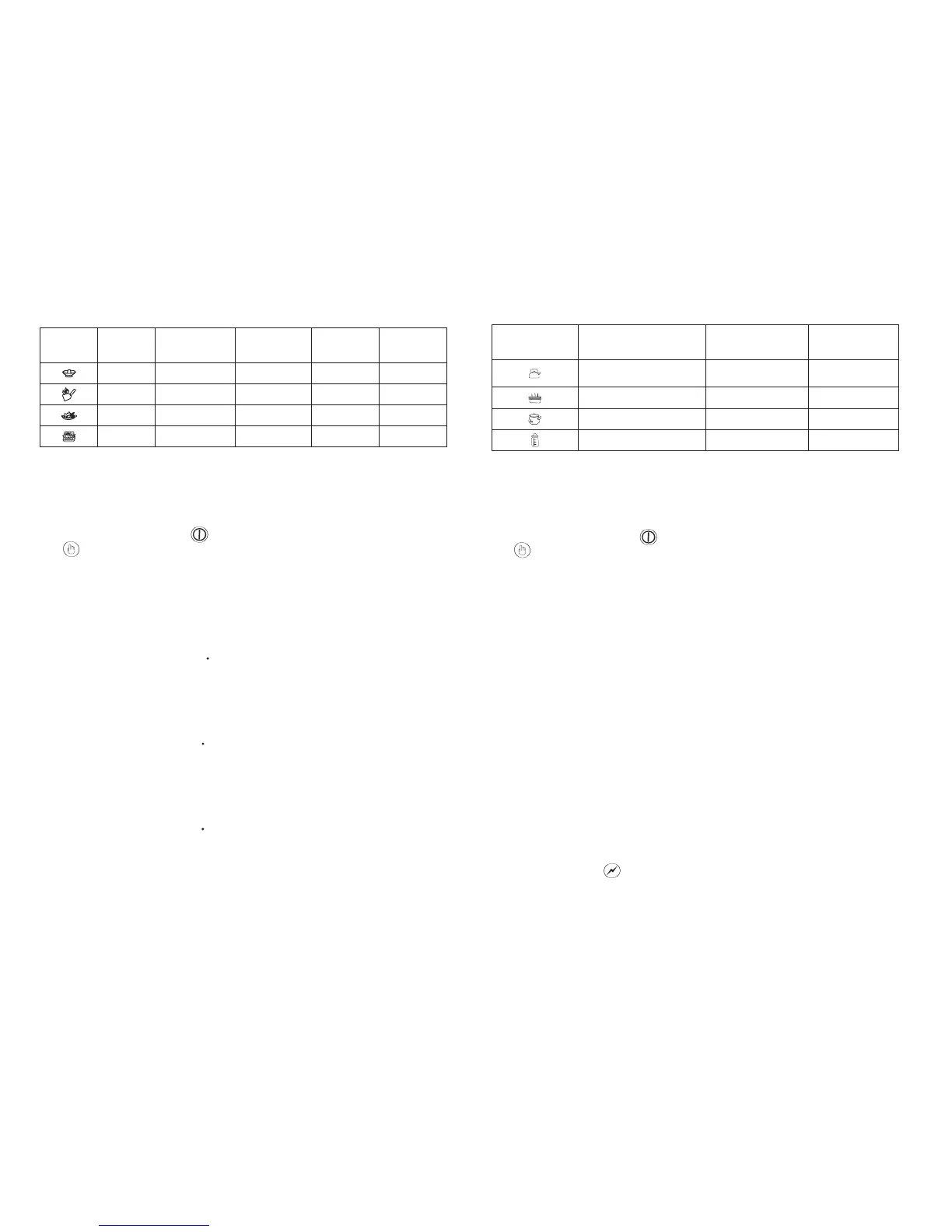
ICONS
ADJUSTABLE
COOKING TIME
(HOUR)
DISPLAY
INDICATIONS
FUNCTIONS
POWER (WATT)/
TEMPERATURE
O
( C) RANGE
ADJUSTABLE
COOKING TIME
(MINUTE)
300-2000W
1-59 Up to 23 hours Power level
Up to 23 hours
1-59
TemperatureUp to 23 hours
1-59
o
60-240 C
Stir fry
Roast
TemperatureUp to 23 hours
1-59
3 4
Hot Pot
Fry
o
60-240 C
o
60-240 C
Temperature
1. Place the appliance pot at the centre of the cooking plate. Warning: Please
do not power on the appliance with an empty pot as this will cause damage and
deformation to the pot. Power on the appliance and you will hear a “beeping”
sound. The display screen will show “----”.
2. Touch the “ON/OFF” icon and then followed by the cooking function icon
to select require cooking functions.
3. Touch the cooking function icon, the red light indicator for “HOT POT” will
light up. The display screen will show 1400. The default operating power level is at
1400W. The power level can be adjusted by touching the “+” or “-” icon.
Note: Press “+” icon to increase the power level and press “-” icon to reduce the
power level.
4. Continu e to tou ch the cooking fu nction icon, the red light indicator for
“STIR- FRY” will light up. The display screen will show 240C. The default operating
touching the “+” or “-” icon.
Note: Press “+” icon to increase the temperature level and press “-” icon to reduce
the temperature level.
5. Continue to touch the cooking function icon, the red light indicator for “FRY”
will light up. The display screen will show 220C. The default operating
touching the “+” or “-” icon.
Note: Press “+” icon to increase the temperature level and press “-” icon to reduce
the temperature level.
6. Continue to to uch the cook ing func tion icon, t he red l ight indicator for
“ROAST” will light up. The display screen will show 180C. The default operating
temperature level is at 180 C. The temperature level can be adjusted by
touching the “+” or “-” icon.
Note: Press “+” icon to increase the temperature level and press “-” icon to reduce
the temperature level.
7. To cancel any of the selected cooking function, touch the “ON/OFF” icon.
8. After cooking has finished, power off the appliance and unplug the
appliance.
PRE- SET MODES
Water
Steam
Soup
Milk
2000W
2000W
2000W
500W
AU
FUNCTIONS
DISPLAY INDICATIONS
(AU=AUTOMATIC)
POWER (WATT)/
TEMPERATURE
O
( C) RANGE
AU
AU
AU
ICONS
1. Place the appliance pot at the center of the cooking plate. Warning: Please
do not power on the appliance with an empty pot as this will cause damage and
deformation to the pot. Power on the appliance and you will hear a “beeping”
sound. The display screen will show “----”.
2. Touch the “ON/OFF” icon and then followed by the cooking function icon
3. Touch the cooking function icon until the red light indicator for “WATER”
lights up. The display screen will show “AU”. At this mode, you cannot select the
power level by touching the “+” or “-” icon. The water mode allows you to boil
water in a fast way. The suggested boiling time for 1 liter is 3-4 minutes, for 2-3
liters is 9-15 minutes.
Note: The boiling time may be vary depending on the purity of water and surrounding
pressure.
4. Continue to touch the cooking function icon until the red light indicator for
“STEAM” lights up. The display screen will show “AU”. At this mode, you cannot
select the power level by touching the “+” or “-” icon. The steam mode allows you
to steam various types of food, such as steamed ribs or chicken.
5. Continue to touch the cooking function icon until the red light indicator for
“SOUP” lights up. The display screen will show “AU”. At this mode, you cannot
select the power level by touching the “+” or “-” icon.
6. Continue to touch the cooking function icon until the red light indicator for
“MILK” lights up. The display screen will show “AU”. At this mode, you cannot select
the power level by touching the “+” or “-” icon. While operating, the appliance will
turn into on and off mode automatically to maintain the temperature. It is to make
sure the milk is cooked evenly.
7. To cancel any of the selected cooking function, touch the “ON/OFF” icon.
8. After cooking, power off the appliance and unplug the appliance.
OPERATING THE APPLIANCE (PRE-SET MODES)
VOLTAGE ICON
1. While operating the appliance, you can always check the power level by
touching the “VOLTAGE” icon.
2. For example, while using the “HOT POT” cooking function, after selecting the
to select require cooking functions.
temperature level is at 240 C. The temperature level can be adjusted by
temperature level is at 220 C. The temperature level can be adjusted by


 To Next Page
 Loading...