9-20
HOW TO USE YOUR MOTORHOME’S EQUIPMENT
MICROWAVE (When installed)
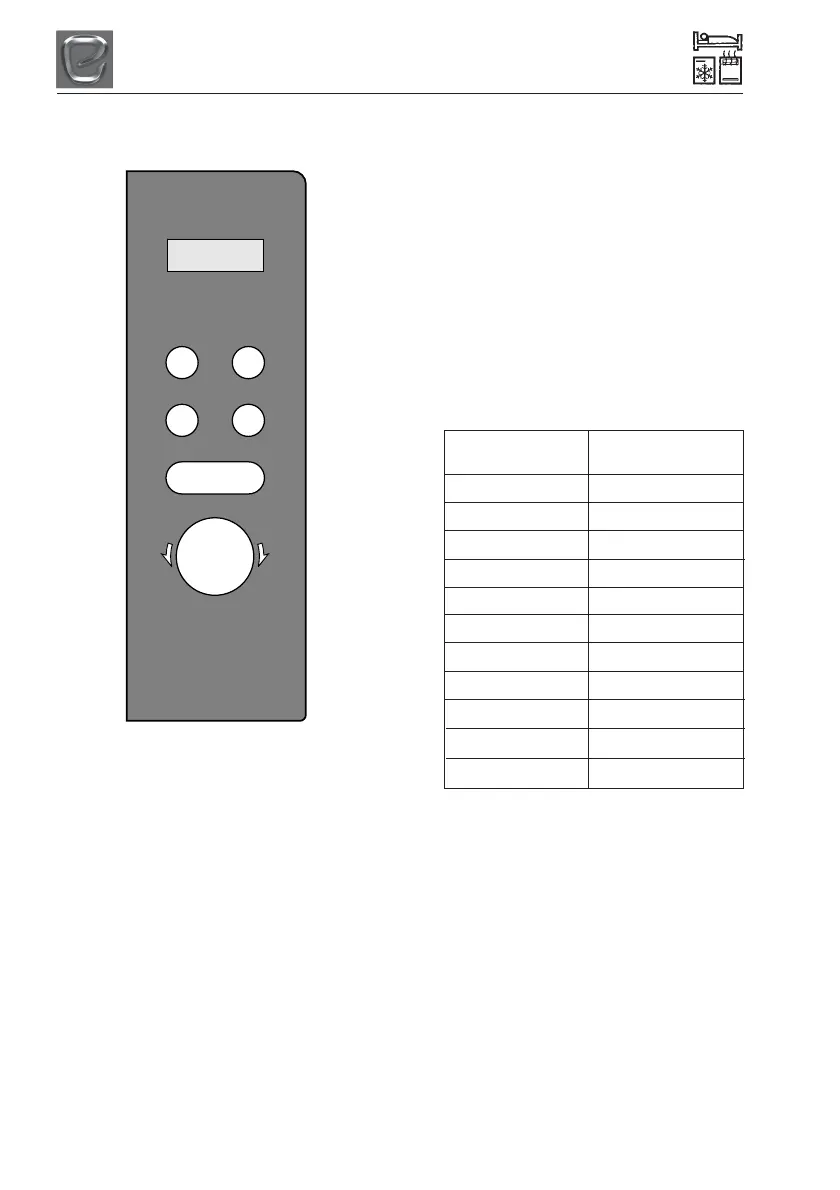
MENU ACTION SCREEN Cooking time,
power, auto and the clock time are displayed.
POWER Press to select the power level for
microwave cooking.
WEIGHT/TIME DEFROST Press this button
to input weight for defrosting.
CLOCK/PRE-SET Press this button to input
weight for defrosting.
STOP/CLEAR Press to stop the cooking
process.
TIMER/WEIGHT . AUTO MENU Rotate to
select the cooking time and the auto menus.
START/+30SEC/CONFIRM Press this button
to start the cooking process and confirm
when programming.
DOOR OPEN Pull the handle to open the
door.
Microwave cooking
1 Press the “POWER” button once and
“P100” will display and flash.
2 Turn the “TIMER/WEIGHT” to select
the microwave power. “P100”, “P90”,
“P80”, “P70”, “P60”, “P50”, “P40”,
“P30”, “P20”, “P10” and “P00” will
display in order.
3 Press “START/+30 SEC” to confirm.
4 Turn the “TIMER/WEIGHT” dial to
adjust the cooking time. (The time
setting should be between 0:05-
95:00).
5 Press “START/+30 SEC” to start
the cooking process.
Press power Cooking power
button
P100 100%
P90 90%
P80 80%
P70 70%
P60 60%
P50 50%
P40 40%
P30 30%
P20 20%
P10 10%
P00 0%
To stop the cooking process at any time
press the “STOP/CLEAR” button.
For further appliance information please
refer to microwave user manual.
Power
Weight/Time
Defrost
Stop/Clear
Clock/
Pre-Set
Start/
+30Sec/Confirm
T
i
m
e
r
/
W
e
i
g
h
t
.
A
u
t
o
M
e
n
u



 To Next Page