EasyManua.ls Logo

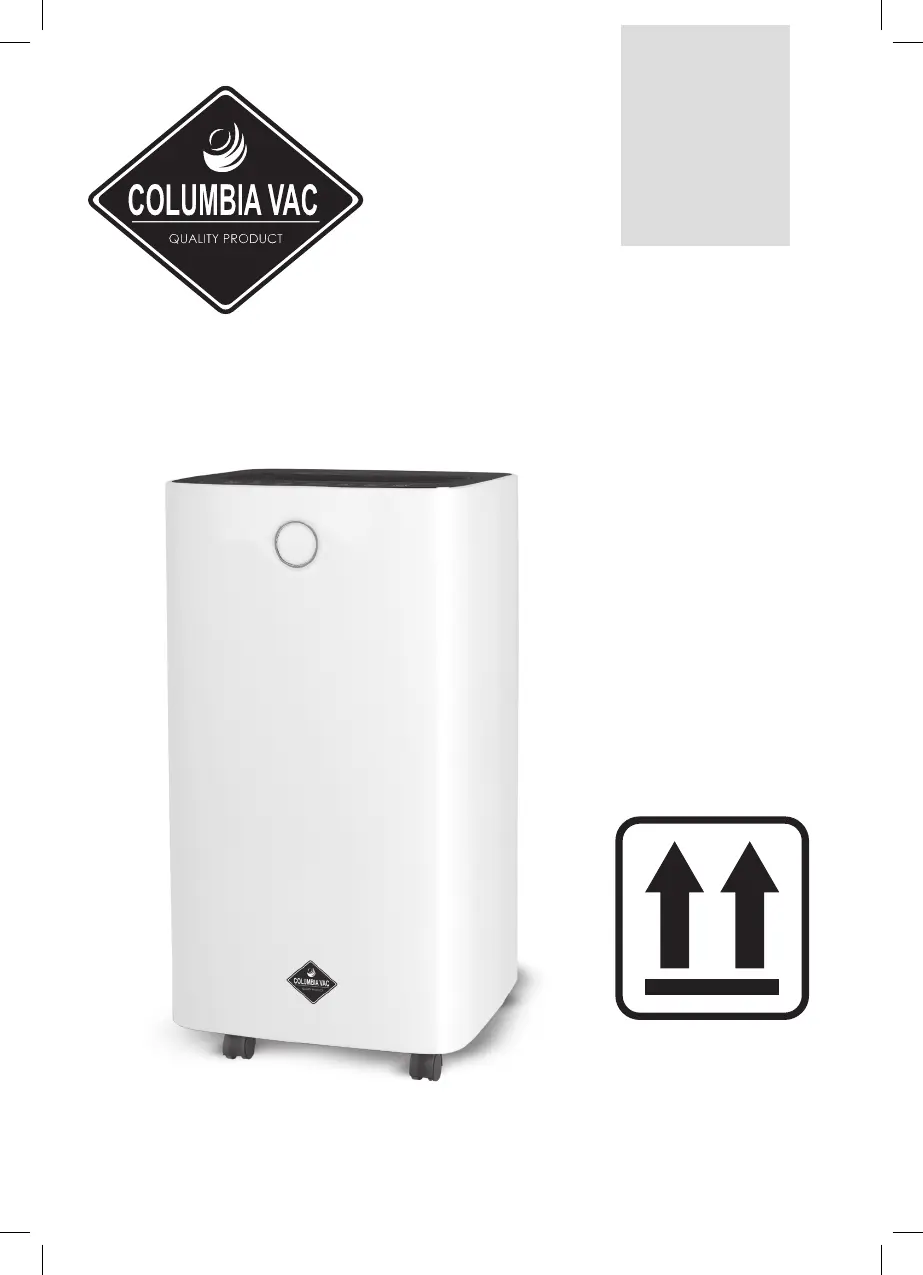
Eldom COLUMBIA VAC OPC1000N - User Manual

Eldom COLUMBIA VAC OPC1000N
68 pages
Go to English
Print Icon
To Next Page IconTo Next Page
Loading...
/ PL / OSUSZACZ POWIETRZA / EN / AIR DEHUMIDIFIER
/ DE / LUFTENTFEUCHTER / RU /  
/ ES / DESHUMIDIFICADOR DE AIRE
OPC1000N
Eldom Sp. zo.o. ul. Pawła Chromika 5a 40-238 Katowice, POLAND
tel: +48 32 2553340 fax: +48 32 2530412 www.eldom.eu

Questions and Answers

  • T
    Timothy CaldwellAug 5, 2025
    What to do if my Eldom Dehumidifier won’t work?
    • L
      Lee RoblesAug 5, 2025
      If your Eldom Dehumidifier isn't working, first ensure it's properly connected to a power socket and switched on. If the water fill indicator is flashing, check that the water tank is correctly installed and empty. Also, the device is designed to protect itself and cannot operate if the room temperature is below 5°C or above 35°C.
  • R
    Robert BerryAug 12, 2025
    Why is my Eldom COLUMBIA VAC OPC1000N Dehumidifier making excessive noise?
    • J
      James RhodesAug 12, 2025
      If your Eldom Dehumidifier is making excessive noise, it might be due to being placed on an uneven or unstable surface. Ensure it's on an even, hard surface that doesn't vibrate. Another potential cause is a clogged air filter, so clean the air filter according to the instructions.
  • L
    lorijohnsonAug 20, 2025
    Why does my Eldom COLUMBIA VAC OPC1000N Dehumidifier switch on/off frequently?
    • R
      Robert WarnerAug 20, 2025
      If the dehumidifier function of your Eldom Dehumidifier isn't working properly, or if the device switches on and off frequently, there could be several reasons. Check if the air filter is clogged and clean it according to the instructions. Make sure that no doors or windows are open. Ensure the device is not near a heat source; if it is, place it in a cooler location. Also, verify that neither the inlet nor the outlet channel is obstructed, and remove any obstructions if found.
  • C
    Christy NunezAug 27, 2025
    What does LO mean on my Eldom COLUMBIA VAC OPC1000N?
    • A
      andreapetersAug 28, 2025
      The automatic device protection function enabled because the ambient humidity is less than 20%. Ensure that the Eldom Dehumidifier is in proper working conditions.

Summary

SAFETY INSTRUCTIONS

PRECAUTIONS

Carefully read the Instructions Manual and warnings on the device before installing and commissioning.

R290 Refrigerant Information

Information on equipment using R290 gaseous refrigerant and its safety precautions.

Pre-use Vertical Placement

Ensure the device is placed vertically for 24 hours before first use to prevent compressor damage.

SAFETY WARNINGS FOR SERVICING

Workplace and Procedure Safety

Inspect area, follow controlled procedures, instruct personnel, avoid indoor work, and isolate workplace.

Refrigerant and Fire Safety Measures

Check refrigerant, ensure fire extinguishers are ready, and prohibit ignition sources near flammable refrigerant.

Ventilation and Equipment Inspections

Ensure adequate ventilation and perform cooling/electrical equipment inspections per manufacturer guidelines.

Electrical-Equipment Inspections

Perform preliminary safety inspections and control procedures for electric components. Rectify faults before connecting power.

SPECIAL RECOMMENDATIONS

Ambient Temperature and Installation

Device operates between 5°C-35°C. Install on a flat surface with 30cm clearance, following regulations.

Device Handling and Placement

Do not tilt, use near inflammable liquids, block ventilation, or place heavy objects. Keep plug accessible.

Chemical Precautions

Avoid sprays and inflammable products near appliance to prevent damage to plastic case or electrical system.

POWER SOURCES

Plug and Connection Safety

Ensure plug is well fixed, not damaged. Do not use adaptors. Plug into wall socket before switching on.

GENERAL DESCRIPTION

TECHNICAL DATA

INSTALLATION

Choosing the Place for Installation

Place device vertically on a flat, dry, spacious, ventilated surface with 20 cm clearance. Use hose for water discharge.

OPERATING THE DEVICE

Control Panel Functionality

Explains indicators, POWER button, MODE button for programs (Continuous, Night), and SPEED button.

Operational Modes and Settings

Details Standard program, humidity adjustment (30-80% RH), temperature display, and fan speed selection.

Timer and Lock Functions

Using the TIMER for delayed start/auto-off and activating the button lock function.

EMPTYING THE TANK

Continuous Water Outlet

Guide for connecting a hose for continuous water discharge, ensuring tube outlet is below device outlet.

MAINTENANCE

Cleaning Procedures

How to clean the unit housing with a soft cloth and the air filter with water and neutral detergent.

Air Filter Care

Instructions for cleaning the air filter every 2 weeks. Do not operate without a properly installed filter.

Storing the Device

Store in a cool, dry place away from sun rays and dust when not used for a longer period.

TROUBLE SHOOTING

OPERATING TEMPERATURE

AUTOMATIC DEFROSTING

ENVIRONMENTAL PROTECTION

WARRANTY

Eldom COLUMBIA VAC OPC1000N Specifications

General IconGeneral
BrandEldom
ModelCOLUMBIA VAC OPC1000N
CategoryDehumidifier
LanguageEnglish