8|EN
INSTRUCTION MANUAL
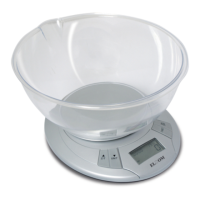
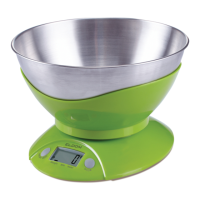
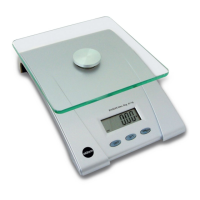
ELECTRONIC KITCHEN SCALE EK5055
EN
TECHNICAL DATA
- weight capacity: 5kg
- weight resolution: 1g
- accuracy of measurement: 15g
- power: 2xAAA Batteries do not pose
the equipment
BATTERY REPLACEMENT:
1. Open the battery case cover at the bottom of scale.
2. Take out the used battery
3. Install new baterry by putting one side of the battery bebeath the battery bae
and then pressing down the other side. Used batteries should be thrown away the
containers specially designed for this purpose.
HOW TO USE
1. Please put the scale on a hard and at surface.
2. Place bowl (if used) on the scale before turning on the unit.
3. Press and release [ON/OFF] button to turn on the unit.
4. Wait until LCD shows all information.
5. Load weighing object on to start weighing, LCD will show the weight reading
CHANGES OF MEASUREMENT UNITS:
In order to change measurement units from g to poungs, after switching on the scales,
the button [UNIT] should be pressed.. Another pushing the [UNIT] button will cause the
repeated change of the units.
“ZERO” OR “TARE” FUNCTION
To weigh dierent loads consecutively without removing loads from the scale. Put rst
Load on the scale, get weight reading.
Press [Z/T] button to reset the LCD reading to “0” before adding next load. You can repeat
this operation.
1. “Z/T” function
When total sum of all loads on scale ≤ 4% of scale’s max weight capacity (4% = 200g when
capacity is 5 kg). LCD will show “_ _ _” or “0g” each time [Z/T] button is pressed. “_ _ _”
means not stable, please wait for a moment. “0g” and meanwhile an icon ”o” on lower left
corner of LCD mean “ZERO” function is active. Max weight capacity remains unchanged.


 To Next Page