Operating instruction
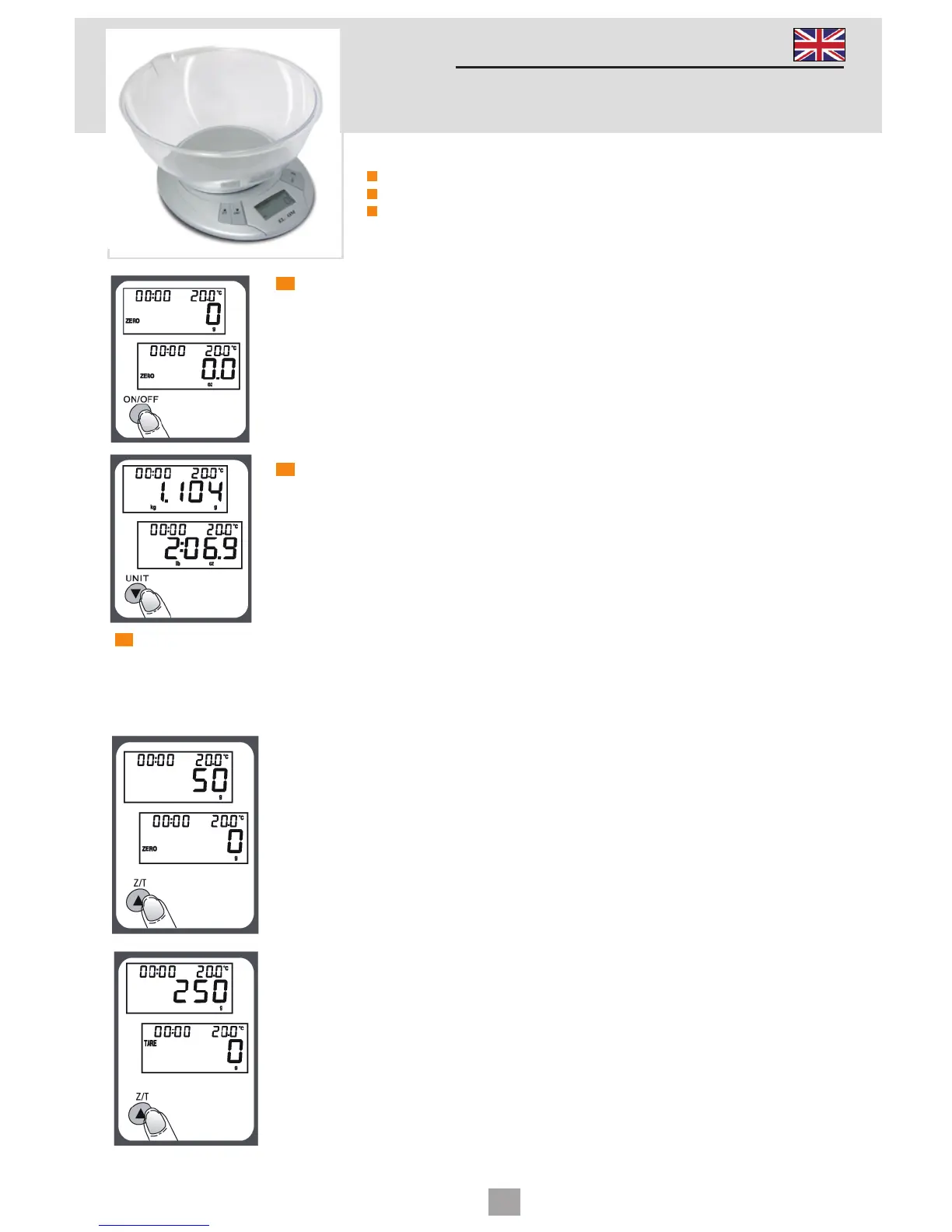
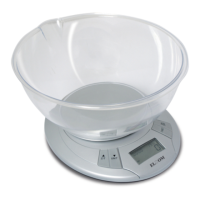
ELECTRONIC KITCHEN SCALE
WK210
TO OPERATE SCALE
1. Please put the scale on a hard and flat surface.
2. Place bowl (if used) on the scale before turning on the unit.
3. Press and release ON/OFF button to turn on the unit.
4. Wait until LCD shows all information.
TO CONVERT WEIGHT UNIT
If the scale is with both measuring system of Metric (kilograms,grams) and
Imperial (pounds,ounces), you can press UNIT to convert between two
systems during the course of weighing.
"ZERO" OR "TARE" FUNCTION
To weigh different loads consecutively without removing loads from the scale.
Put first Load on the scale, get weight reading. Press Z/T button to reset the LCD
reading to "0" before adding next load. You can repeat this operation.
Condition 1: “ZERO” function
When total sum of all loads on scale ≤ 4% of scale’s max weight
capacity. (4% = 80g when capacity is 2kg; 200g when capacity is 5 kg)
LCD will show "0g" each time Z/T is pressed. Icon "ZERO" will show on
lower left corner of LCD, indicating "ZERO" function is active. Max.
weight capacity remains unchanged.
Condition 1: “TARE” function
When total sum of all loads on scale > 4% of scale’s max weight
capacity. (4% = 80g of scale’s max weight capacity. 2kg; 200g when
capacity is 5 kg)
LCD will show "0g" each time Z/T is pressed. Icon "TARE" will show on
upper left corner of LCD, indicating "TARE" function is active. Max.
weight capacity is reduced by total weight of all loads.
Technical data
max weight: 5kg
division: 1g
battery: 9V
4


 To Next Page