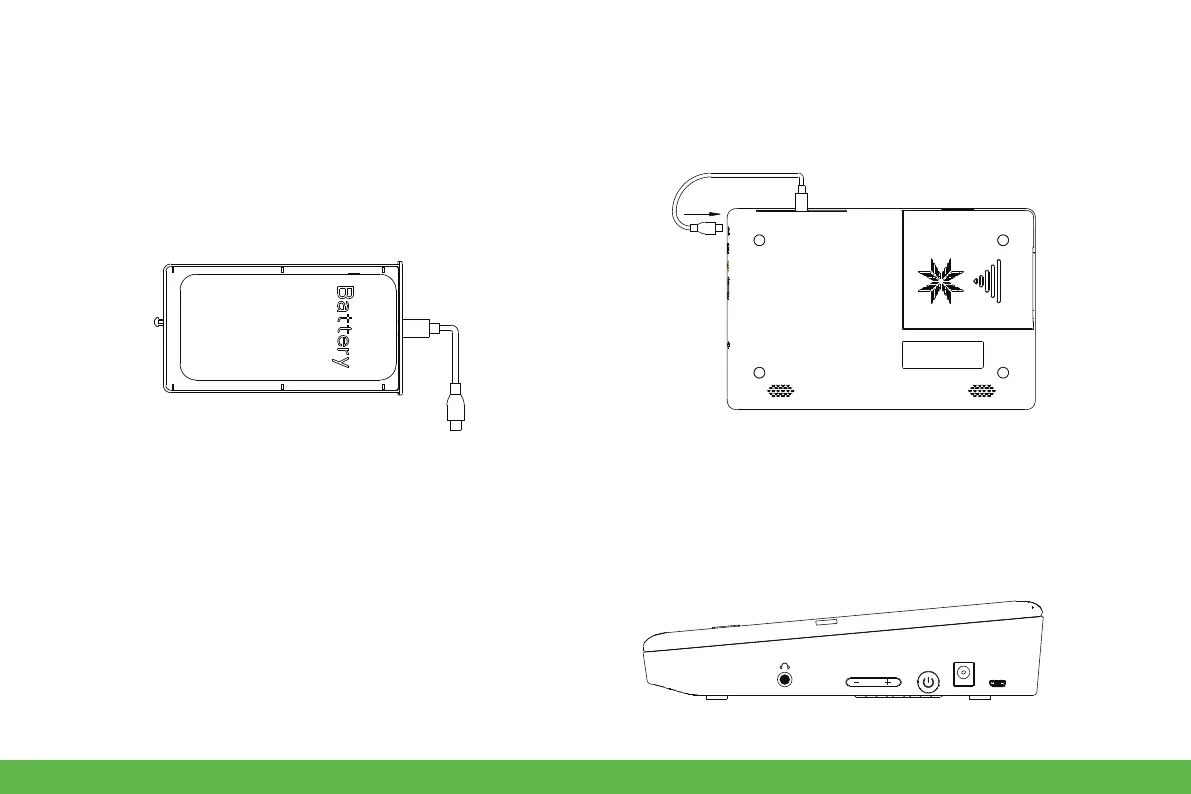
● Power bank
1. Install 5v power bank
2. Press the power button
● Screen brightness adjustment
Press the + button to increase the brightness, press - to decrease.
1.1. Open the storage compartment, put the powerbank
into the compartment, insert the wire through the wire
hole, and then push it into device.
1.2. Access to 5V micro USB port.
10
DC-12V
USB


 To Next Page