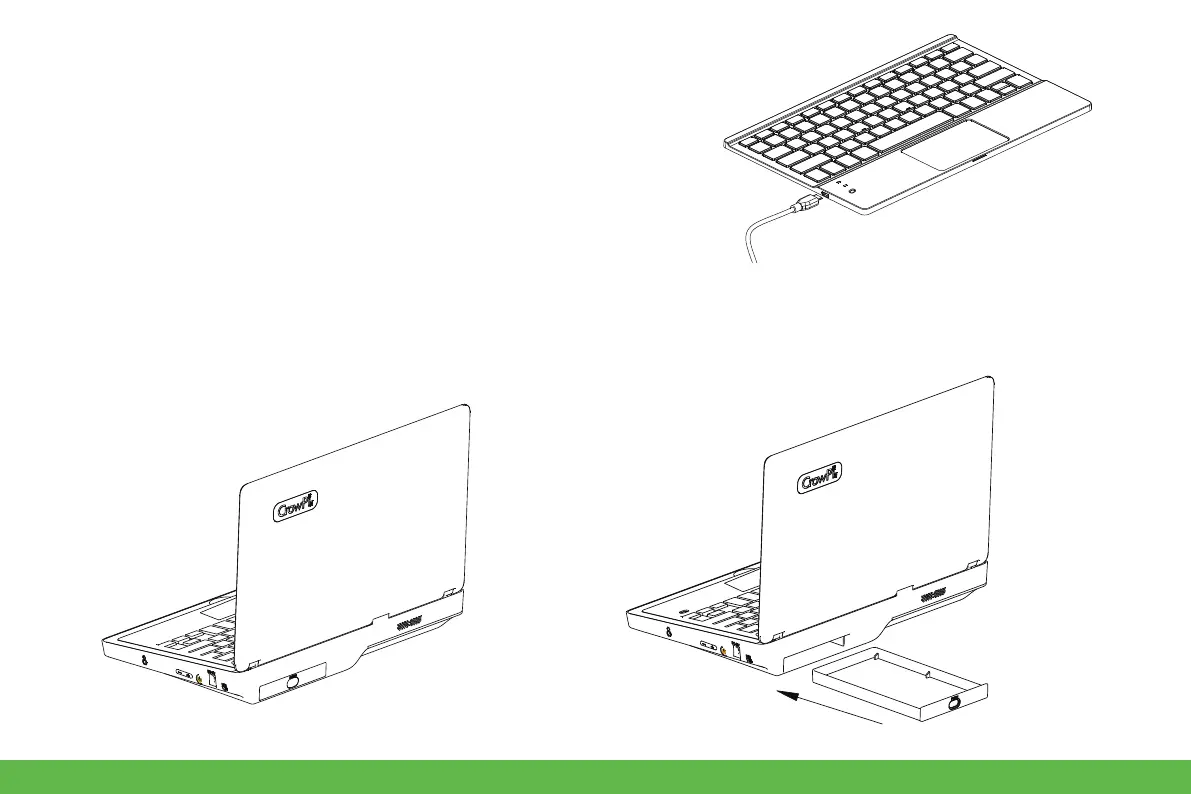
● Storage compartment
Use your finger to open and close the storage compartment.
3. Install a battery into the mouse,and then switch the button of keyboard
and mouse to "ON" side.
4. Get started, and you can use Fn+F1 to open/close the touchpad.
5. When the power led of keyboard is blink, it means that the power is
almost exhausted, please use the micro usb cable to power the keyboard.
And you can replace the battery of mouse if it runs out of power,
9


 To Next Page