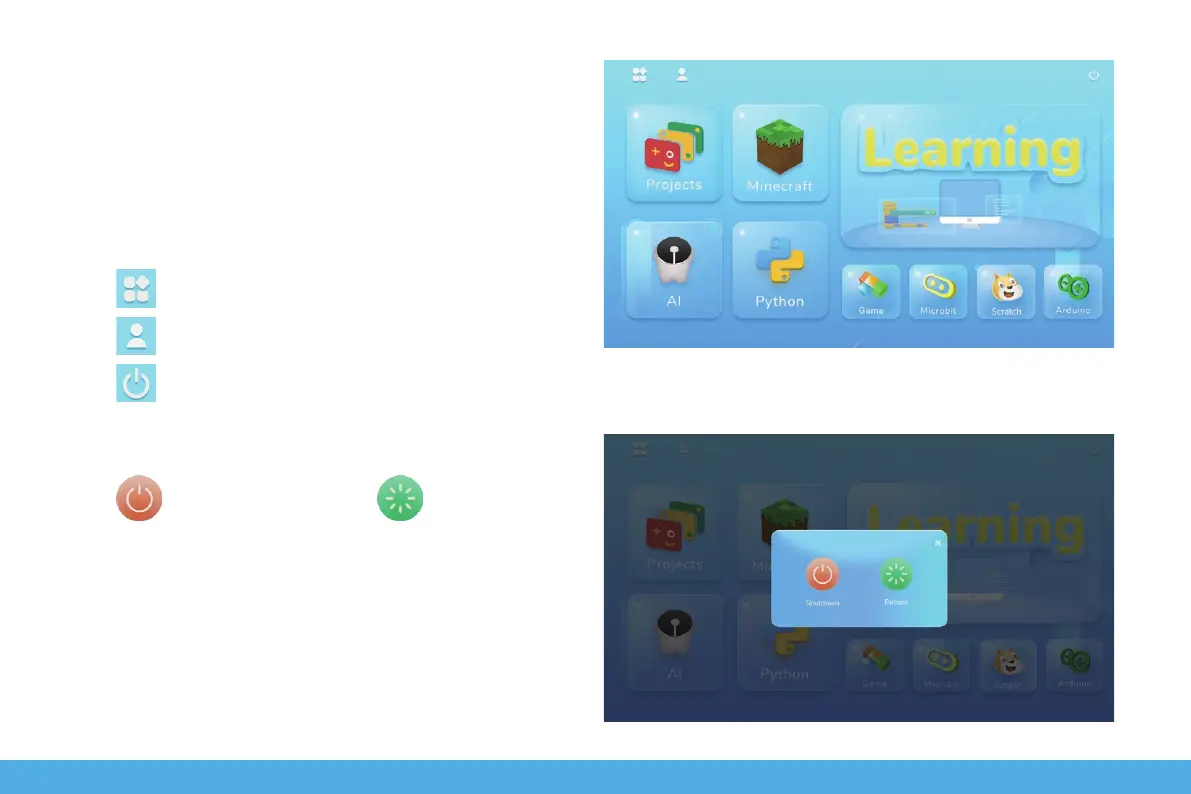
Main page and User Settings
Main page
The page is the main software page, click on the
corresponding module area to enter the corresponding
section.
Click to return to the desktop.
Click to pop up the shutdown window.
Click shutdown the device or to reboot.
Click to Create and login accounts.
14


 To Next Page