9
Brakes
There are two braking systems. The first works with the finger controls. When the finger control is released the
scooter will automatically brake and bring the scooter to a stop. When the scooter stops the automatic
brake will engage. This will stop the vehicle r
olling forward or backward. When you start the brake will
automatically disengage. If the battery should go flat the brakes automatically engage. Note that even when
freewheel is selected, a secondary braking system is applied automatically to limit the maximum speed. You
may notice this system when moving the scooter in freewheel.
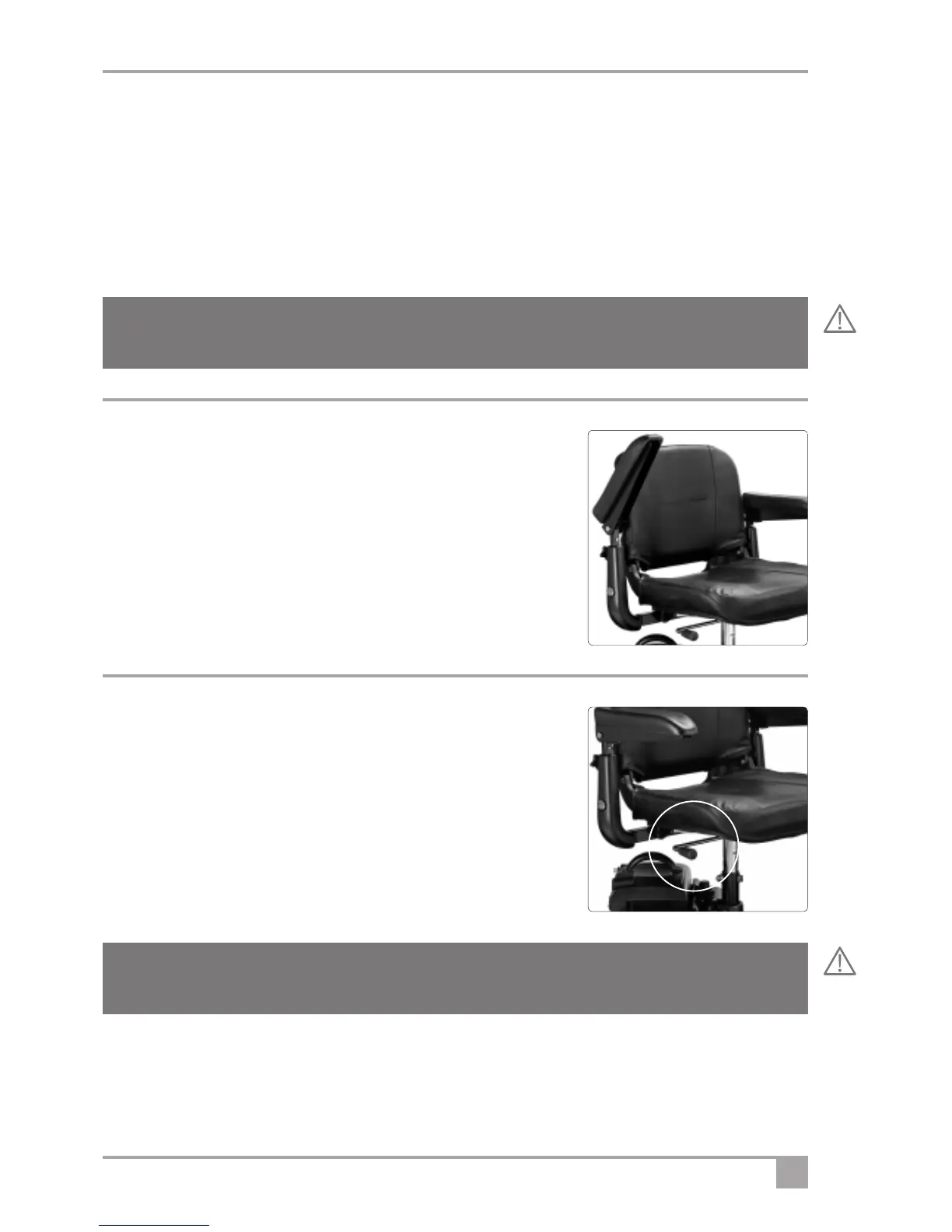
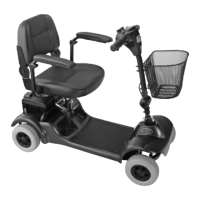
Armrest Adjustment
When getting seated on the scooter lift the armrest up. When riding always
have the armrest in the down position. Avoid pinching fingers as you lower
the armrest. Never drive with the armrest up.
Warning! If the freewheel device is in “freewheel” the braking is disabled. Never select the freewheel
device if the scooter is on a slope or could be pushed onto a slope.
Lift armrests
up for access
Swivel seat
This allows easy access
1. To operate, locate the release lever under the seat.
2. Pull the lever up and the seat will release allowing it to rotate.
3. Release the lever and the seat will lock automatically, but always
check it has.
Warning! Do not use this device if the vehicle is on a slope. Always check the seat is locked in the
forward position before driving the vehicle.



 To Next Page