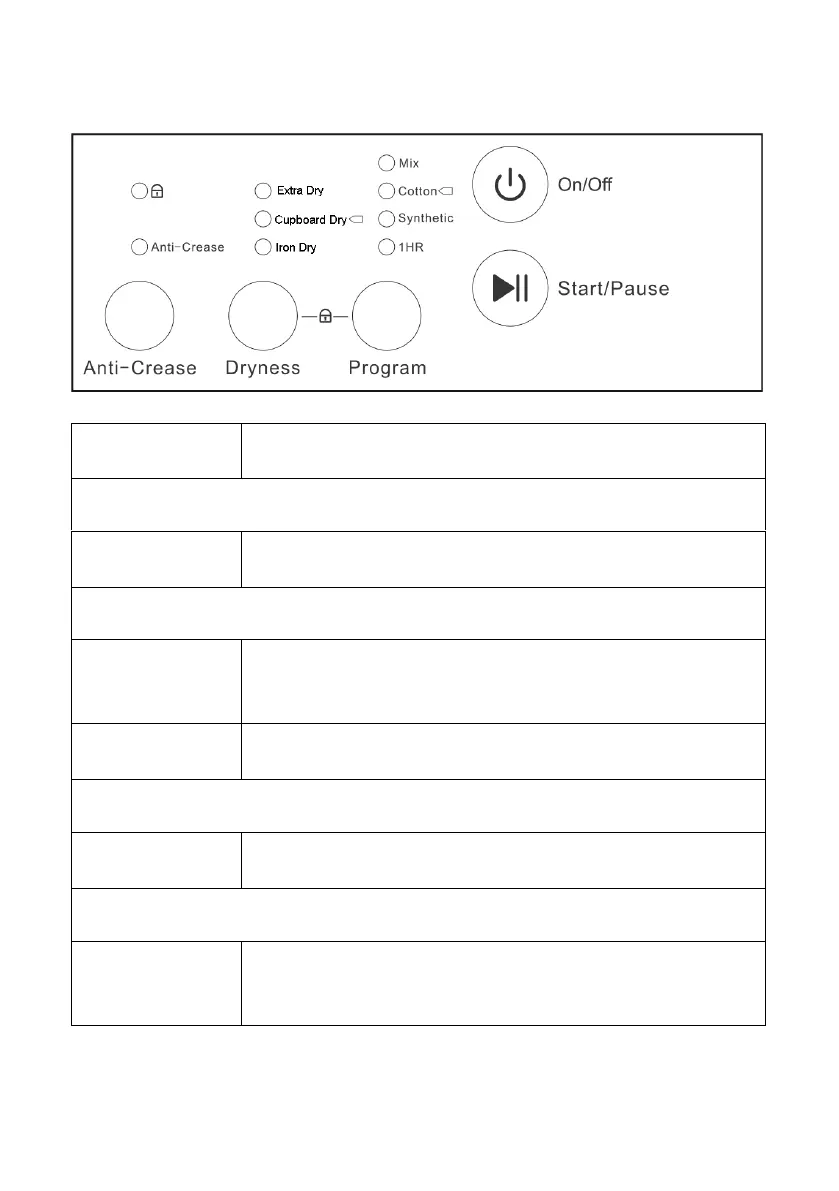
Use to turn the appliance on and off.
CHOOSE THE DESIRED PROGRAMME
Press to choose between the 4 available
functions: Mix, Cotton, Synthetic and 1 hour.
CHOOSE THE EXTRA FEATURES REQUIRED
Press to turn on / off the anti-crease function.
When activated the indicator light will be
illuminated.
Press to choose the level of dryness, between
Iron Dry, Cupboard Dry and Extra Dry.
Press the Start / Pause button to start the
drying program. Press again to pause it.
Press and hold the Program and dryness
buttons for 2 seconds to turn the child lock on /
off.



 To Next Page