EasyManua.ls Logo

Electrohome 13ED204R - User Manual

Electrohome 13ED204R
31 pages
Print Icon
To Next Page IconTo Next Page
Loading...
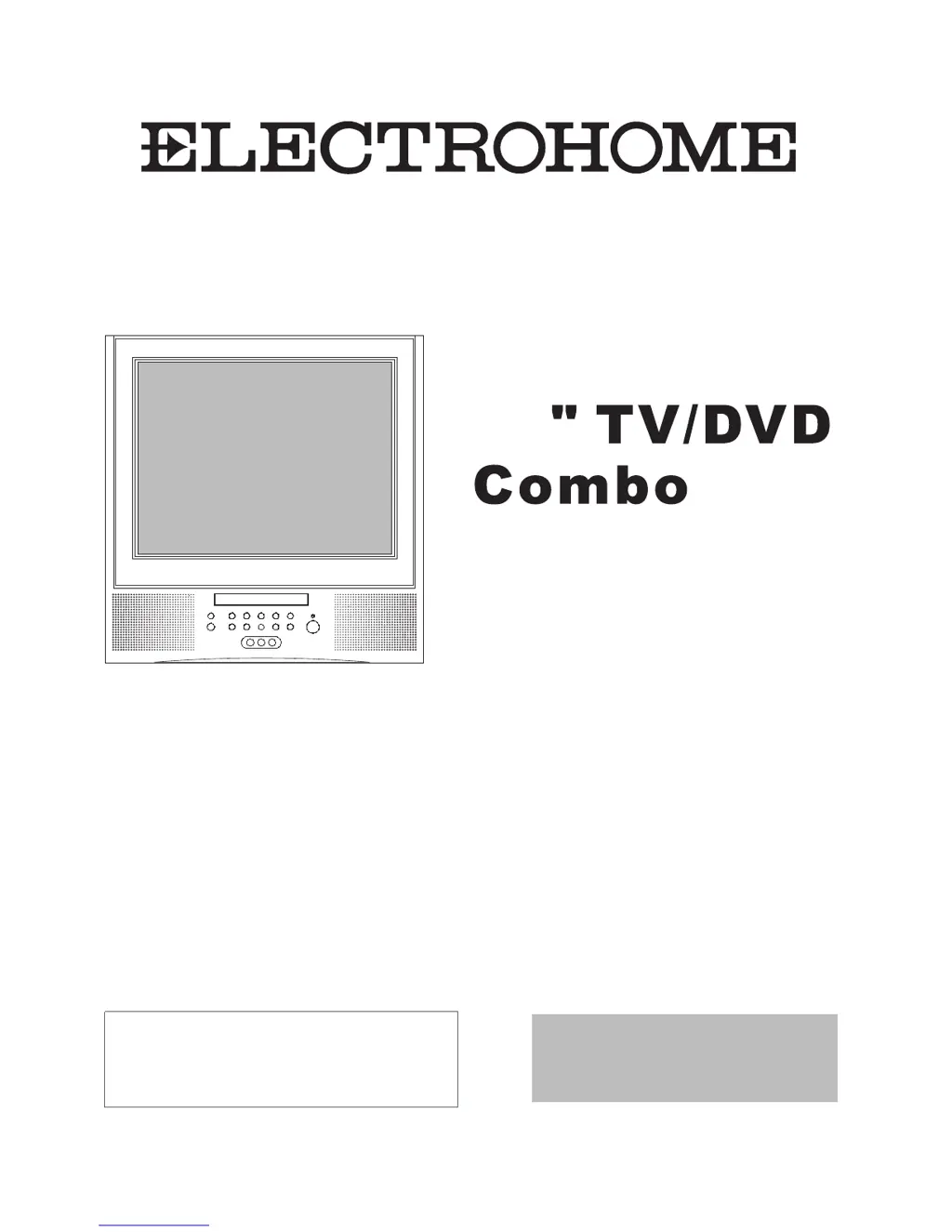
USER MANUAL
Please read this manual carefully
before using this TV set and keep it
for future reference.
13
TV
+
DVD
13ED204R

Questions and Answers

  • K
    Karen LuceroJul 30, 2025
    What to do if there is a color spot on my Electrohome 13ED204R TV DVD Combo?
    • A
      Alexis JohnstonJul 30, 2025
      If you notice a color spot on your Electrohome TV DVD Combo, it might be due to a color purity issue. This can happen if the TV has been moved, magnets are placed near the screen, or household appliances like vacuum cleaners are used nearby. Try turning off the TV with the main power switch for 15 minutes. When you turn it back on, the TV will automatically degauss the picture. For severe cases, leave the TV off overnight.
  • J
    Joel BatesAug 9, 2025
    How to fix double or triple image on Electrohome 13ED204R?
    • S
      samanthahenryAug 9, 2025
      If your Electrohome TV DVD Combo shows a double or triple image disturb, it's often due to electrical interference. This interference can be caused by things like cars, motorbikes, fluorescent lamps, or even dirty insulators on overhead power cables. This effect, known as "ghosting", can be minimized by using an outside aerial and good quality cable and terminations. You might also want to try altering the aerial direction.
  • F
    Francis YuSep 10, 2025
    What to do if my Electrohome 13ED204R has no picture?
    • N
      Nicholas CarterSep 12, 2025
      If you're not getting any picture on your Electrohome TV DVD Combo, first, check that the power supply is properly connected and turned on. Also, make sure the TV isn't in "Listen Mode" and that the brightness and contrast settings aren't set too low.

Summary

USER MANUAL

Precautions

Safety and Regulatory Warnings

Covers FCC warnings, laser safety, and general cautions for safe operation.

Important Safety Instructions

General Safety Guidelines

Covers electrical hazards, fire risks, moisture, ventilation, and accessories.

Operational Safety and Maintenance

Instructions on cleaning, attachments, water, accessories, and ventilation.

Important Safety Instructions (Continued)

Electrical and Operational Safety

Details on power sources, cords, lightning, overloading, object entry, connecting, and volume.

Service and Heat Precautions

Guidelines for servicing, replacement parts, safety checks, heat, and disc tray safety.

Installation Guide

Antenna Connection

Guidance on connecting a TV antenna or CATV system for better reception.

Remote Control Operations

Menu Functions: Video and Audio

Menu Functions: Timer Settings

Menu Functions: System Setup

Menu Functions: Channel Setup

Channel Configuration

How to set up Channel System, Air/Cable, Skip, Current Channel, Fine Tune, and Auto Program.

Menu Functions: Calendar

V-CHIP Setup: Parental Controls

TV Rating and Lock Configuration

How to set up TV ratings and parental lock controls.

V-CHIP Setup: Ratings and Security

MPAA Ratings and Password Management

Details MPAA ratings, password changes, and lock menu options.

V-Chip Technology Explained

V-Chip Technology Explained (Continued)

DVD Features: Basic Playback

DVD Features: Advanced Operations

DVD System Setup: General Configuration

DVD System Setup: Display and Audio

DVD System Setup: Parental Control

Password Page and Parental Lock

Accessing the password page and managing parental control settings.

DVD System Setup: Defaults

Playable Disc Formats

Connecting External Equipment

Troubleshooting Common Issues

Picture and Sound Problem Resolution

Common picture and sound problems and their checking/resolution steps.

Product Specifications

Electrohome 13ED204R Specifications

General IconGeneral
Screen Size13 inches
DVD PlayerYes
Aspect Ratio4:3
Audio OutputStereo
Display TypeCRT
HDMI InputNo
USB InputNo
VGA InputNo
Headphone JackYes
Built-in SpeakersYes
InputsComposite

Related product manuals