71
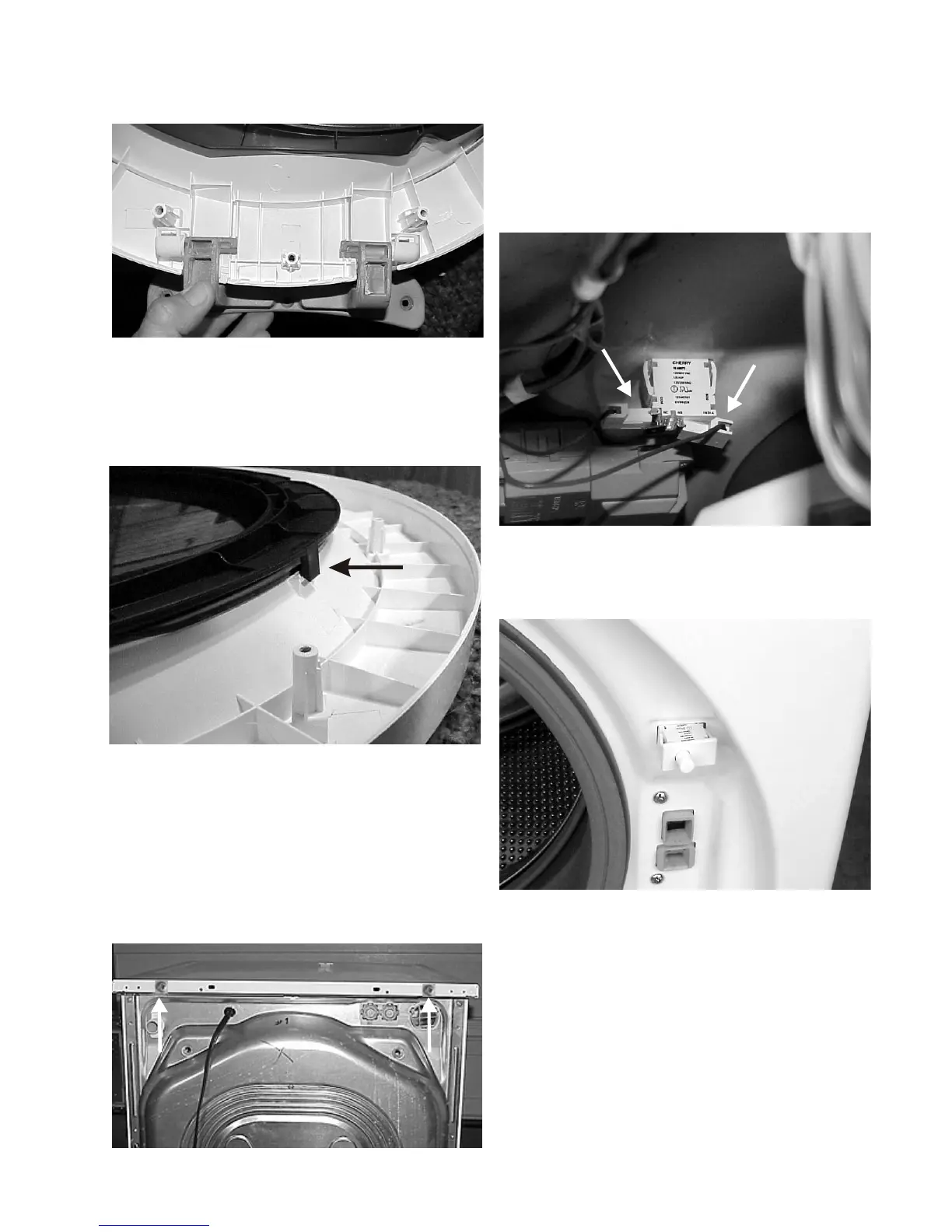
To remove light switch: (Select models)
1. Disconnect the washer from electrical supply,
remove the top panel and open the loading door.
2. Disconnect the two wires from the light switch.
3. Squeeze the tabs on the sides of the switch and
push the switch out the front of the washer.
3. With the inner liner removed, thedoor hingelifts out.
4. With the inner liner removed, the inner glass lifts off.
5. The frame holding the outer lens to the outer liner is
held in place by three tabs. Release the tabs and the
frame will lift off.
6. With the frame removed, the inner lens will lift off.
Removing the top panel:
1. Disconnect the washer from the electrical supply.
2. Remove the (2) screws from the rear of thetop, slide
the top back and lift it off.



 To Next Page