EasyManua.ls Logo

Electrolux EB7L4XCN - User Manual

Electrolux EB7L4XCN
68 pages
Go to English
Print Icon
To Next Page IconTo Next Page
Loading...
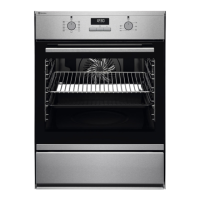
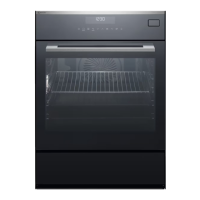
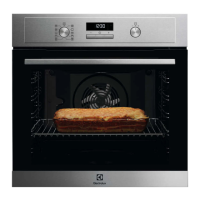
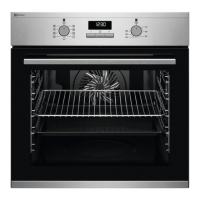
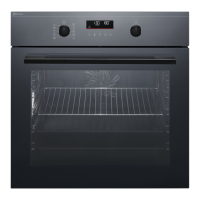
EB7L4XCN
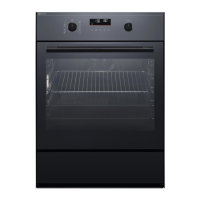
EB7L4XSW
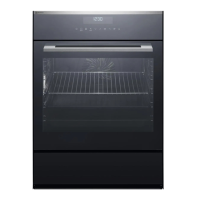
EB7L4XWE
DE
Backofen Benutzerinformation 2
EN Oven User Manual 35

Questions and Answers

  • M
    Matthew JamesAug 5, 2025
    How to replace the lamp in Electrolux EB7L4XCN Oven?
    • G
      gerald99Aug 5, 2025
      To replace the lamp in your Electrolux Oven, first, turn off the appliance and wait for it to cool down completely. Then, disconnect it from the power supply. Place a cloth at the bottom of the oven cavity for protection. Turn the glass cover to remove it and clean it. Replace the old lamp with a new halogen lamp that is 230 V, 40 W, and 300 °C heat-resistant. Finally, reinstall the glass cover.

Electrolux EB7L4XCN Specifications

General IconGeneral
Oven TypeElectric
Oven Capacity72 L
Oven SizeLarge
Number of Ovens1
Energy Efficiency ClassA
Number of Functions9
ColorStainless Steel
Dimensions (H x W x D)594 x 595 x 567 mm
Thermostat Range50-250°C
Built-in DisplayYes
Oven Door MaterialGlass
Cool DoorYes
Number of Glass Door Panels3
GrillYes
Convection CookingYes
Defrost FunctionYes
Keep Warm FunctionYes
Oven Cleaning TypeCatalytic
Energy Consumption (Conventional)0.93 kWh
Installation Compartment Width560 mm
Installation Compartment Depth550 mm
TimerYes
Voltage220-240 V
Frequency50/60 Hz
LightYes
Cooling FanYes
TypeBuilt-in
Control TypeTouch
Display TypeDigital

Related product manuals