CAUTION!
Do not try to close the
appliance door within 2
minutes after automatic
opening. This can cause
damage to the appliance.
CAUTION!
If children have access to
the appliance, we advise to
deactivate AirDry. The
automatic opening of the
door may pose a danger.
When AirDry opens the
door, Beam-on-Floor might
not be completely visible. To
see if the programme is
complete, look at the control
panel.
6.6 Key tones
The buttons on the control panel make a
click sound when you press them. You
can deactivate this sound.
6.7 Latest programme selection
You can set the automatic selection of
the most recently used programme and
options.
The latest programme that was
completed before the appliance
deactivation is saved. It is then selected
automatically after you activate the
appliance.
When the latest programme selection is
disabled, the default programme is ECO.
7. WIRELESS CONNECTION
You can connect your dishwasher to the
home wireless network and then link it to
your mobile devices in My Electrolux
Kitchen app. This functionality allows you
to remotely control and monitor your
dishwasher.
My Electrolux Kitchen app can be
downloaded from the app store on your
mobile device. The app is compatible
with iOS and Android operating systems.
Check the compatible versions of the
operating systems in the app store.
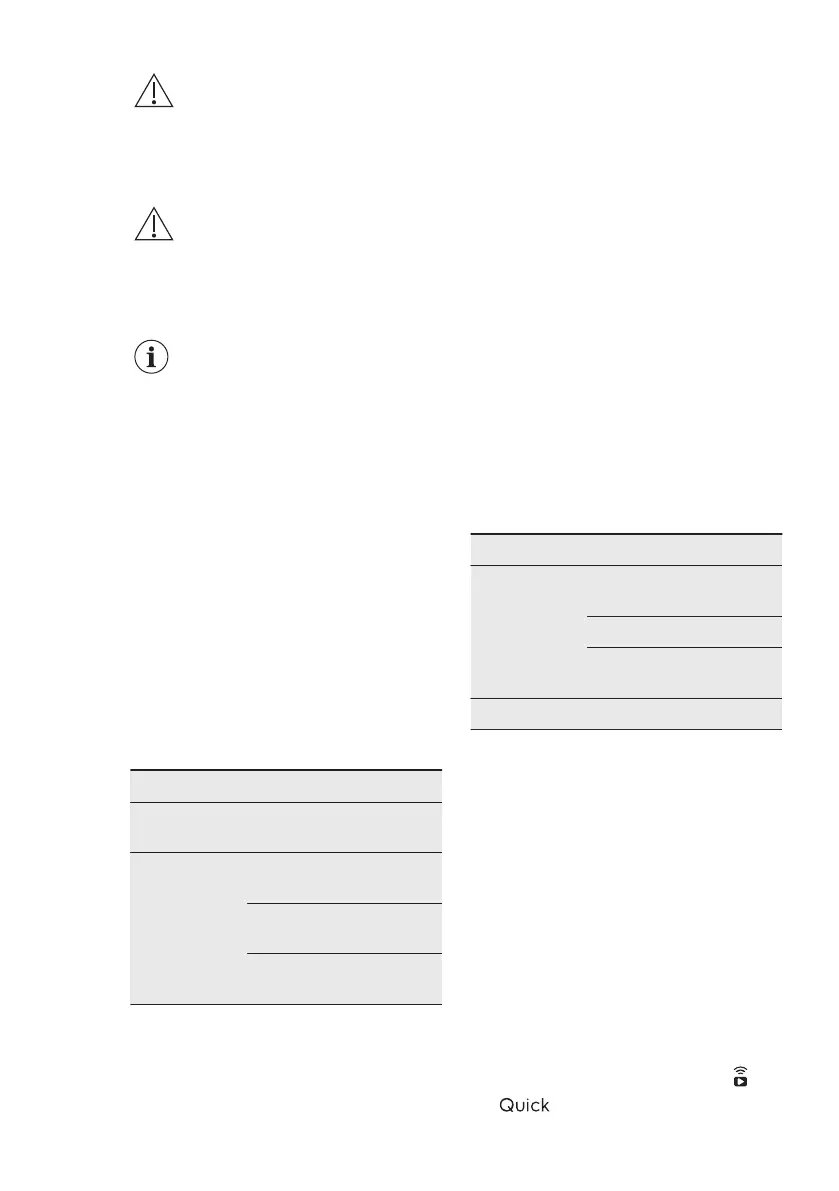
Wi-Fi module parameters
Wi-Fi mod‐
ule
NIU5-50
Frequency/
Protocol
Wi-Fi: 2.4 GHz / 802.11
b-g-n
Wi-Fi: 5 GHz / 802.11
a-n (for indoor use only)
Bluetooth Low Energy
5.0: 2.4 GHz / DSSS
Wi-Fi module parameters
Max Power Wi-Fi 2.4 GHz: <20
dBm
Wi-Fi 5 GHz: <23 dBm
Bluetooth Low Energy
5.0: < 20 dBm
Encryption WPA, WPA2
7.1 How to connect the
dishwasher to the network and
to the app
To connect your dishwasher, you need:
• Wireless network with the Internet
connection.
• Mobile device connected to the
wireless network.
1. Launch My Electrolux Kitchen app on
your mobile device and follow the
instructions in the app. When
prompted in the app, activate the
wireless connection in the
dishwasher.
2. To activate the wireless connection,
press and hold simultaneously
and
for 2 seconds.
ENGLISH 15



 To Next Page