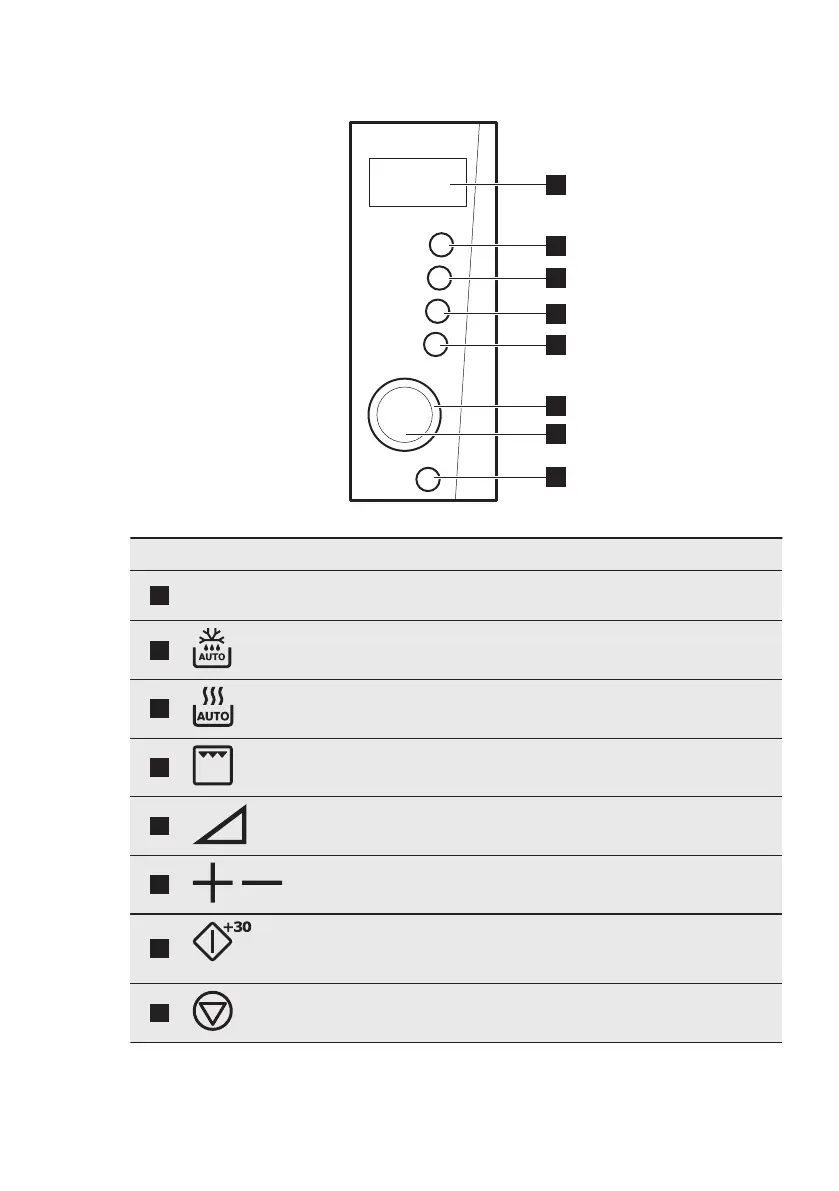
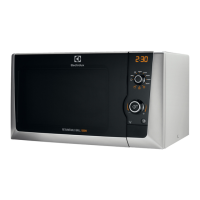
3.2 Control Panel
Symbol Function Description
1
— Display Shows the settings and current
time.
2
Defrosting button To defrost food by weight or time.
3
Auto Cooking button To set the Auto Cooking function.
4
Grill To set the grill function.
5
Power To set the power level.
6
,
Setting knob To set the cooking time, weight or
function. To use Auto cooking.
7
Start / +30 sec button To start the appliance or increase
the cooking time for 30 seconds at
full power.
8
Stop / Clear button To deactivate the appliance or de‐
lete the cooking settings.
ENGLISH 7






 To Next Page