using the oven electrolux 17
Operation of the menus
Example
1. Switch the appliance on with .
You will find yourself in the main
menu.
2. With or select the desired main
menu.
3. Use to move to the appropriated
sub-menus.
The sub-menu selected is displayed.
At every point you can get back to
the the main menu with
.
At the end of most menus there is
the menu option Back.
You use this to go back to the higher
menu.
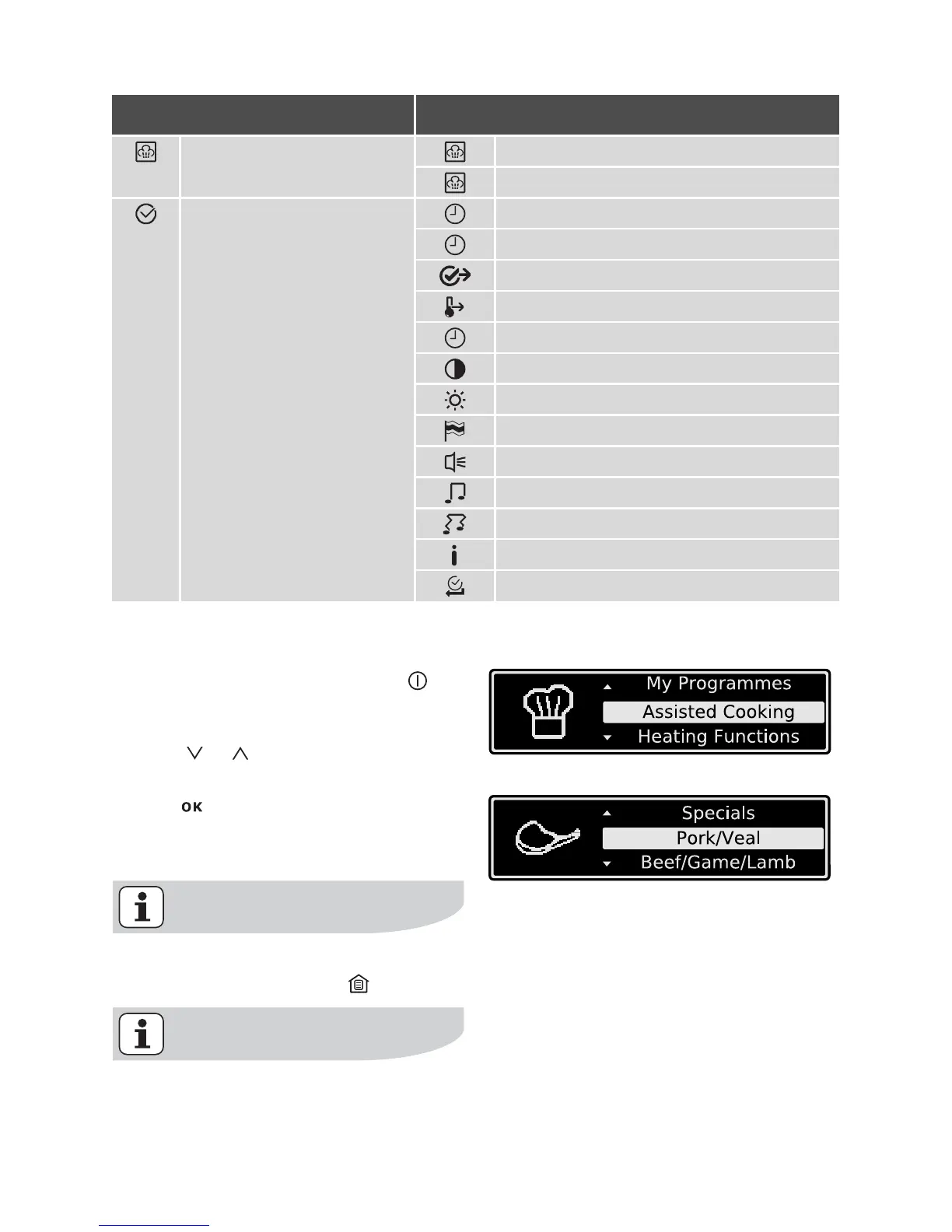
Cleaning Menu Steam Cleaning
Cleaning Assistant
Basic Settings Set Time of Day
Time Indication
Set+Go
Heat+Hold
Time Extension
Display Contrast
Display Brightness
Set language
Buzzer Volume
Key Tones
Alarm/Error Tones
Service
Factory Settings
Main menu Sub-menu



 To Next Page