50 electrolux using the oven
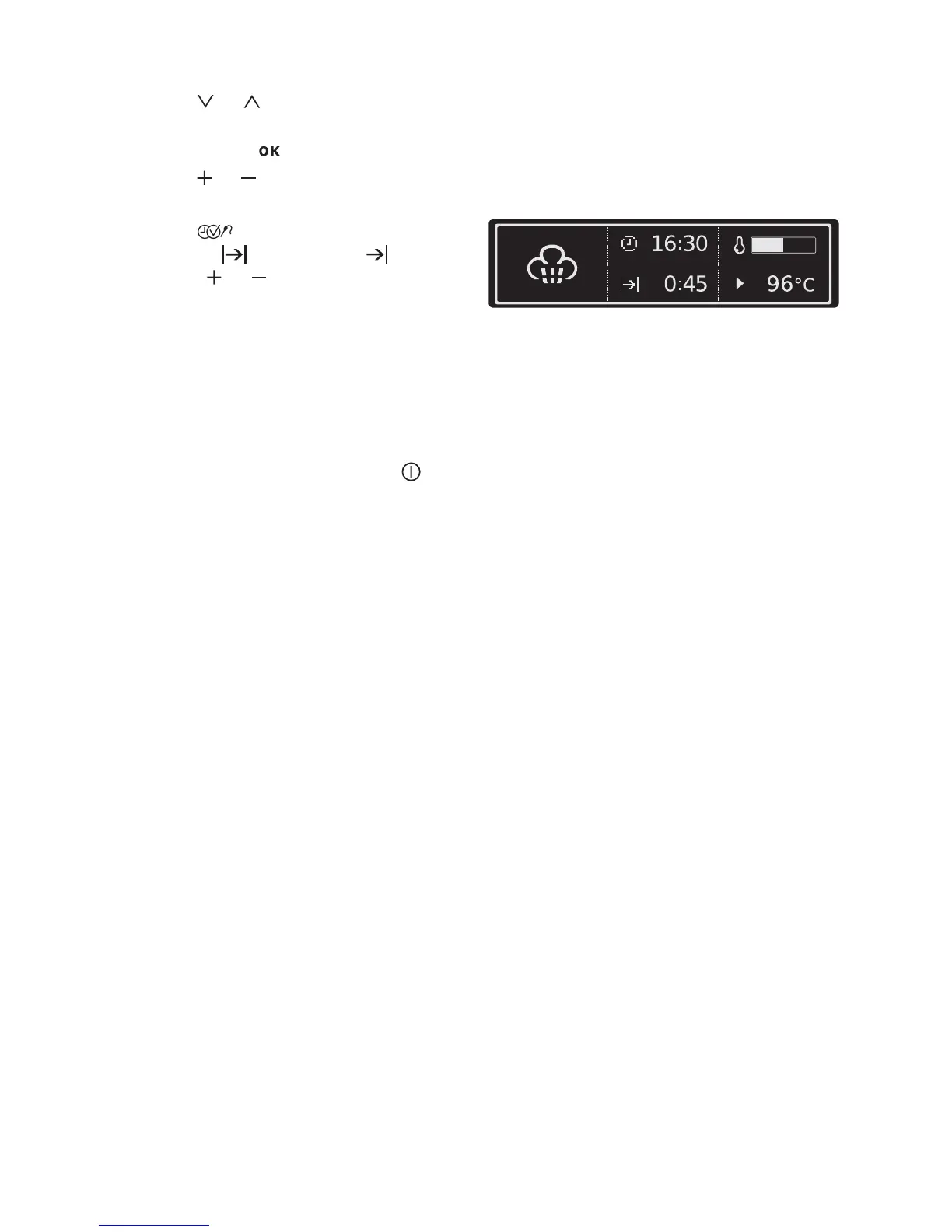
5. Using or the oven function Full
Steam.
6. Confirm with .
7. Using or key, select the desired
temperature.
8. Using , select the function
Duration or End Time and us-
ing the or set the desired cook-
ing time or switch-off time.
After about 2 minutes, the first steam
appears. An audible signal indicates
when the cooking temperature set is
reached.
Another signal indicates the end of the
cooking time.
9. Switch off the appliance with .
After the oven has cooled down, soak
up any remaining water from the steam
generator using a sponge and, if neces
-
sary, wipe out with a little vinegar.
Leave the door open to let the oven dry
completely.
Half Steam + Heat and Quarter
Steam + Heat
The continual change from hot air to
steam takes place automatically, with
Half Steam + Heat however with a
greater percentage of steam.
The oven functions Half Steam + Heat
and Quarter Steam + Heat are operated
in the same way as the oven function
Full Steam



 To Next Page