7
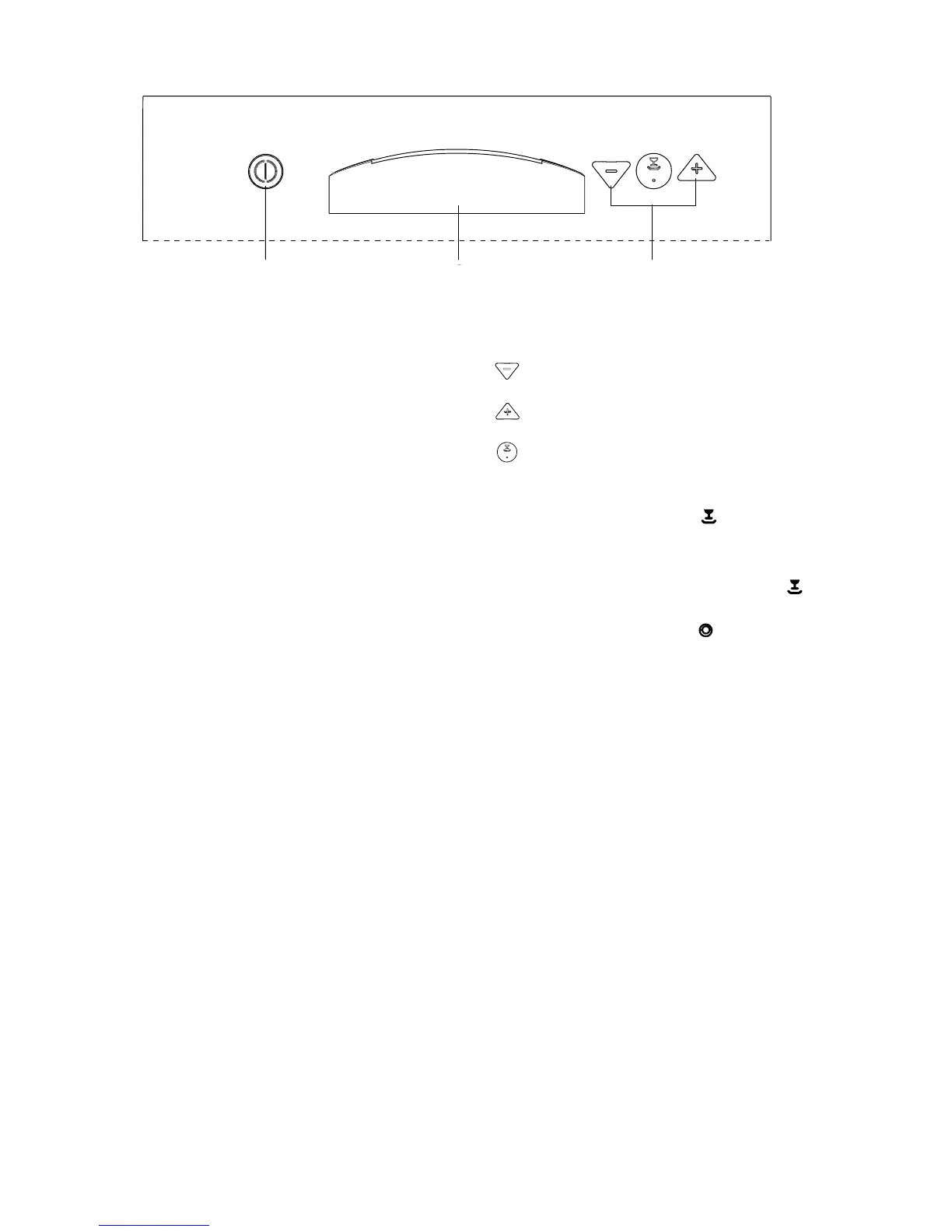
On/Off button: (With integrated indicator light)
Illuminates when pressed.
Door handle: With some models, also the door handle has
an integrated indicator light which illuminates when the On/Off
button is pressed.
Programme selection buttons: (With integrated
indicator lights) illuminate when pressed.
"Daily 60°C" programme button
"Intensive 70°C" programme button
"Normal 65°C" and "Eco 50°C" programmes button
This button allows the selection of two washing programmes
and has two integrated indicator lights:
The upper integrated indicator light corresponds to the
"Normal 65°C" programme: this programme is memorised and
without pressing this button, the start of the "Normal 65°C"
programme will occur after 6 seconds from the pressure of the
On/Off button. The upper integrated indicator light will
illuminate.
The lower integrated indicator light corresponds to the "Eco
50°C" washing programme: to select this programme, press
the button, the lower integrated indicator light will illuminate.
Note: in addition to the dishwashing programme selected, the
following functions can also be set with the help of these buttons:
- the setting of the water softener,
- deactivation/activation of the rinse aid dispenser,
- cancel a washing programme in progress.
See corresponding paragraphs.
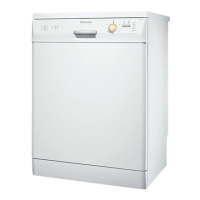
The control panel
On/Off button
Door handle
Programme selection
buttons



 To Next Page