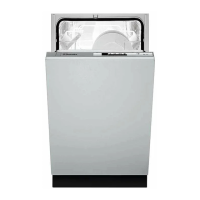
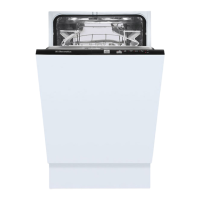
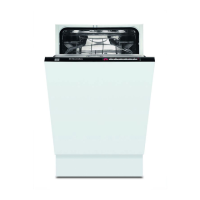
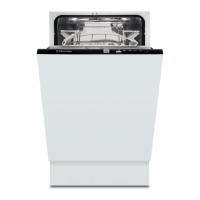
In this fully integrated appliance the controls are
located on the top of the door. When selecting a
programme, the door needs to be open.
1.On/Off pushbutton
Depress this button to switch the dishwasher on.
Depress again this button to switch the appliance off.
2.Programme guide
This is a summary of the "Washing programmes"
chart which will help you select the correct
programme.
3.Programme marker
4.Programme selector
To select a programme, rotate the programme selector
to the right (clockwise), making sure that the
programme letter you wish to select corresponds with
the programme marker on the control panel.
At the end of the programme the machine will stop
automatically.
The control panel
5
PCP01UK
1234



 To Next Page