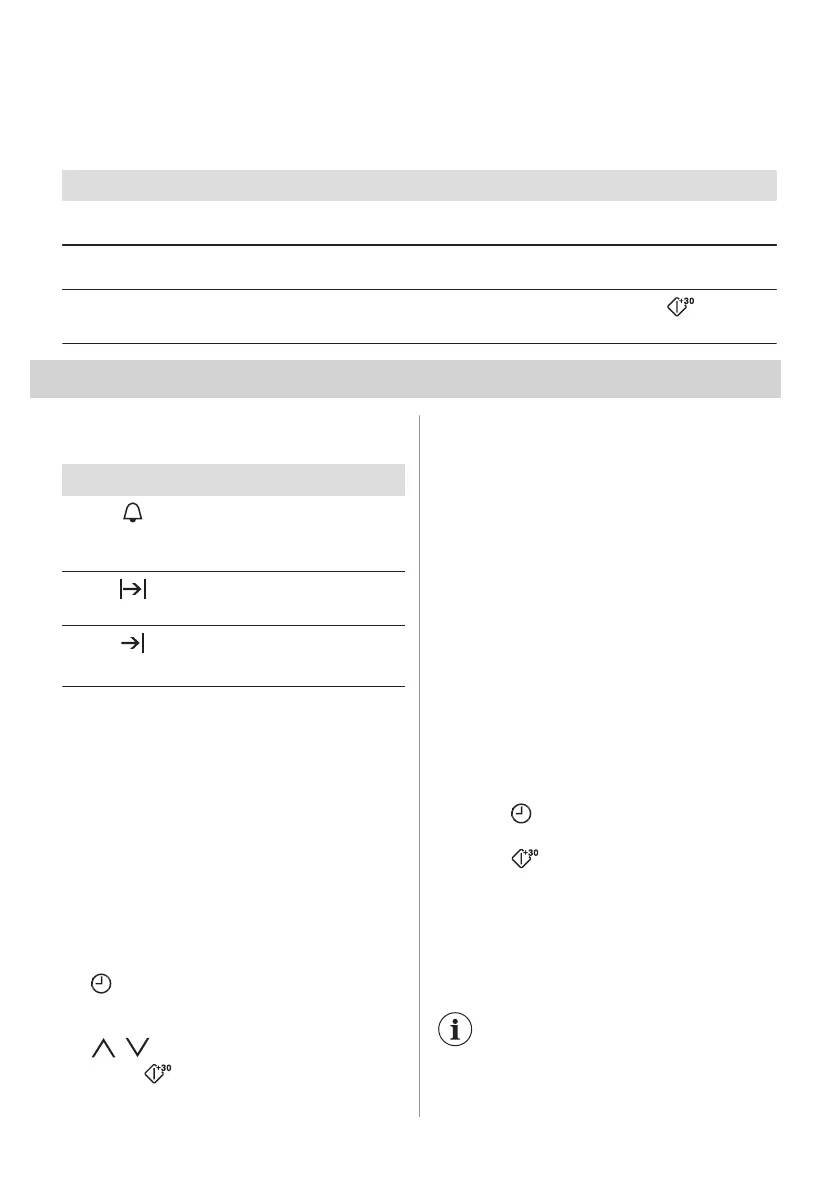
6.9 Heating functions
Microwave functions
Functions Description
Microwave Creates the heat directly in the food. Use it to heat meals and drinks, to defrost meat
or fruit, and to cook vegetables and fish.
Combi Use it to operate the heating function and the microwave mode together. Use it to
cook food in a shorter time and brown it.
Quick Start
Use it to turn on the Microwave function with one touch of the symbol with the
high microwave power and short operating time: 30 seconds.
7. CLOCK FUNCTIONS
7.1 Clock functions table
Clock function Application
Minute Minder
To set a countdown (max. 2 h
30 min). This function has no
effect on the operation of the
oven.
Duration
To set how long the oven
works (max. 23 h 59 min).
End Time
To set the switch-off time for a
heating function (max. 23 h 59
min).
If you set the time for a clock function, the
time starts to count down after 5 sec.
Duration, End Time - before you use the
functions you must set a heating function and
temperature. The oven turns off
automatically.
Duration, End Time - you can use the
functions at the same time if you want to
automatically turn on and turn off the oven on
a given time later.
7.2 Setting the clock functions
1. Set a heating function.
2. - press again and again until the
display shows the necessary clock
function and the related symbol.
3.
, - press to set the time.
4. Press: .
When the time ends, a signal sounds. The
oven turns off. The display shows a
message.
5. Press any symbol to stop the signal.
7.3 Heat + Hold
Conditions for the function:
• The set temperature is more than 80 °C.
• The function: Duration is set.
The function: Heat + Hold keeps prepared
food warm at 80 °C for 30 minutes. It turns
on after the baking or roasting procedure
ends.
You can turn on or turn off the function in the
menu: Basic Settings.
1. Turn on the oven.
2. Select the heating function.
3. Set the temperature above 80 °C.
4. Press
again and again until the
display shows: Heat + Hold.
5. Press to confirm.
When the function ends, a signal sounds.
7.4 Time Extension
The function: Time Extension makes the
heating function continue after the end of
Duration.
Applicable to all heating
functions with Duration or Weight
Automatic.
ENGLISH 13



 To Next Page