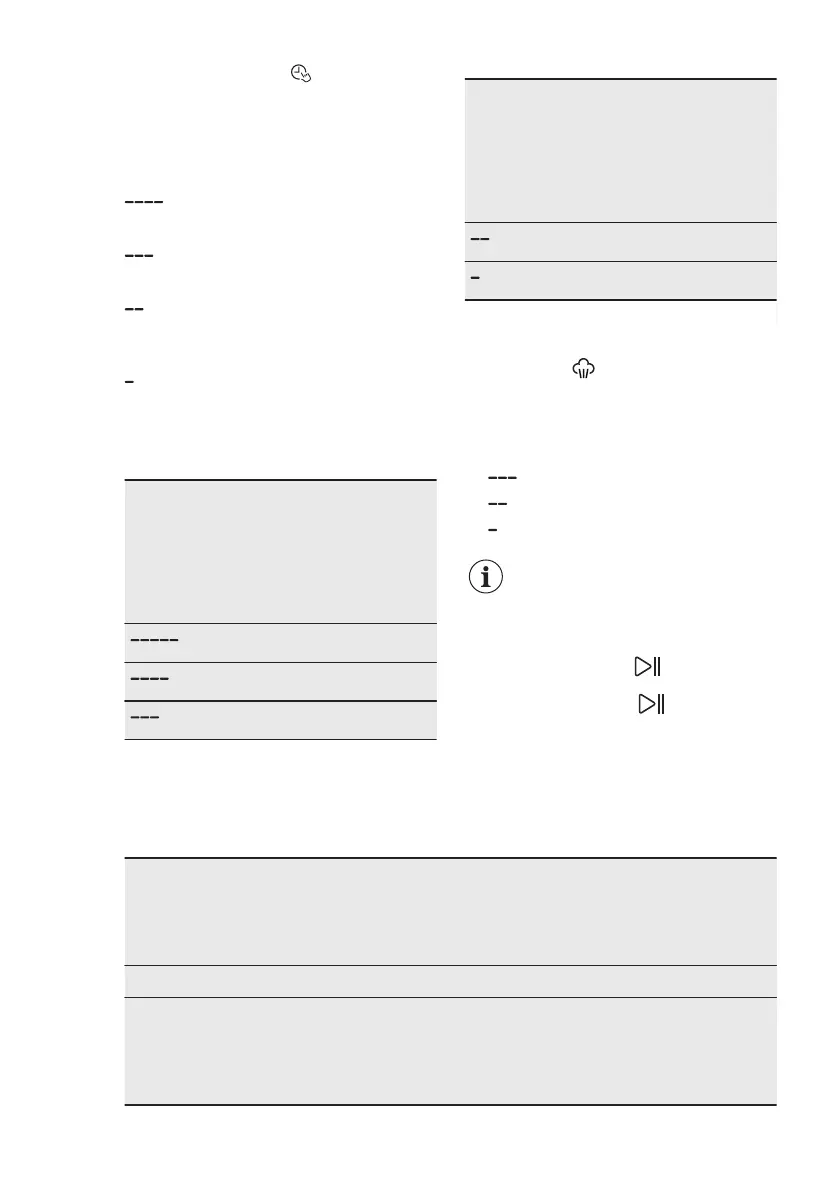
Touch Time Manager button to
reduce the programme duration
according to your needs. The display
shows the new programme duration and
a number of dashes will decrease
accordingly:
suitable for a full load of normally
soiled garments.
a quick cycle for a full load of lightly
soiled garments.
very quick cycle for a smaller lightly
soiled load (max. half load
recommended).
the shortest cycle to freshen up a
small amount of laundry.
The Time Manager is available only with
the programmes in the table.
indicator
Eco 40-60
Cottons
Synthetics
1)
■
■ ■
■ ■ ■
■
■ ■
indicator
Eco 40-60
Cottons
Synthetics
■ ■ ■
■ ■ ■
1)
Default duration for all programmes.
Time Manager with steam
programmes
When setting a steam programme, this
button allows to chose three steam levels
and the programme duration is reduced
accordingly:
•
: maximum.
• : medium.
• : minimum.
In some appliances the
programme duration is
reduced without showing
any dashes.
7.14 Start/Pause
Touch the Start/Pause button to
start, pause the appliance or interrupt a
running programme.
8. PROGRAMMES
8.1 Programme Chart
Programme
Default tem‐
perature
Temperature
range
Reference
spin
speed
Maxi‐
mum
load
Programme description
(Type of load and level of soiling)
Washing programmes
Eco 40-60
40 °C
1)
1400 rpm 7 kg White cotton and fast-coloured cotton.
Normally soiled items. The energy consump‐
tion decreases and the time of the washing
programme is extended, ensuring good wash‐
ing results.
www.electrolux.com22



 To Next Page