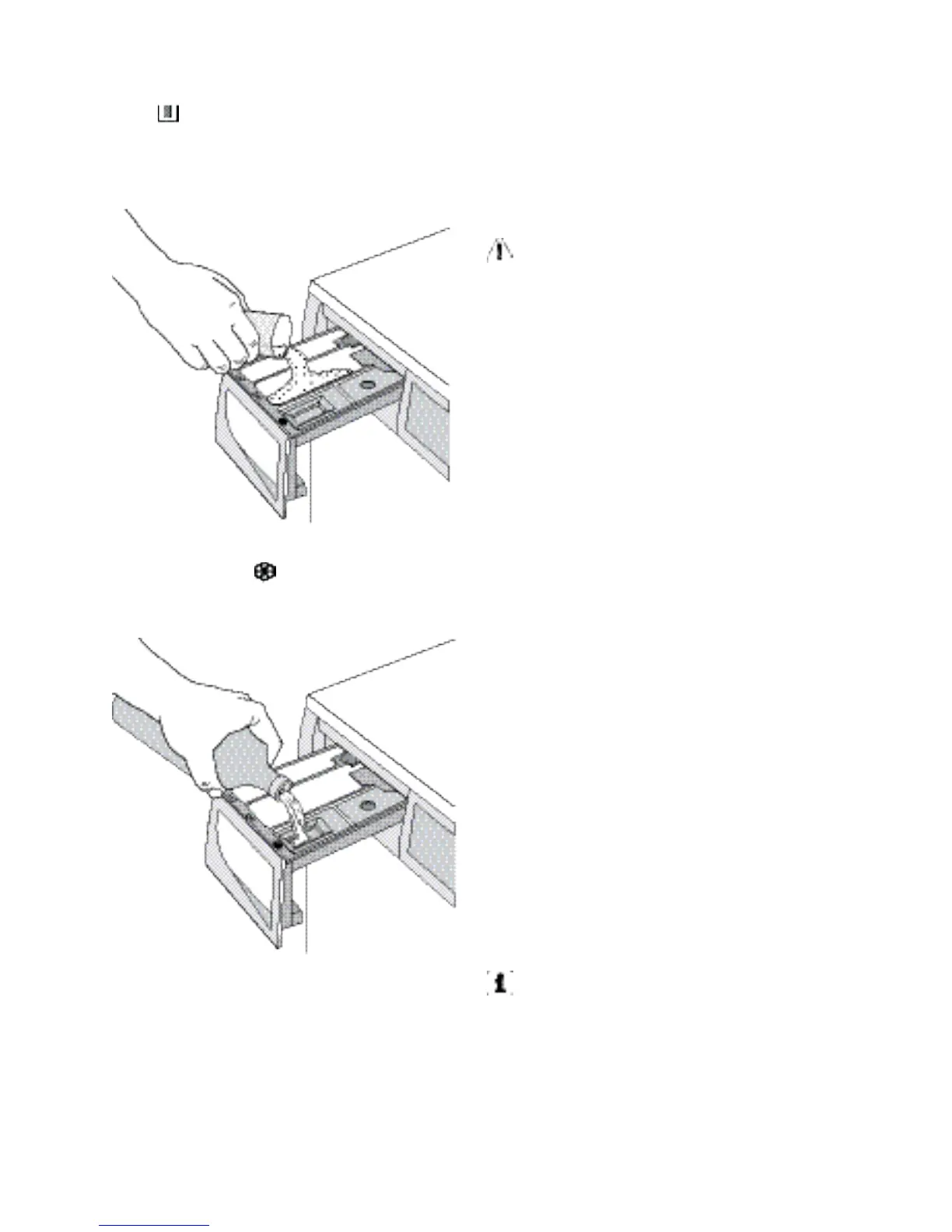
quired, pour it into the main wash compart-
ment or in the appropriate compartment
if the selected programme/option it requires
(see more details in «Detergent dispenser
drawer»).
If required, pour fabric softener into the com-
partment marked (the amount used must
not exceed the «MAX» mark in the drawer).
Close the drawer gently.
Select the required programme by
turning the programme selector dial (1)
Turn the programme selector dial to the re-
quired programme. The washing machine
will automatically select the maximum spin
value provided for the programme you have
chosen. You can change this value by press-
ing the corresponding button. The green pi-
lot light of the button 6 starts to flash.
The selector dial can be turned either clock-
wise or counterclockwise. Turn to position
« O » to reset programme/Switching the ma-
chine off.
At the end of the programme the selec-
tor dial must be turned to position O, to
switch the machine off.
Caution! If you turn the programme
selector dial to another programme
when the machine is working, the red
pilot light of button 6 will blink 3 times to
indicate a wrong selection. The machine
will not perform the new selected
programme.
Select the required temperature by
turning the temperature selector dial (2)
Turn clockwise this dial to select the more
convenient to your laundry washing temper-
ature.
Reduce the spin speed by pressing
button 3
By selecting a programme, the appliance
proposes automatically the maximum spin
speed provided for that programme.
Press button 3 repeatedly to change the spin
speed, if you want your laundry to be spun at
a different speed. The relevant light illumi-
nates.
Select the available options by pressing
buttons 3, 4 and 5
Depending on the programme, different
functions can be combined. These must be
selected after choosing the desired pro-
gramme and before starting the programme.
When these buttons are pressed, the corre-
sponding pilot lights illuminate. When they
are pressed again, the pilot lights go out. If
an incorrect option is selected, the integrated
red pilot light of the button 6 flashes for 3
times.
For the compatibility among the washing
programmes and the options see chap-
ter «Washing Programmes».
Select the Delay Start by pressing
button 7
Before you start the programme, if you wish
to delay the start, press the button 7 repeat-
edly, to select the desired delay. The relevant
light illuminates.
8
electrolux



 To Next Page