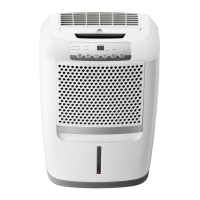
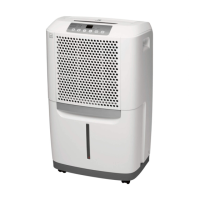
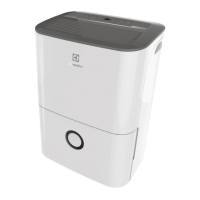
12 DEHUMIDIFIER FEATURES & OPERATING INSTRUCTIONS
ELECTRONIC CONTROL
Before you begin, thoroughly familiarize yourself with the control panel and all its functions
(as shown below).
Dehumidifier Features
A Check Filter Reset Button
B Bucket Full Indicator
C Displays Humidity
D Turns Unit On Or O
E Sets Fan Speed
FA
CB
G E D
F Adjusts Humidity
G Sets Timer
NOTE
Unit must be upright for one hour prior to
operating.
NOTE
If the "BUCKET FULL" light is on, remove
the bucket and re-install to reset the float
switch.
Allow the unit to reach room temperature
before operating.
To begin operating the dehumidifier, follow
these steps:
Operating Instructions
1. Plug the power cord into a properly
grounded 115 volt AC outlet.
2. To turn the unit on, press the ON/OFF
button. The unit will run in the factory
setting of CONTINUOUS and high fan
speed. In the CONTINUOUS mode, the unit
will only display CO and not the room
humidity. It is recommended you leave the
unit running in the CONTINUOUS setting
for the first three or four days until the
sweating and dampness odors have
stopped.



 To Next Page
 Loading...