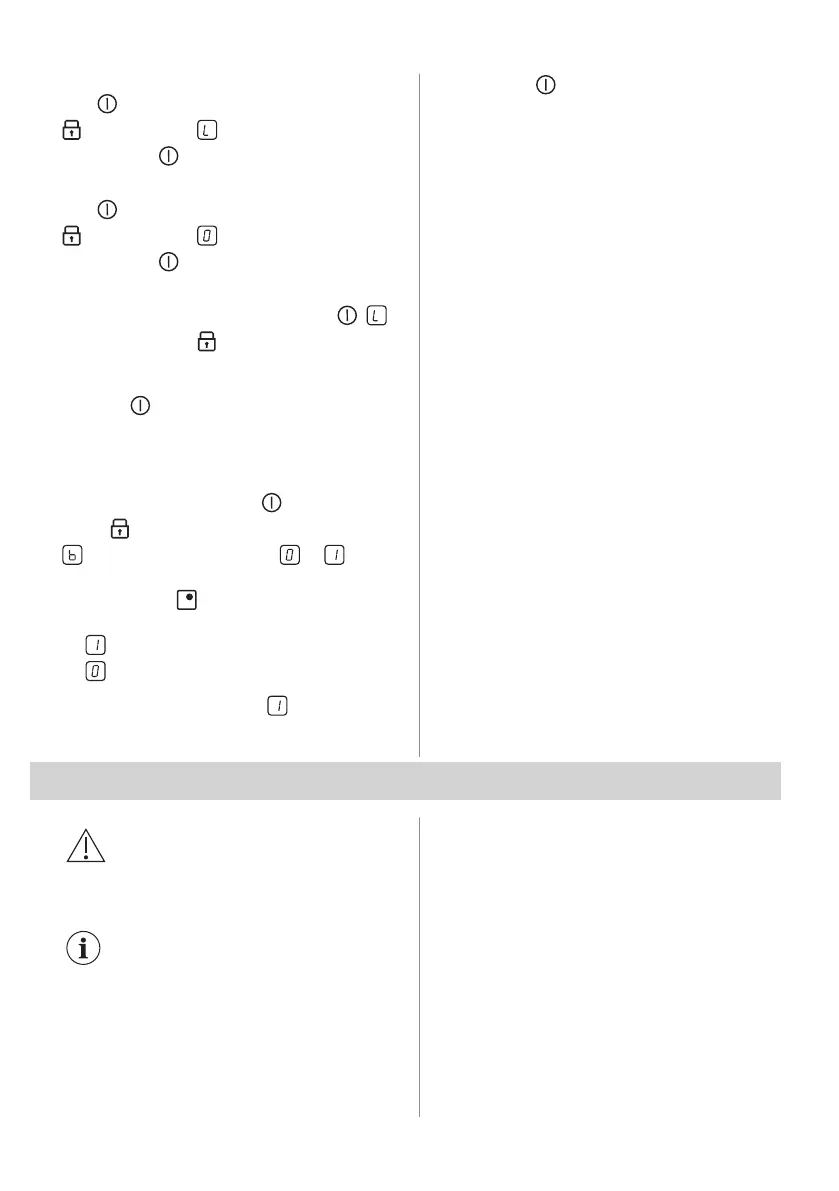
To activate the function: activate the hob
with . Do not set any heat setting. Touch
for 4 seconds. comes on. Deactivate
the hob with .
To deactivate the function: activate the hob
with
. Do not set any heat setting. Touch
for 4 seconds. comes on. Deactivate
the hob with .
To override the function for only one
cooking time: activate the hob with .
comes on. Touch for 4 seconds. Set the
heat setting in 10 seconds. You can
operate the hob. When you deactivate the
hob with
the function operates again.
5.9 OffSound Control (Deactivation
and activation of the sounds)
Deactivate the hob. Press for 3 seconds.
Press for 3 seconds. The display shows
on the front left zone and or on the
front right zone. Touch sensor field for the
right rear zone
to choose one of the
following:
• - the sounds are off
• - the sounds are on
When the function is set to you can hear
the sounds only when:
• you touch
• there is an error in the hob.
5.10 Power management
If multiple zones are active and the
consumed power exceeds the limitation of
the power supply, this function divides the
available power between all cooking zones.
The hob controls heat settings to protect the
fuses of the house installation.
• If the hob reaches the limit of maximum
available power (refer to the rating plate),
the power of the cooking zones will be
automatically reduced.
• The heat setting of the cooking zone
selected last is always prioritised. The
remaining power will be divided between
the previously activated cooking zones in
reverse order of selection.
• The heat setting display of the reduced
zones changes between the initially
selected heat setting and the reduced
heat setting.
• Wait until the display stops flashing or
reduce the heat setting of the cooking
zone selected last. The cooking zones will
continue operating with the reduced heat
setting. Change the heat settings of the
cooking zones manually, if necessary.
6. HINTS AND TIPS
WARNING!
Refer to Safety chapters.
6.1 Cookware
For induction cooking zones a
strong electro-magnetic field
creates the heat in the cookware
very quickly.
Use the induction cooking zones with
suitable cookware.
• The bottom of the cookware must be as
thick and flat as possible.
• Ensure pan bases are clean and dry
before placing on the hob surface.
• In order to avoid scratches, do not slide or
rub the pot across the ceramic glass.
Cookware material
• correct: cast iron, steel, enamelled steel,
stainless steel, multi-layer bottom (with a
correct marking from a manufacturer).
• not correct: aluminium, copper, brass,
glass, ceramic, porcelain.
Cookware is suitable for an induction hob
if:
ENGLISH 11



 To Next Page