BBaassiicc IInnffoorrmmaattiioonn
1-14
FFeeaattuurree MMeennuuss
CCuummuullaattiivvee TToottaall::
The cumulative total feature allows you to view the total number of drinks made by your coffee maker and the
number of individual drinks made. It is not programmable. To view the number of drinks made:
1. With “Cumulative Total” displayed on the main programming menu, push the
MMEENNUU
button.
2. To check each drink individually, repeatedly push the
MMEENNUU
button.
3. Push the
SSEETT
button to exit to the main menu.
4. Push the
DDOOWWNN
button repeatedly to select a feature to change or close the front panel door to exit the main
programming menu.
CChhaannggiinngg tthhee BBuuttttoonn AAssssiiggnnmmeenntt
With the main programming menu accessed, push the
UUPP
or
DDOOWWNN
button repeatedly until “Product Name”
appears on the display. “Product Name” changes the type of drink programmed for each button.
1. Push the
MMEENNUU
button.
2. Repeatedly push the
MME
ENNUU
button to see the drink assigned to each button. Each drink type is shown has a
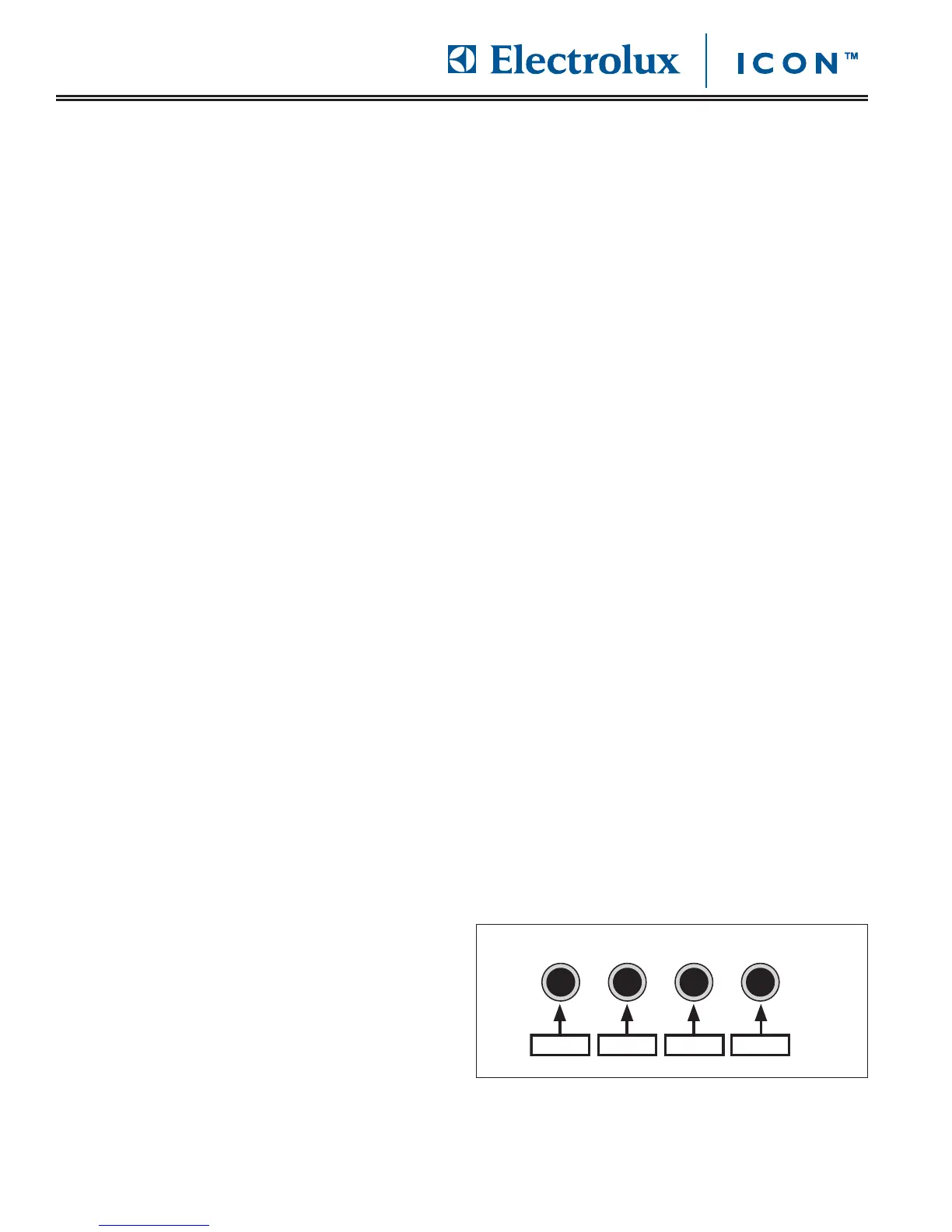
number in the upper right of the display. The number represents the button programmed for this drink. 1 is the
button on the far left, 2 is the next button to the right and so on. Stop on the button number you want to
change.
3. To select a drink for the button number shown, scroll using the
UUPP
or
DDOOWWNN
buttons until you find the desired
beverage.
]4. Push the
SSEETT
button to exit to the main menu.
5. Push
UUPP
or
DDOOWWNN
repeatedly to select another feature to change or close the front panel door to exit the main
programming menu.
CChhaannggiinngg tthhee AAmmoouunntt ooff WWaatteerr
With the main programming menu accessed, push the
UUPP
or
DDOOWWNN
button repeatedly until “Water Volume”
appears on the display.
1. Push the
MMEENNUU
button.
2. Repeatedly push the MENU button to see the amount of water (in CCs) dispensed with each drink. Stop on the
drink for which you want to change the amount of water dispensed.
3. To adjust the water amount, push the
UUPP
or
DDOOWWNN
buttons.
4. Push the
SSEETT
button to exit to the main menu.
5. Push
UUPP
or
DDOOWWNN
repeatedly to select another feature to change or close the front panel door to exit the main
programming menu.








 To Next Page