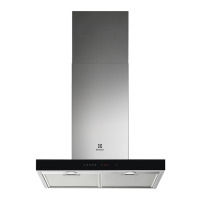
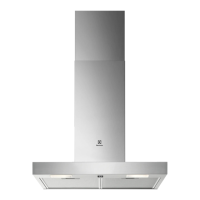
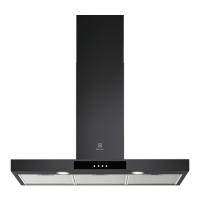
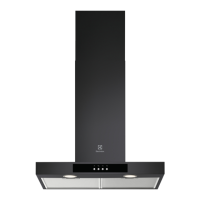
It is recommended to leave the hood
operating for approximately 15 minutes
after cooking.
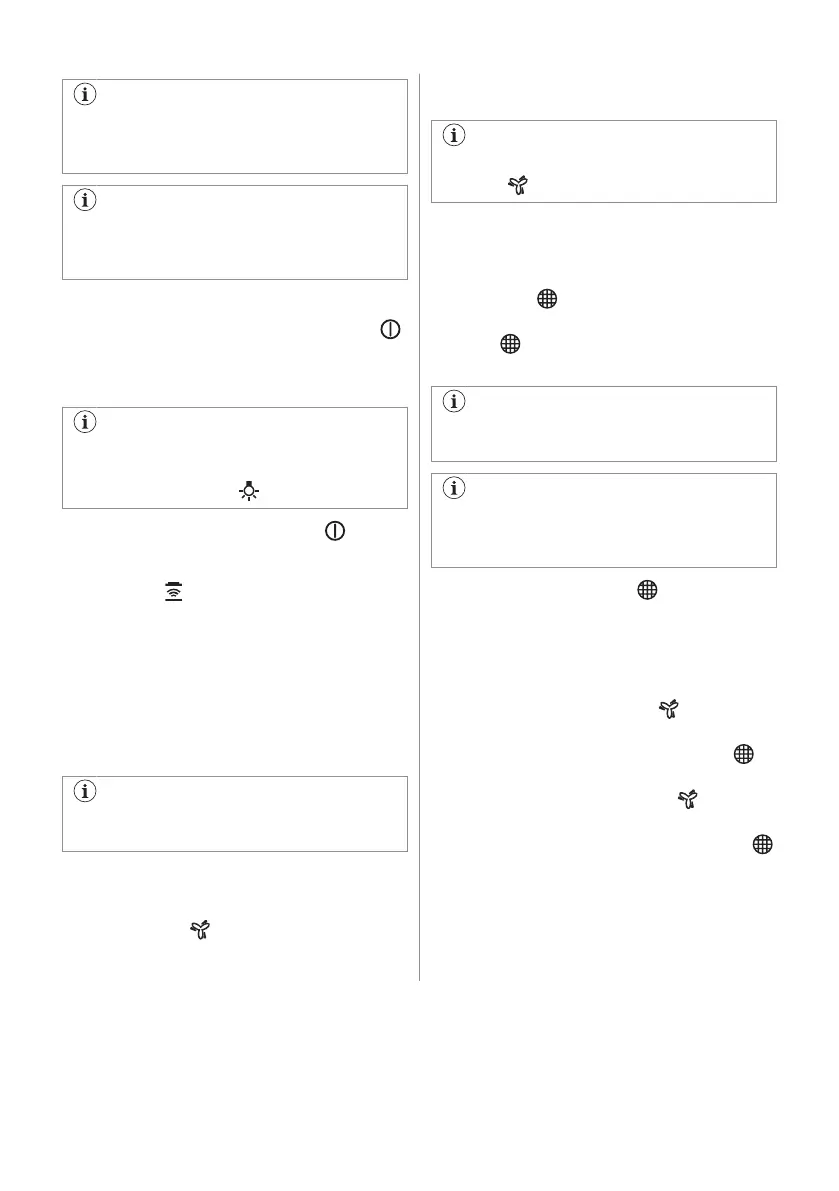
The control Panel is a sensor field. Touch
the symbols for 1 second to activate the
functions.
To operate the hood:
1. Turn on the appliance by pressing the
symbol.
You can now activate the functions.
2. To activate the function touch the symbol.
The hoods light works independently to
other hood functions. To illuminate the
cooking surface touch .
To turn off the appliance press the symbol
again.
Hob²Hood function 6.2
It is an automatic function which connects the
hob with a hood. Both the hob and the hood
have an infrared signal communicator. Speed
of the fan is defined automatically on basis of
mode setting and temperature of the hottest
cookware on the hob. You can also operate
the fan using the hob manually. The function
can be activated from panel of the hob.
For more information how to use the
function refer to the hob user manual.
6.3 Activating Maximum Motor
Speed
When you touch , the Maximum Motor
Speed starts to operate for 8 minutes. After
that time, the appliance returns to its previous
speed settings.
When the function is turned on, additional
touch on does not have any effects.
6.4 Filter notification
Filter alarm reminds to change or clean the
charcoal filter and clean the grease filter. The
filter indicator is turned on for 30 seconds
if the grease filter must be cleaned. The filter
indicator
flashes for 30 seconds if the
charcoal filter must be replaced or cleaned.
Refer to cleaning the grease filter in care
and cleaning chapter.
Refer to cleaning the charcoal filter or
replacing the charcoal filter in care and
cleaning chapter.
To reset the function touch for 3 seconds.
To activate or deactivate function:
1. Switch on the control panel.
2. Make sure that the icons are turned
white.
3. To activate function touch
for 3
seconds.
If the function is activated, the filter icon
flashes five times.
4. To deactivate function touch for 3
seconds.
If the function is deactivated, the filter icon
turns on for 4 seconds.
57


 To Next Page
 Loading...