Operatingmanual
15
Buttons
Thebuttons1–3onthepanelcanbeprogrammedtobeoptionbuttons,quickselectionbuttons
(usedtoselectaprogram)orboth.
Atdeliverythebuttonsareprogrammedtoworkasoptionsbuttons.
Wheninstallingthemachine,astickerisattachedateachnumbercorrespondingtoeachbutton
thatexplainswhateachbuttonisusedfor.
Thefunctionofthebuttonscanbechangedatanytime.Informationonhowtoprogramthe
buttonscanbefoundintheProgrammingandcongurationmanualandshouldonlybedonebya
skilled/authorizedperson.
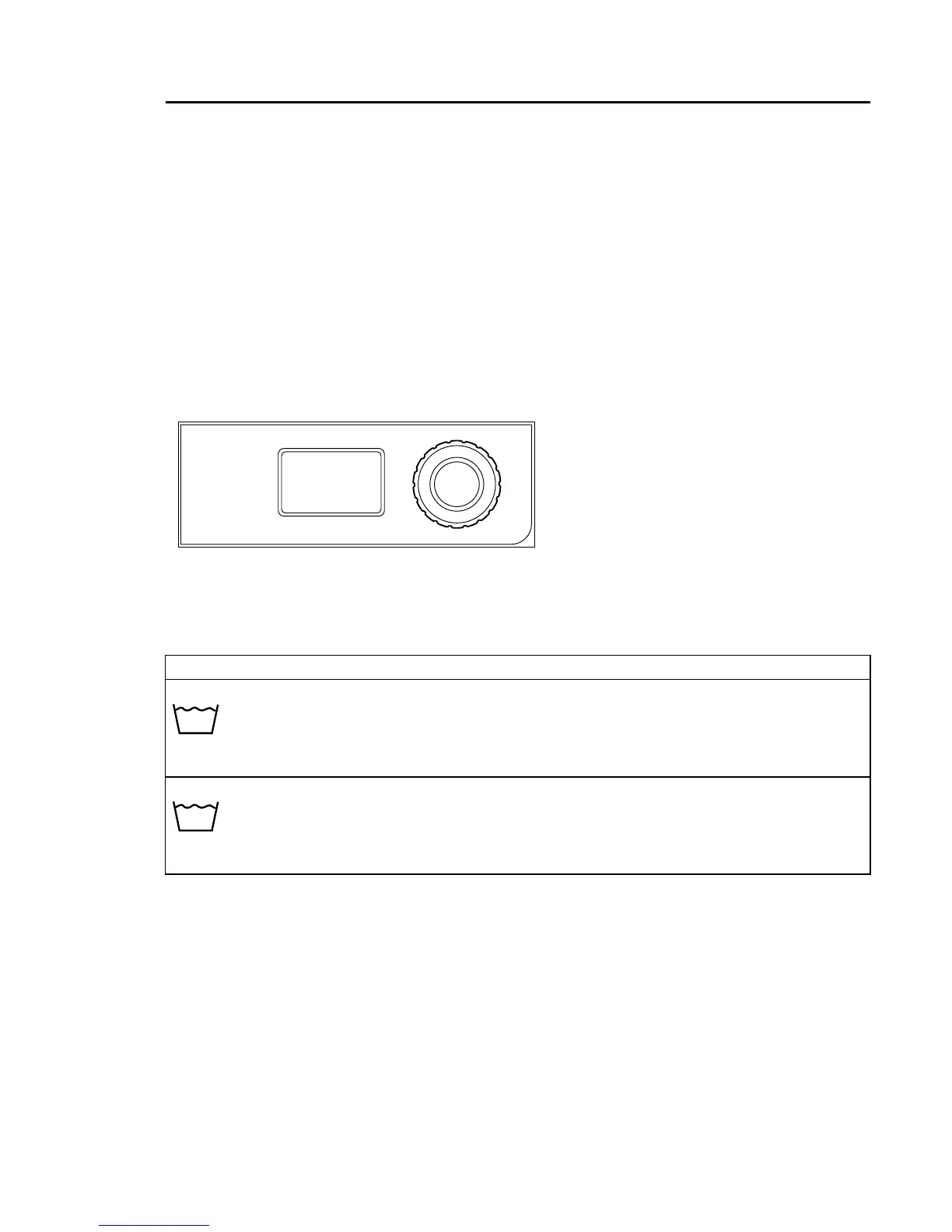
Restaurantwithnobuttons
②
Selectprogrambyturningthecontrolknob.
Exampleofprograms
NORMALCOLOUR
Differenttemperaturescanbeselected.
40°C-60°C.
Startthemachinebypressingthecontrolknob.
Themachinewillstartbyweighingtheloadwithanextraction.Theprogramwillthenadapttothe
loadtogiveanoptimalresult.



 To Next Page