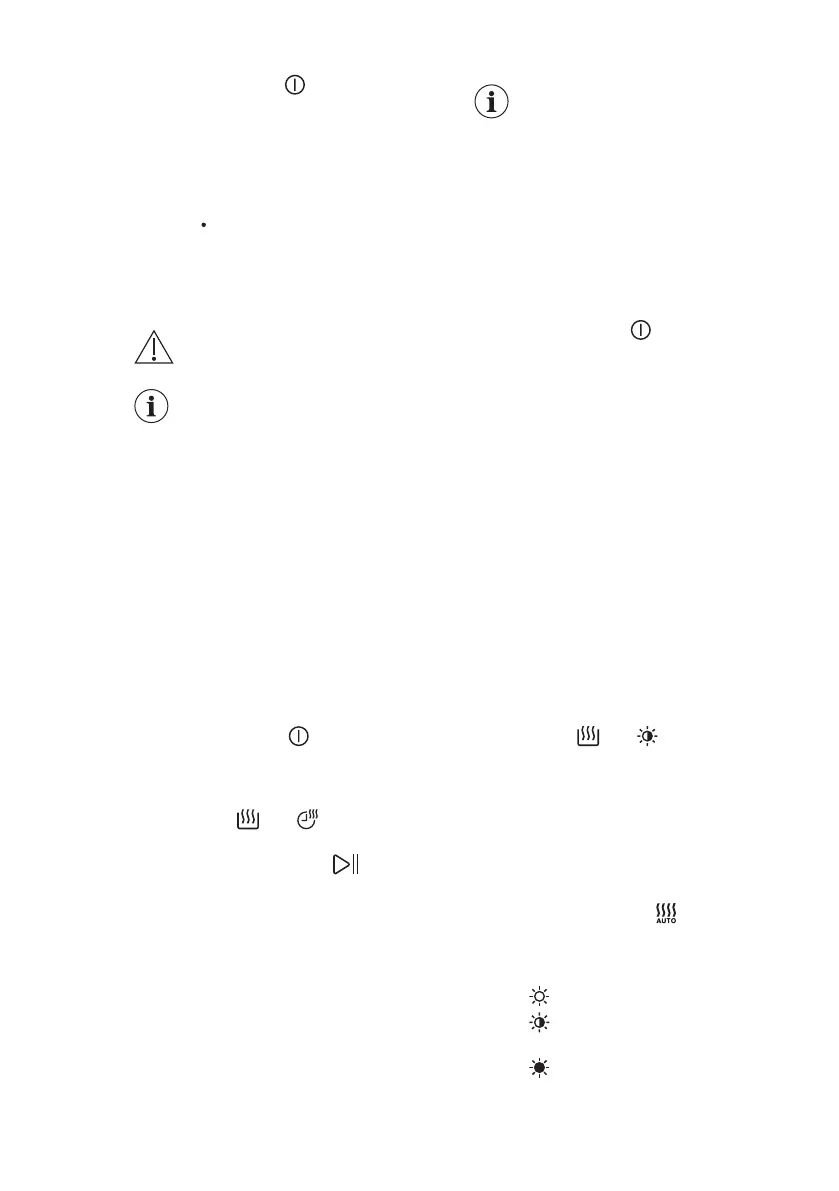
Press the On/Off button to activate
the appliance again.
The display shows the end of the last
programme.
Turn the programme dial to set a new
cycle.
If the dial is rotated to the "Reset"
position , the appliance automatically
turns off in 30 seconds.
If you set a programme or an
option that ends with water
in the drum, the Stand-by
function doesn't deactivate
the appliance to remind you
to drain the water.
11. DAILY USE - WASHING & DRYING
WARNING!
Refer to Safety chapters.
This appliance is an
automatic washer dryer.
11.1 Complete wash&dry
programme
Automatic Non-Stop
programme or programmes
Depending on the model, the appliance
may be equipped with one or more
NonStop programmes, automatic
wash&dry programmes where it is not
necessary to set the Mode - Dry.
Proceed as follows:
1. After loading laundry and detergent,
press the On/Off
button for some
seconds to activate the appliance.
2. Set the NonStop programme by
means of the programme dial. The
indicators and appear on the
display.
3. Touch the Start/Pause button to
start the programme.
Non-automatic wash&dry
programmes
In some washing programmes, you can
combine Mode - Wash and Mode - Dry
for running a complete wash&dry
programme.
Proceed as follows:
1. Press the On/Off button for some
seconds to activate the appliance.
2. Load the laundry one item at a time.
3. Put the detergent and the additives in
the appropriate compartment.
4. Turn the programme dial to the
washing programme. The appliance
defaults to the washing only mode
and the indicator of the Mode - Wash
button is on. The display shows the
default temperature and spin. If
necessary, change them according to
your laundry. The display also shows
the maximum recommended load for
washing phase.
5. Set the desired options, if there are
available.
6. Tap on the Mode - Dry button to
activate also the drying function. Both
indicators of the Mode - Wash and
Mode - Dry buttons are on. The
indicators and appear on the
display. The display also shows the
maximum recommended load for a
washing and drying programme (e.g.
4 kg for cottons).
11.2 Washing and Drying -
Automatic levels
1. Tap on the Auto Dry button
repeatedly until the display shows the
required dryness level. The indicators
in the display illuminate accordingly:
a. Iron dry: for cotton items;
b. Cupboard dry: for cotton and
synthetic items;
c. Extra dry: for cotton items.
ENGLISH 35



 To Next Page